
This comparison breaks down both options honestly so you can make the call that actually fits your situation.
The Core Difference: How Each Connection Works
Before comparing performance, it helps to understand what's actually different about the two approaches.
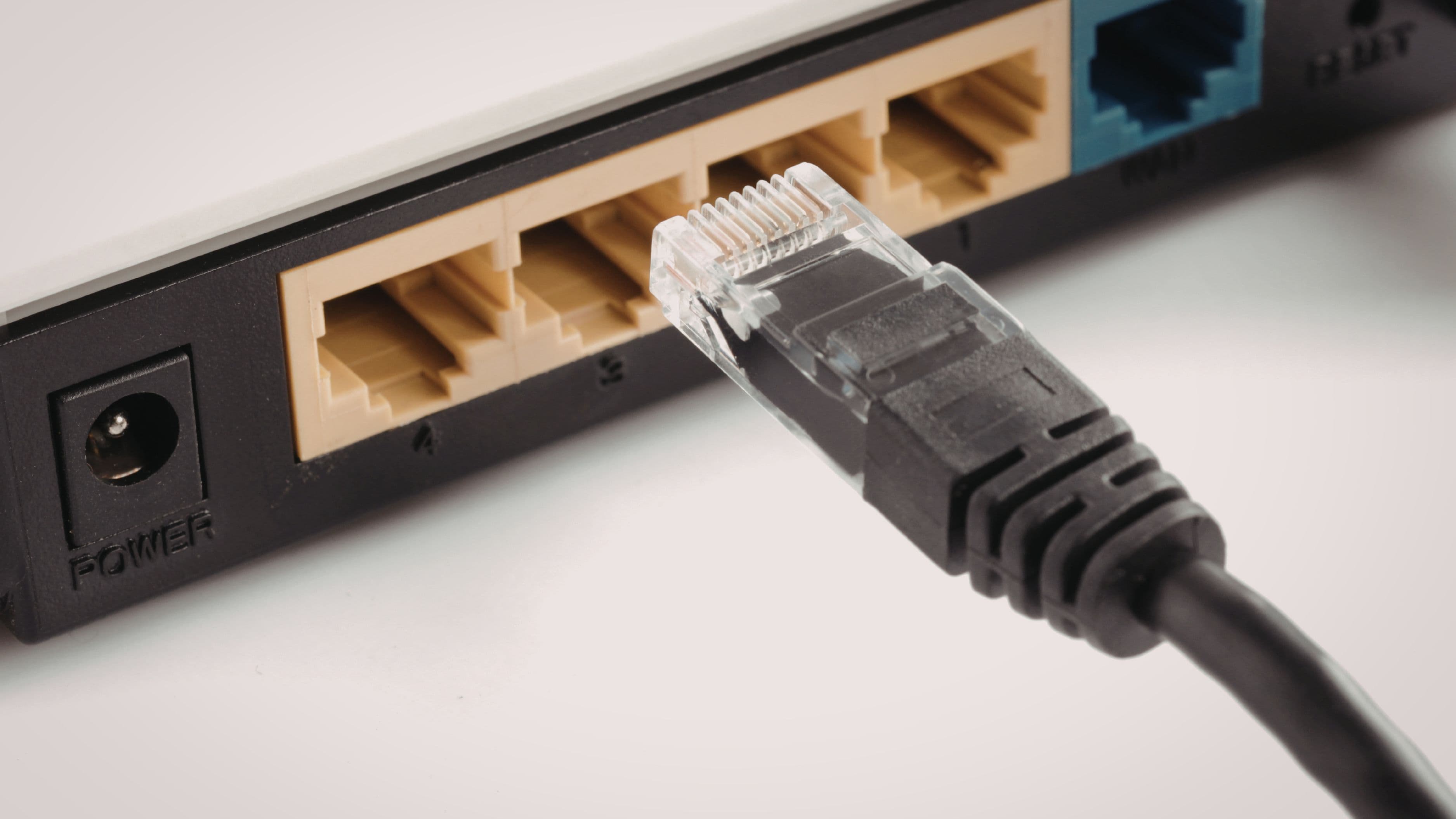
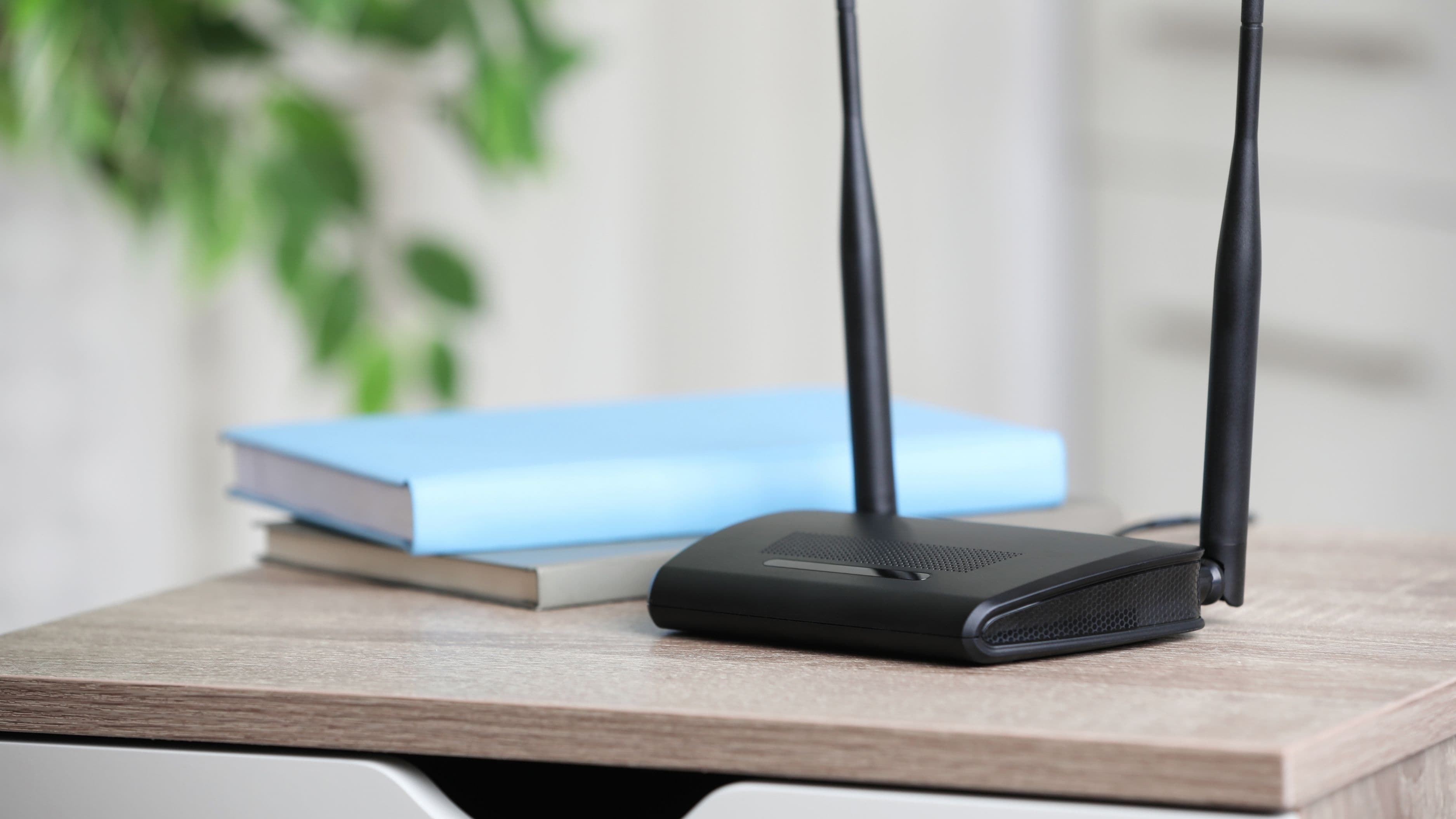
A wired ethernet connection sends data through a physical cable directly from your router to your streaming device. There's no wireless signal to degrade, no interference from neighboring networks, and no competition for airspace from other devices in your home. The connection is as direct as it gets. A wireless connection, by contrast, transmits data through radio waves. That signal has to travel through air and physical obstacles, compete with other wireless devices, and stay strong enough at the receiving end to maintain consistent data flow.
The physical nature of ethernet gives it structural advantages that Wi-Fi simply can't match, regardless of how good your router is. But Wi-Fi has improved dramatically, and modern Wi-Fi 6 connections in good conditions can deliver speeds that are more than sufficient for even demanding 4K HDR streams. The gap between wired and wireless has narrowed significantly – the question is whether that gap matters for what you're actually doing.
Speed: Does the Difference Actually Matter for Streaming?
In raw speed terms, ethernet wins easily. A gigabit ethernet connection delivers up to 1,000 Mbps. Wi-Fi 6 can theoretically reach similar numbers, but real-world wireless speeds are almost always lower due to interference, distance, and congestion. A Wi-Fi 5 or Wi-Fi 6 connection in typical home conditions usually delivers 100–400 Mbps at a device across the room.
Here's where it gets important: 4K HDR streaming on Netflix requires about 15–25 Mbps. Standard HD requires 5–8 Mbps. Even a congested, mid-range Wi-Fi connection delivers far more than that in most homes. For pure streaming purposes, speed is rarely the limiting factor – both wired and wireless deliver more than enough for high-quality playback on a single device.
Where speed starts to matter is in households with many simultaneous users. If several people are streaming 4K content, gaming online, and downloading files at the same time, total bandwidth demand adds up. In that context, moving high-bandwidth devices like smart TVs and consoles to ethernet frees up wireless capacity for the devices that can't be wired.
Verdict on speed: Ethernet is faster, but for streaming specifically, both options typically deliver sufficient speed. Speed alone isn't the reason to choose one over the other.
Stability and Consistency: Where the Real Difference Lives
This is where ethernet has its clearest and most meaningful advantage over Wi-Fi, and it's the factor that matters most for streaming quality.
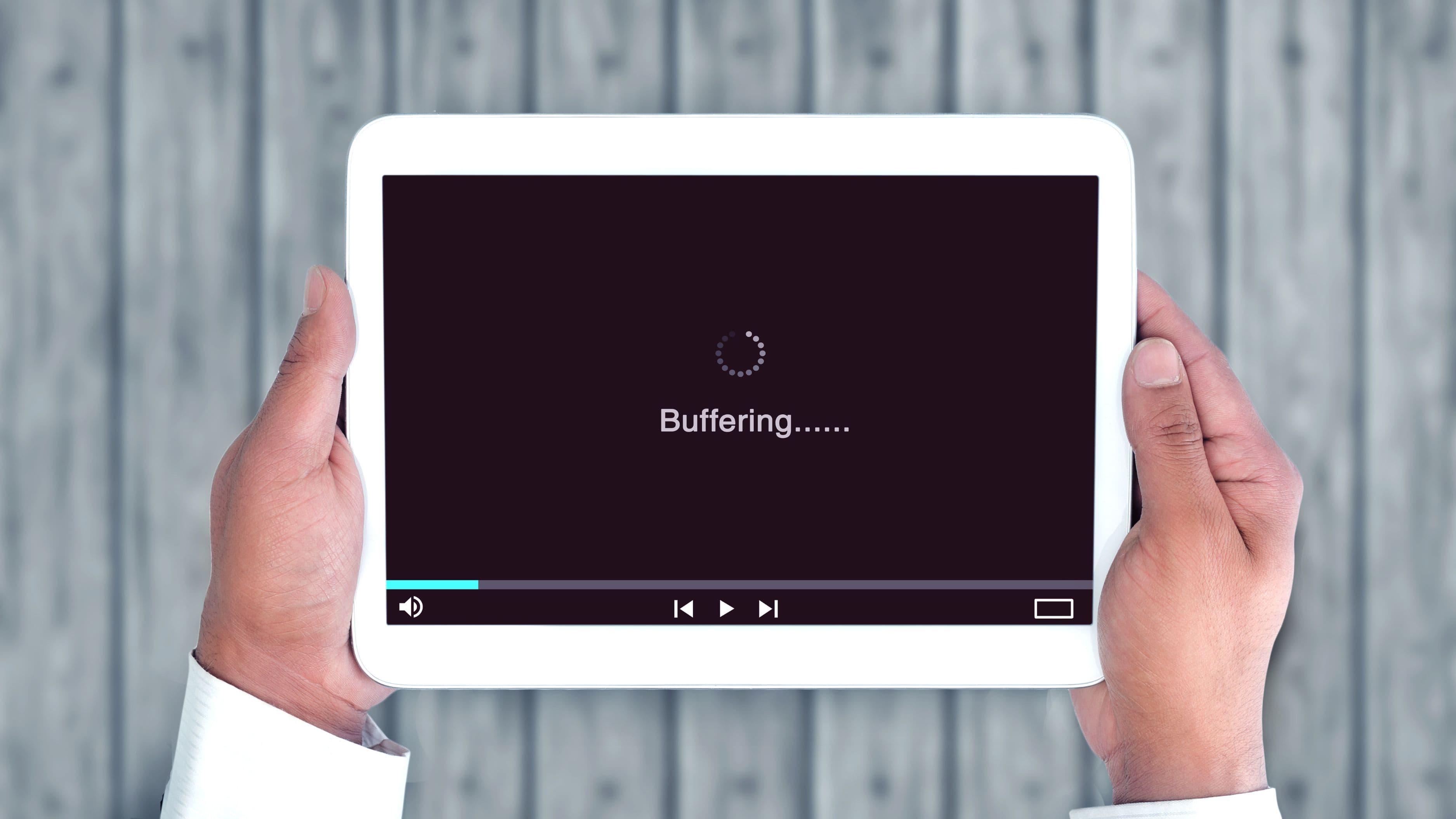
Wireless connections fluctuate. Signal strength varies based on where you are in the room, what's running on neighboring networks, whether the microwave is on, how many devices are connected, and dozens of other variables. That fluctuation is what causes buffering. The stream doesn't buffer because your average speed is too low – it buffers because the connection dipped for a second or two at exactly the wrong moment. A consistent 20 Mbps connection delivers smoother streaming than an average 80 Mbps connection that spikes and dips unpredictably.
Ethernet doesn't fluctuate in this way. The speed you get at one moment is essentially the speed you get at the next. There's no interference to manage, no signal degradation based on where you're sitting, no congestion from neighboring networks. For live streaming in particular – sports, live events, real-time broadcasts – this consistency matters a lot. A few seconds of buffering during a live match is significantly more disruptive than the same interruption during an on-demand show where you can pause and rewind.
For households with concrete walls, multiple floors, or significant distance between the router and the streaming device, the stability gap between wired and wireless becomes even more pronounced. Wi-Fi signal degrades with every obstacle it passes through. Ethernet doesn't.
Verdict on stability: Ethernet wins clearly and meaningfully. If you've ever experienced buffering, dropouts, or quality dips during streaming, stability is probably the issue – and ethernet solves it.
Latency: Matters More Than You Might Think
Latency is the delay between your device requesting data and receiving it, measured in milliseconds. For on-demand streaming of pre-recorded content, latency matters relatively little – the stream buffers ahead and plays smoothly as long as bandwidth is consistent. But for live TV, sports streaming, and interactive streaming platforms, lower latency means a more real-time experience.
Ethernet typically delivers latency of 1–5 ms. Wi-Fi typically delivers 10–50 ms, with spikes possible during congested periods. For everyday streaming of movies and TV shows, neither of those numbers is perceptible. For live sports or interactive content where a few seconds of delay changes the experience – hearing the crowd react before you see the goal, for example – the difference is real.
If you're primarily watching on-demand content, latency is not a reason to choose ethernet over Wi-Fi. If live content is a significant part of your viewing, it's a reasonable consideration.
Verdict on latency: Ethernet has lower latency, but it's only meaningfully relevant for live and interactive streaming content.
Setup and Practicality: The Honest Trade-Off
This is where wireless wins, and it's not a minor point. Wi-Fi works anywhere your router's signal reaches, requires no cables, and is already set up in every modern home. You plug in a streaming device or turn on a smart TV, connect to your network, and you're done. There's no routing a cable through walls, no tripping hazard across the floor, no need to be within physical reach of your router.
Ethernet requires a cable run from your router to your streaming device. In a living room where the TV is on the opposite side of the room from the router, that cable has to go somewhere – through walls, under flooring, around doorframes, or visibly along skirting boards. In a rented apartment, drilling through walls may not be an option. In many setups, the logistics of a clean ethernet run are genuinely difficult.
Practical workarounds exist. Powerline adapters use your home's existing electrical wiring to carry a network signal from one room to another, with a simple plug-in setup at each end. They're not as fast or stable as a direct ethernet run, but they're significantly better than Wi-Fi for many setups and require no cable routing. MoCA adapters do the same thing through coaxial cable, with better performance than powerline in most cases.
For streaming devices that don't have an ethernet port – Chromecast, Amazon Fire Stick, some Roku models – a USB or micro-USB ethernet adapter enables a wired connection. Most streaming sticks don't include one, but they're inexpensive add-ons for devices that support them.
Verdict on practicality: Wireless wins on ease and flexibility. Ethernet is better but requires planning and setup effort that isn't always feasible.
Which Devices Benefit Most From Being Wired?
Not every device in your home benefits equally from an ethernet connection, and not every device can be wired. Here's where the investment in a cable run is most justified:
Smart TVs are the strongest candidates. They're stationary, they're often the primary streaming device in a home, and they almost universally have an ethernet port. A wired smart TV gets the full benefit of ethernet stability with minimal setup beyond running a cable to the back.
Gaming consoles benefit enormously from wired connections, particularly for online gaming where latency matters as much as bandwidth. If your console also does a significant portion of your streaming, wiring it is a two-for-one improvement.
Streaming boxes (Apple TV, Nvidia Shield, Roku Ultra) typically have ethernet ports and are stationary. These are worthwhile candidates for wired connection, particularly in households that stream in 4K.
Streaming sticks (Fire Stick, Chromecast, basic Roku) usually lack built-in ethernet ports and require an adapter. They're also more commonly used in secondary rooms or travel setups where running cable is impractical. Wireless is the realistic option for most stick users.
Laptops and phones used for streaming are mobile by definition. Wireless is the only practical option.
The Hybrid Approach: The Best of Both
Most households don't need a binary choice between all-wired and all-wireless. The smartest setup is a hybrid: wire the devices that stay still and do the heaviest streaming work, leave everything mobile on Wi-Fi, and optimize the wireless network for the devices that have to use it.
In practice, that often means running ethernet to the living room TV and any gaming consoles, while phones, tablets, laptops, and streaming sticks in bedrooms or secondary spaces stay on Wi-Fi. If you invest in a decent Wi-Fi 6 router and follow basic optimization steps for placement and channel selection, the wireless experience for secondary devices is usually smooth enough that wiring them isn't worth the effort.
This approach gives you the stability benefits of ethernet where they matter most – your primary viewing device – while keeping the convenience of wireless everywhere else.
What to Avoid
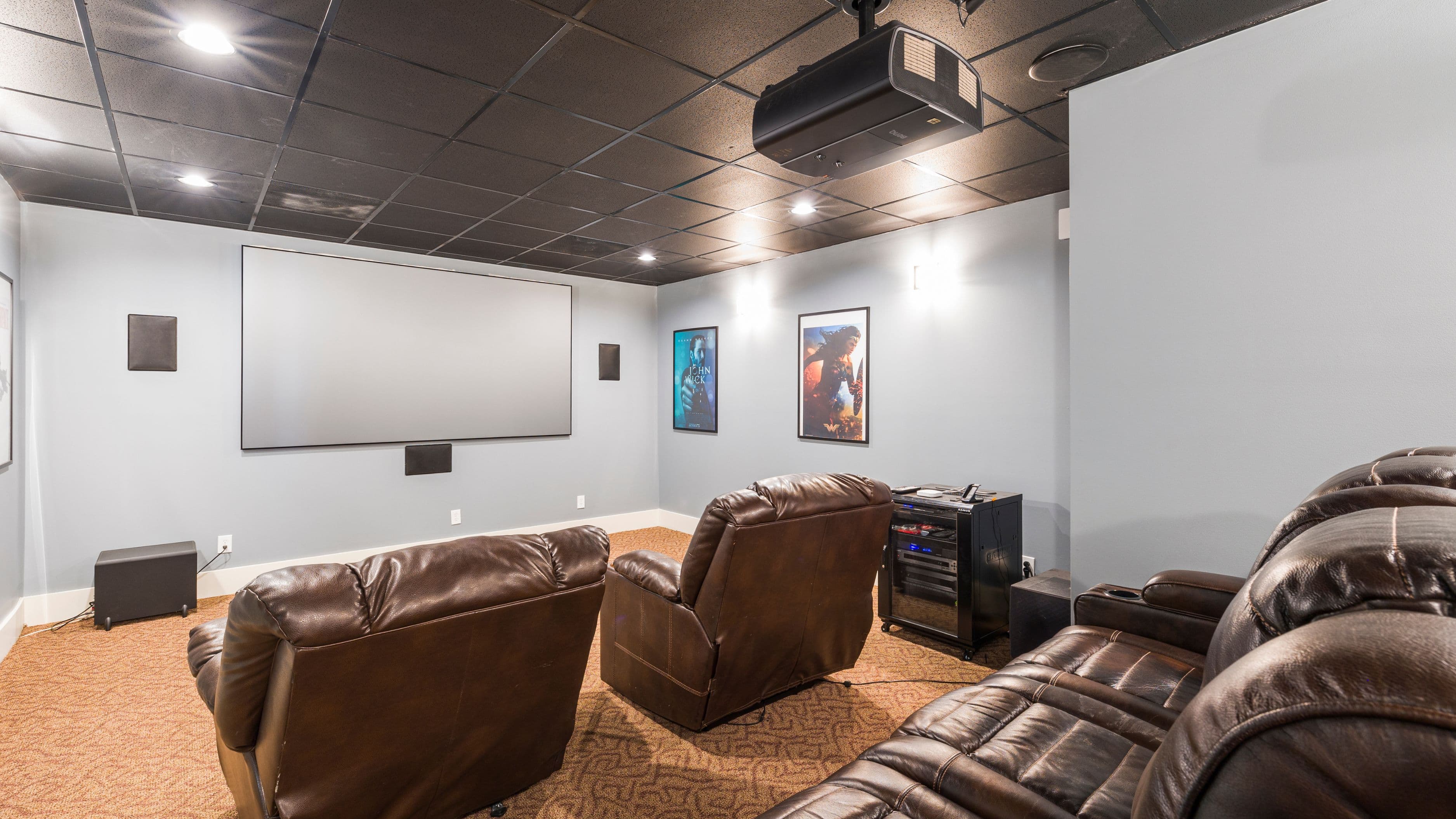
Running a visible cable and leaving it as a tripping hazard. If you're going to wire a device, route the cable properly – along skirting boards, through cable management channels, or inside the wall if you're comfortable doing that. A cable across the floor is both a hazard and an eyesore that undermines the whole point of a clean home theater setup.
Buying a cheap ethernet cable. For home streaming distances, a Cat 6 cable is more than sufficient and is inexpensive. Avoid very old Cat 5 cables if you're rewiring, as they have lower bandwidth limits. Don't pay for Cat 8 for a home setup – it's overkill for any streaming application.
Assuming Wi-Fi is always the problem. If you're experiencing buffering or quality issues, the issue might be your ISP's connection speed, the streaming service's servers, or an overloaded router – not your wireless connection specifically. Run a speed test at your streaming device to see what it's actually receiving before assuming you need to rewire anything.
Forgetting that powerline and MoCA adapters are options. For setups where running a direct ethernet cable is genuinely impractical, these alternatives provide a middle-ground solution that's significantly more stable than Wi-Fi for a reasonable cost.
FAQ
Does ethernet actually prevent buffering? It significantly reduces the most common cause of buffering – inconsistent wireless signal – but it doesn't prevent every possible cause. Buffering can also result from ISP-level congestion, the streaming service's own server load, or a router that's struggling to handle multiple connections. Ethernet eliminates the Wi-Fi variable, which is often the culprit, but not always.
What ethernet cable do I need for streaming? Cat 6 is the standard recommendation for home use. It supports speeds up to 10 Gbps over shorter distances and is widely available and inexpensive. Cat 5e works fine for streaming applications as well. Cat 7 and Cat 8 are unnecessary for home streaming setups.
Can I wire a Fire Stick or Chromecast? The Amazon Fire Stick 4K Max and some Fire TV Cube models have ethernet ports or support an official ethernet adapter. Standard Chromecast with Google TV uses a USB-C ethernet adapter (sold separately). Check your specific device model for compatibility before purchasing an adapter.
Are powerline adapters reliable enough for 4K streaming? In most homes, yes – with some caveats. Powerline adapter performance depends on the quality of your home's electrical wiring and how many other devices are on the same circuit. Homes with older wiring may see more variable performance. For most modern homes, a quality powerline adapter kit delivers stable enough speeds for 4K streaming. MoCA adapters (using coaxial wiring) generally outperform powerline where coax is available.
Is Wi-Fi 6 good enough that I don't need to bother with ethernet? For most single-stream 4K viewing in a reasonably well-covered home, Wi-Fi 6 delivers enough consistent speed and stability that ethernet isn't strictly necessary. If you have persistent issues with buffering, dropped quality, or live content dropouts, ethernet is still the more reliable fix. If your Wi-Fi 6 setup is working smoothly, there's no urgent reason to rewire.
📚 Sources
Netflix – Internet Connection Speed Recommendations: https://help.netflix.com/en/node/306
Wi-Fi Alliance – Wi-Fi 6 Overview: https://www.wi-fi.org/discover-wi-fi/wi-fi-6
FCC – Household Broadband Guide: https://www.fcc.gov/consumers/guides/household-broadband-guide
Consumer Reports – Wired vs Wireless Home Networking: https://www.consumerreports.org/electronics-computers/wireless-routers/wired-vs-wireless-networking-a1076252267/
Amazon – Fire TV Ethernet Adapter: https://www.amazon.com/dp/B074T22K4X
Wirecutter – Best Powerline Network Adapters: https://www.nytimes.com/wirecutter/reviews/best-powerline-networking-kit/