Who Holds the US Rights (and What That Means for You)
In the United States, NBCUniversal holds the broadcast rights to the Olympic Games through 2032, which covers the upcoming Los Angeles 2028 Summer Games and beyond. That means all official Olympic streaming for US viewers flows through NBC's ecosystem – primarily Peacock, NBC's streaming platform, alongside free over-the-air NBC broadcasts and the NBC Sports app.
This matters because it tells you exactly where to look. You don't need to hunt across a dozen platforms or subscribe to something obscure. If you're in the US and want to watch the Olympics, your options are essentially: Peacock (the most complete streaming option), a live TV streaming service that carries NBC (which gets you the broadcast channel and sometimes NBCSN or Olympic-specific channels), or a digital antenna for free over-the-air NBC content. Each of these has trade-offs worth understanding before you commit to anything.
Option 1: Peacock – The Most Complete Streaming Option
Peacock has become the home of comprehensive Olympic coverage in the US, streaming hundreds of hours of live events, replays, and coverage that doesn't make it to the broadcast network. For the Paris 2024 Summer Olympics, Peacock offered live coverage of every sport, the ability to watch multiple events simultaneously, and an on-demand library that let viewers catch up on events they missed. That level of coverage is simply not possible on traditional broadcast TV, which has to choose a narrow selection of events to air at any given time.
Peacock offers a free tier, but live sports – including the Olympics – typically require the paid subscription. Peacock Premium costs around $7.99 per month, or $79.99 per year. For an Olympic period that spans roughly two to three weeks, paying monthly and cancelling after is a reasonable approach if you only subscribe for the Games. One practical tip: Peacock frequently offers promotional pricing around major events, so checking for a discount or free trial period before the Games start is worth doing.
The platform works on virtually every major device – smart TVs, Roku, Amazon Fire TV, Apple TV, iOS, Android, and web browsers – so device compatibility is rarely an issue. If you're watching on a smart TV that's a few years old, double-check that the Peacock app is available for your specific model, but most current devices are covered.
Option 2: Live TV Streaming Services That Carry NBC
If you want the live broadcast NBC experience without cable – including the primetime Olympic coverage that traditional TV viewers get – a live TV streaming service is a natural fit. These services are essentially cable replacements that stream live channels over the internet, typically for $40 to $80 per month.
YouTube TV carries NBC and offers cloud DVR, which means you can record Olympic events to watch later even if you're not in front of the screen during a live broadcast. It costs around $72.99 per month as of 2025. Hulu + Live TV includes NBC and also bundles Disney+ and ESPN+ in its subscription, making it a reasonable choice if you're already interested in those platforms. FuboTV is particularly popular for sports streaming generally – it carries NBC and has strong sports channel depth beyond just the Olympics. Sling TV's Blue plan includes NBC in most markets and is typically the cheapest of the major live TV streaming options, often under $50 per month.
The key word "in most markets" is important here. NBC local affiliate availability varies by location on these services. Before subscribing to any live TV streaming service for Olympic coverage, confirm that NBC is available in your specific ZIP code on that platform. Most services let you check channel availability by entering your location before signing up.
Option 3: A Digital Antenna – Free NBC Over the Air
This one gets overlooked but is worth knowing: NBC broadcasts the Olympics over the air for free, and anyone with a digital antenna can receive it without any subscription at all. The coverage you get this way is limited to what the broadcast network airs – primarily primetime events and curated highlights – but it's completely free after the one-time cost of the antenna.
A basic digital antenna costs $20 to $40 and works by pulling in broadcast signals from local TV towers. Reception quality depends on how far you are from those towers and whether your home's walls and building materials interfere with the signal. If you live in or near an urban area, antenna reception is usually reliable. Rural areas can be more hit or miss. Testing with an antenna before the Olympics starts gives you time to troubleshoot or adjust placement if reception is weak.
This isn't a complete solution if you want full Olympic coverage – you'll miss a lot of the live events that don't make broadcast primetime. But if your interest is primarily in the major events and primetime highlights rather than comprehensive coverage of every sport, an antenna paired with Peacock's free tier covers a lot of ground at minimal cost.
Watching on Mobile
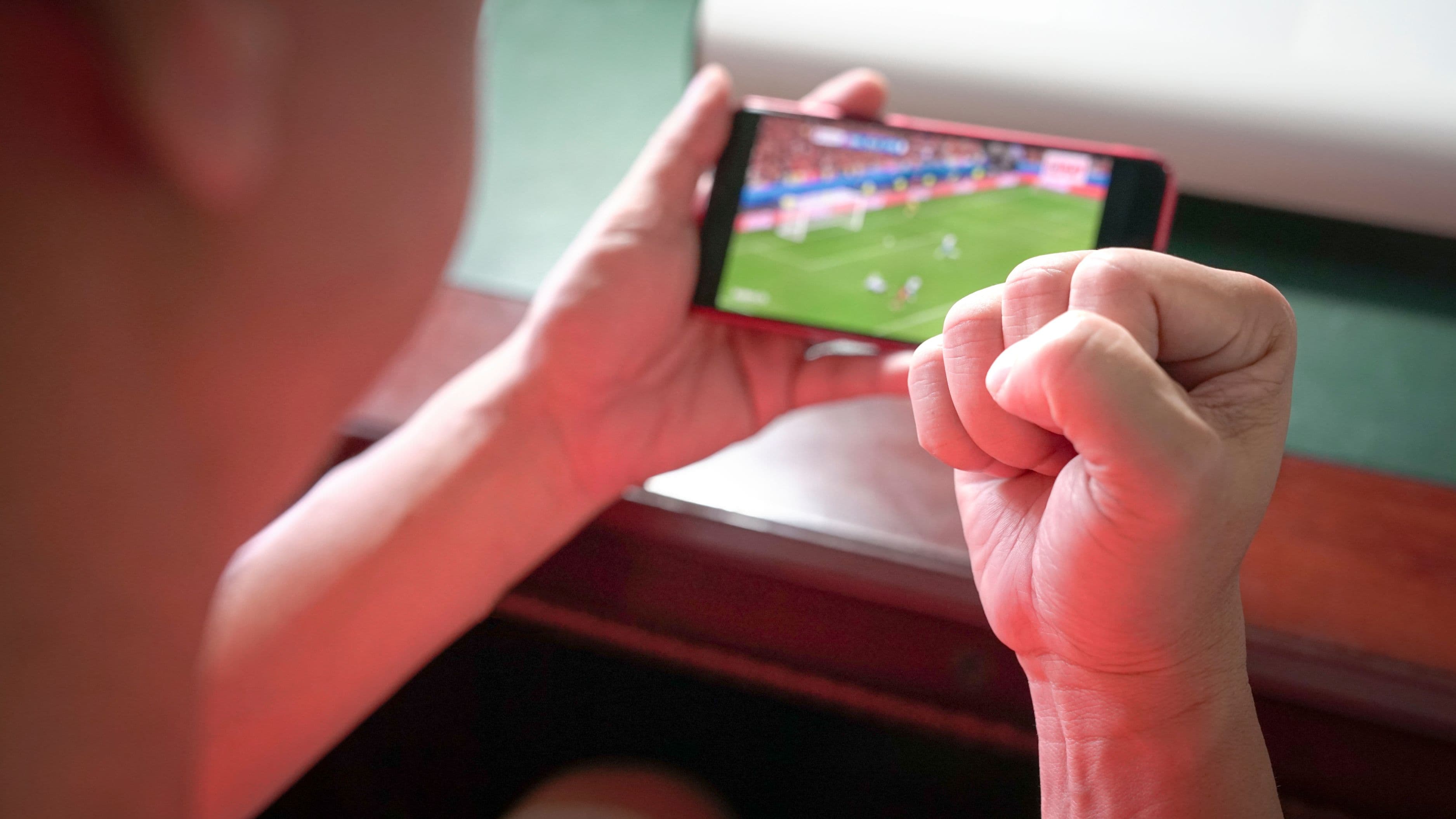
All of the options above work on mobile devices. The Peacock app is available on both iOS and Android and streams live events reliably on a good connection. Live TV streaming services like YouTube TV and Hulu + Live TV also have fully functional mobile apps. The NBC Sports app allows streaming of Olympic content for viewers who authenticate through a pay TV or streaming service subscription.
If you're planning to watch events on the go – during a commute, at work, or while traveling – make sure your mobile data plan can handle sustained video streaming without burning through your data cap. A live sports stream at standard quality uses roughly 1 to 2 GB per hour. HD streaming uses 3 GB or more per hour. If you're on a limited data plan, a Wi-Fi connection is the more practical option for extended viewing.
International Viewers: Different Rights, Different Options
Olympic broadcast rights are sold country by country, so the streaming options outside the US are completely different. UK viewers have access to coverage through BBC iPlayer and Discovery+. Australian viewers can watch via Nine Network's 9Now streaming platform. Canadian viewers have coverage through CBC Gem and CBC's streaming options. In many countries, the national broadcaster offers free streaming of significant Olympic coverage as a public service mandate.
If you're traveling internationally during an Olympic period and want to access your US Peacock subscription, you may run into geo-restriction issues. A VPN that routes your connection through a US server can address this, though you should check Peacock's terms of service around VPN use before relying on it. Conversely, international visitors in the US during an Olympic period would need to access their home country's streaming services via VPN to watch coverage in their preferred language and format.
What to Avoid
Avoid unofficial streams found through Google searches or Reddit threads. These third-party streams are almost always illegal, frequently unreliable, and often come with the additional risk of malware or intrusive advertising that can compromise your device. The legitimate platforms for Olympic streaming in the US are well-established and not expensive, and the free tier of Peacock covers more than most people realize before they need to pay for anything.
Don't assume that a free trial on a live TV streaming service will necessarily cover the entire Olympic period. Trials typically run seven days, which may only cover part of the Games. If you're specifically subscribing for Olympic coverage, a monthly subscription is more reliable than hoping a trial spans the full event.
Checking channel availability by ZIP code before subscribing to any live TV streaming service is important – it takes thirty seconds and prevents the frustration of subscribing, setting everything up, and then discovering that NBC isn't available in your location on that platform.
Putting It Together: What Setup Makes the Most Sense
For most people who want solid Olympic coverage without cable, the cleanest setup is Peacock Premium at $7.99 per month, subscribed for the month of the Games and cancelled after. It gives you the most comprehensive coverage of any single platform, works on all your devices, and costs less than a single month of any live TV service. If you already subscribe to a live TV streaming service for other reasons, you likely already have NBC access and don't need to add anything.
If budget is the primary concern and you only care about the most high-profile events, a digital antenna plus Peacock's free tier covers more Olympic content than most casual viewers need. The investment is a one-time $25 to $40 for the antenna, and the free Peacock tier costs nothing.
Whatever you choose, set it up and test it a day or two before the Opening Ceremony. Discovering a login issue or a compatibility problem right when the event you want to watch is starting is the most avoidable kind of frustration.
FAQ
Is any Olympic content actually free to stream in the US? Yes. Peacock's free tier includes some Olympic content, though comprehensive live coverage typically requires the paid tier. NBC's over-the-air broadcast is free to anyone with a digital antenna. Peacock also streams the Opening and Closing Ceremonies and selected major events free during the Games period, though the full catalog requires a subscription.
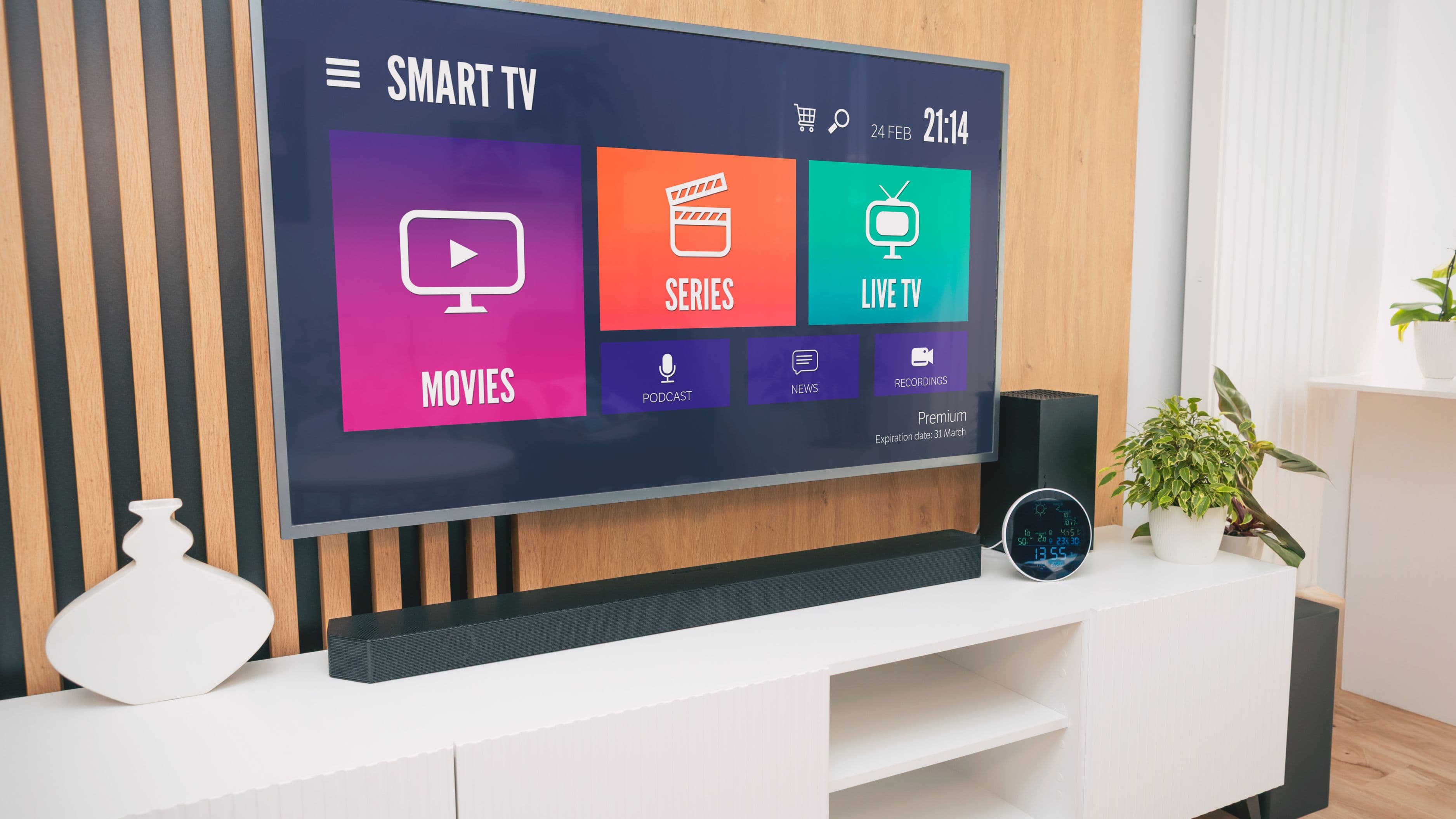
Can I watch the Olympics on my smart TV without cable? Yes. The Peacock app is available on most current smart TVs, Roku devices, Amazon Fire TV, Apple TV, Google TV, and other connected TV platforms. Download the app, sign in or create a Peacock account, and you're set. If your TV is older and doesn't have a built-in app store, a streaming stick like a Roku or Fire TV Stick plugged into your HDMI port gives you access.
What's the best option for watching multiple events simultaneously? Peacock offers a multi-view feature during the Olympics that lets you watch up to four events at once on a single screen. This is available on the paid tier and works best on a larger TV. It's genuinely one of the best features Peacock has introduced for sports coverage, and it's something cable TV simply can't replicate.
Do I need a fast internet connection to stream the Olympics live? A reliable connection of at least 10 Mbps handles standard definition streaming comfortably. For HD streaming, 25 Mbps or higher is recommended. For 4K content (if available), 50 Mbps or higher is ideal. If your connection is borderline, connecting your streaming device to your router via ethernet cable rather than Wi-Fi significantly improves reliability and reduces buffering during live events.
Will the same options work for the LA 2028 Summer Olympics? Almost certainly yes. NBCUniversal holds US broadcast rights through 2032, which includes LA 2028. Peacock will almost certainly remain the primary streaming home for comprehensive US Olympic coverage. The specific pricing and features may evolve, but the fundamental setup – Peacock for streaming, NBC over the air for free broadcasts, live TV streaming services for the broadcast channel experience – is likely to remain the correct framework.
📚 Sources
Peacock. Live Sports and Olympics Coverage Overview. https://www.peacocktv.com/sports
NBCUniversal. Olympic Broadcasting Rights Through 2032. https://www.nbcuniversal.com/press-release/nbc-sports-group-and-ioc-extend-us-olympic-broadcast-partnership
YouTube TV. Channel Lineup and Availability. https://tv.youtube.com/welcome/channels/
Hulu. Hulu Plus Live TV Channel Guide. https://www.hulu.com/live-tv
FuboTV. Sports Streaming Packages. https://www.fubo.tv/welcome/sports
Sling TV. Blue Plan Channel Lineup. https://www.sling.com/packages
FCC. Over-the-Air Television – Reception Tips. https://www.fcc.gov/consumers/guides/over-air-television-antennas-and-digital-television
PCMag. How to Watch the Olympics Without Cable. https://www.pcmag.com/how-to/how-to-watch-the-olympics-without-cable
Cord Cutters News. Best Ways to Watch the Olympics Online. https://www.cordcuttersnews.com/how-to-watch-the-olympics-online/
Tom's Guide. How to Watch the Olympics Free. https://www.tomsguide.com/features/how-to-watch-the-olympics