
What You'll Learn
This guide walks through how a VPN actually solves this problem, how to set one up for streaming specifically, and what limitations and considerations to keep in mind before you rely on it for your whole trip.
Step 1: Understand What a VPN Actually Does Here
A VPN, or virtual private network, routes your internet connection through a server in a different location, making it appear to websites and apps as though you're browsing from that server's location instead of your actual physical location. For streaming purposes, this means connecting to a VPN server in your home country lets your streaming apps detect that location instead of the country you're actually traveling in, restoring access to your normal home catalog.
This is different from unlocking content you don't already have access to; a VPN in this context is designed to preserve the access you already pay for at home, not to grant you access to a foreign country's exclusive content library, though some people also use VPNs for that separate purpose.
Step 2: Choose a VPN Before You Travel, Not After
Set up and test your VPN before you leave, rather than trying to figure it out for the first time from a hotel room abroad with unfamiliar Wi-Fi and no home network to fall back on for troubleshooting. Look for a VPN provider with a strong reputation for reliable streaming performance specifically, since not all VPNs are optimized equally well for accessing streaming platforms, and some struggle with speed or get detected and blocked by streaming services' own VPN-detection systems.
Download the VPN app on every device you plan to stream from during your trip, whether that's a phone, tablet, or laptop, and confirm your login credentials work correctly before you depart, since some VPN providers require account verification steps that are easier to complete on a stable home connection.
Step 3: Connect to a Server in Your Home Country
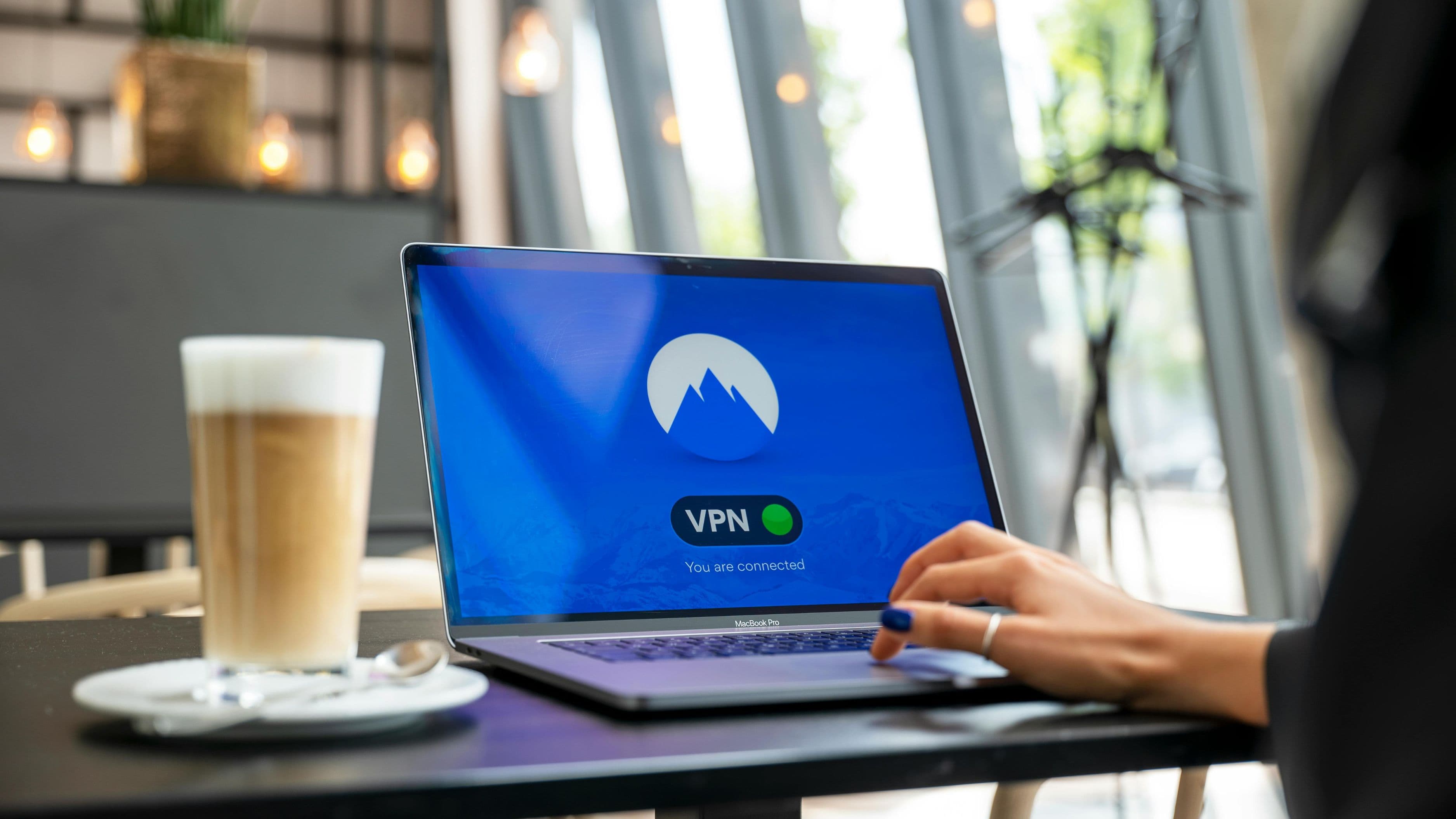
Once you're set up abroad, open your VPN app and select a server located in your home country, ideally choosing a city or region close to where you actually live if the provider offers that level of specificity, since this can sometimes affect streaming performance and detection reliability. After connecting, open your streaming app and it should detect your VPN-assigned location rather than your actual physical location, restoring your normal home catalog and access.
If a specific app still shows the foreign region's content after connecting, try fully closing and reopening the app, or in some cases logging out and back into your streaming account, since some apps cache your location and don't immediately refresh even after your VPN connection changes.
Step 4: Test Your Connection Speed and Adjust Server Choice if Needed
Streaming through a VPN adds a small amount of processing overhead, which can occasionally affect video quality or cause buffering, particularly on hotel Wi-Fi or other shared, lower-bandwidth connections common while traveling. If you notice buffering or reduced video quality, try switching to a different server within the same country, since server load varies and a less crowded server option can noticeably improve streaming performance.
Most reputable VPN providers offer several server options within major countries specifically to help distribute load and give users backup options if one particular server is running slowly.
Tips for Better Results
Keep a backup VPN server location saved in case your primary choice becomes slow or unreliable during your trip, since server performance can fluctuate, especially during peak usage hours in that server's time zone. It's also worth downloading any shows or movies you specifically want to watch onto your device before you travel, when your connection is at its most reliable, as a backup in case your VPN or hotel Wi-Fi gives you trouble mid-trip.
Check your streaming service's own terms of service regarding VPN use, since some platforms explicitly prohibit using a VPN to access content, and while enforcement for personal home-catalog access varies significantly, it's worth understanding this before you rely entirely on this method for the length of your trip.
Common Mistakes to Avoid
Don't wait until you're already traveling to set up and test your VPN for the first time, since troubleshooting login issues or app compatibility problems is far easier on a stable home connection than in an unfamiliar location with limited time and potentially unreliable Wi-Fi. Avoid choosing a VPN purely based on price without checking user reviews specifically related to streaming performance, since some budget VPN options struggle noticeably with speed or get blocked frequently by major streaming platforms.
Also avoid connecting to public Wi-Fi networks abroad without a VPN active at all, regardless of your streaming plans, since public networks carry real security risks for any of your personal accounts and data, not just streaming.
FAQ
Will using a VPN abroad get my streaming account banned or suspended? This is uncommon for personal use of accessing your own home region's content, though it technically may violate some platforms' terms of service. Most streaming providers focus their enforcement efforts on detecting and blocking VPN traffic outright rather than penalizing individual accounts for this kind of use.
Do I need a paid VPN, or will a free one work for streaming? Free VPNs generally struggle significantly more with streaming reliability, speed, and getting blocked by streaming platforms compared to reputable paid options, so a paid VPN is generally a better investment if streaming access is your main goal.
Can I use a VPN to watch content that's only available in the country I'm visiting? Technically this is possible by connecting to a server in that specific country, though it raises the same terms-of-service considerations as using a VPN for your home catalog, and content libraries can vary in ways that make this less reliable than accessing your existing home account.
A VPN is a genuinely effective, widely used solution for keeping your usual streaming access intact while traveling, as long as you set it up ahead of time and choose a provider built to actually handle streaming well. Test everything before you leave, and you'll spend a lot less of your trip staring at a "not available in your region" error message.
📚 Sources
Federal Trade Commission – What to Know About Using a VPN – https://consumer.ftc.gov/articles/what-know-about-using-vpn
Electronic Frontier Foundation – VPN Basics – https://www.eff.org/pages/tor-and-https