The Core Difference in How They Work
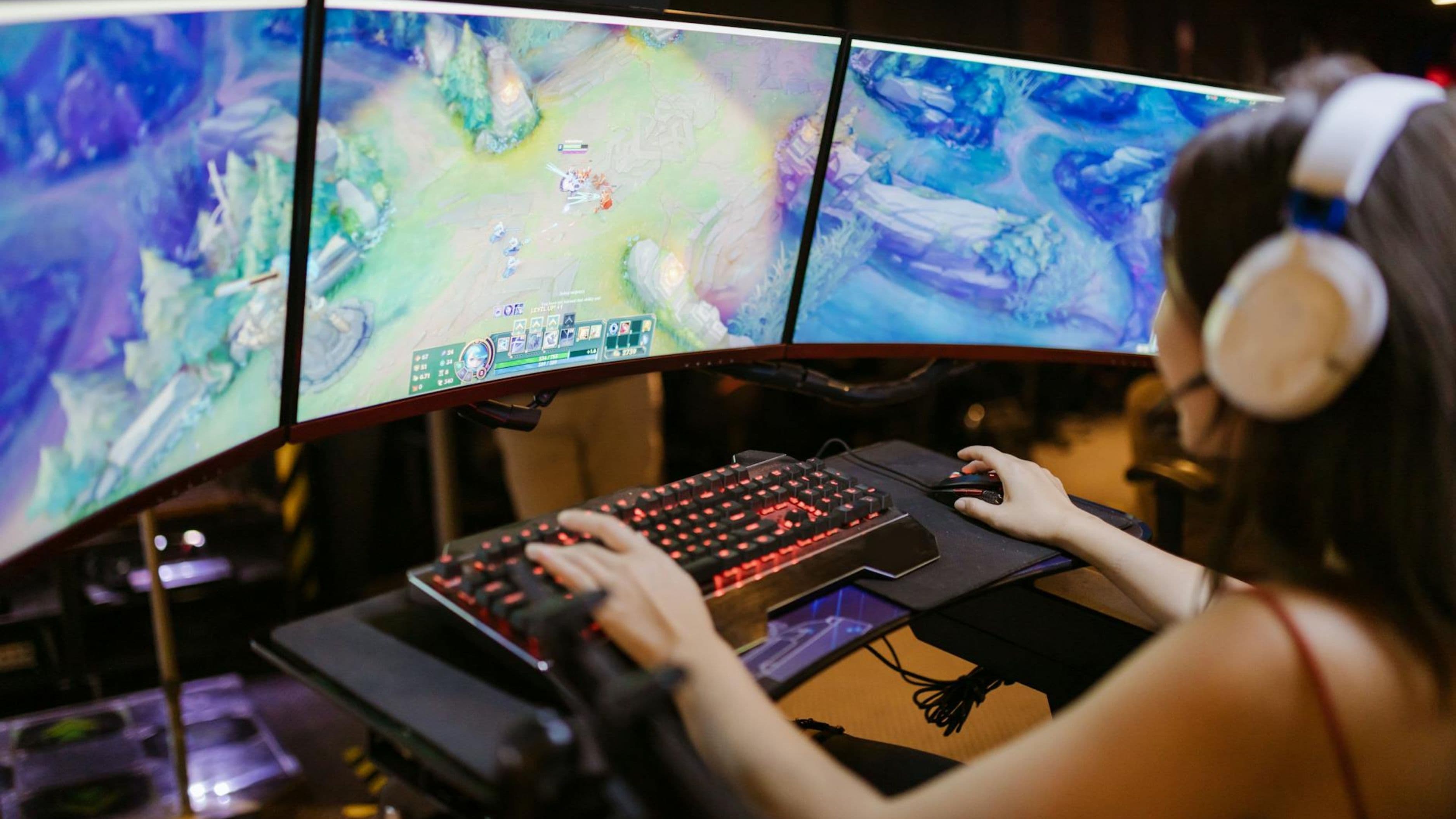
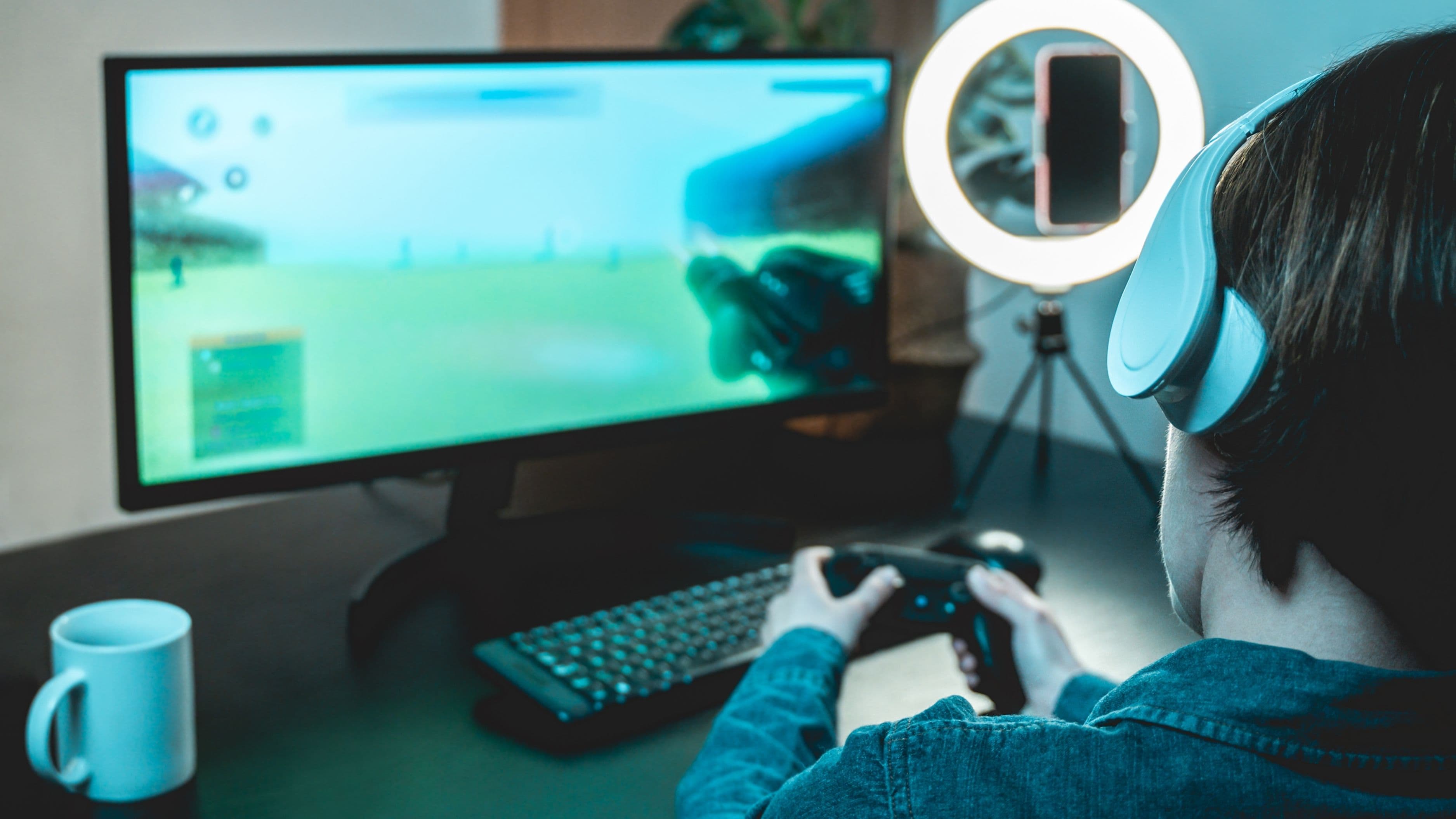
Twitch is a live-first platform, designed from the ground up for real-time interaction. Everything about the experience – the interface, the chat, the discovery algorithm, the community culture – is built around the idea that you're watching something happen right now. The community vibe is intense, in-jokes are everywhere, and chat moves fast. It has a rawness to it that feels very different from a polished video platform.
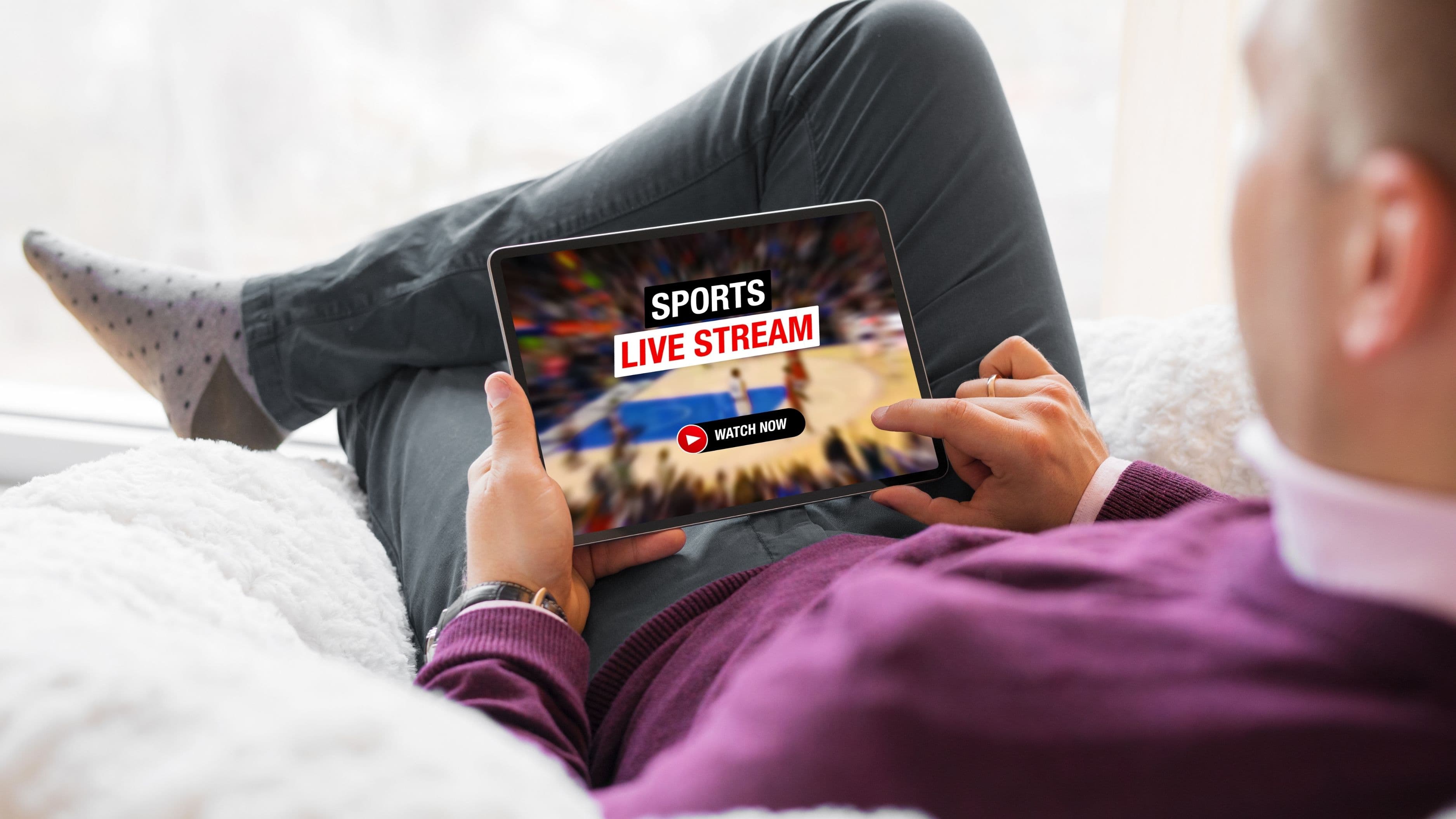
YouTube Live is a feature within a larger ecosystem. When a creator goes live on YouTube, their stream exists alongside their regular video content, their subscribers get notified, and the archive automatically saves as a regular YouTube video when it ends. The discovery mechanism is different too – YouTube's recommendation algorithm can surface live streams to people who weren't specifically looking for them, which means YouTube Live streams can attract casual viewers who just happened to be browsing.
Neither approach is objectively better. They create different viewing environments, and understanding which one fits your habits matters more than deciding which platform is "winning."
Chat and Community Interaction
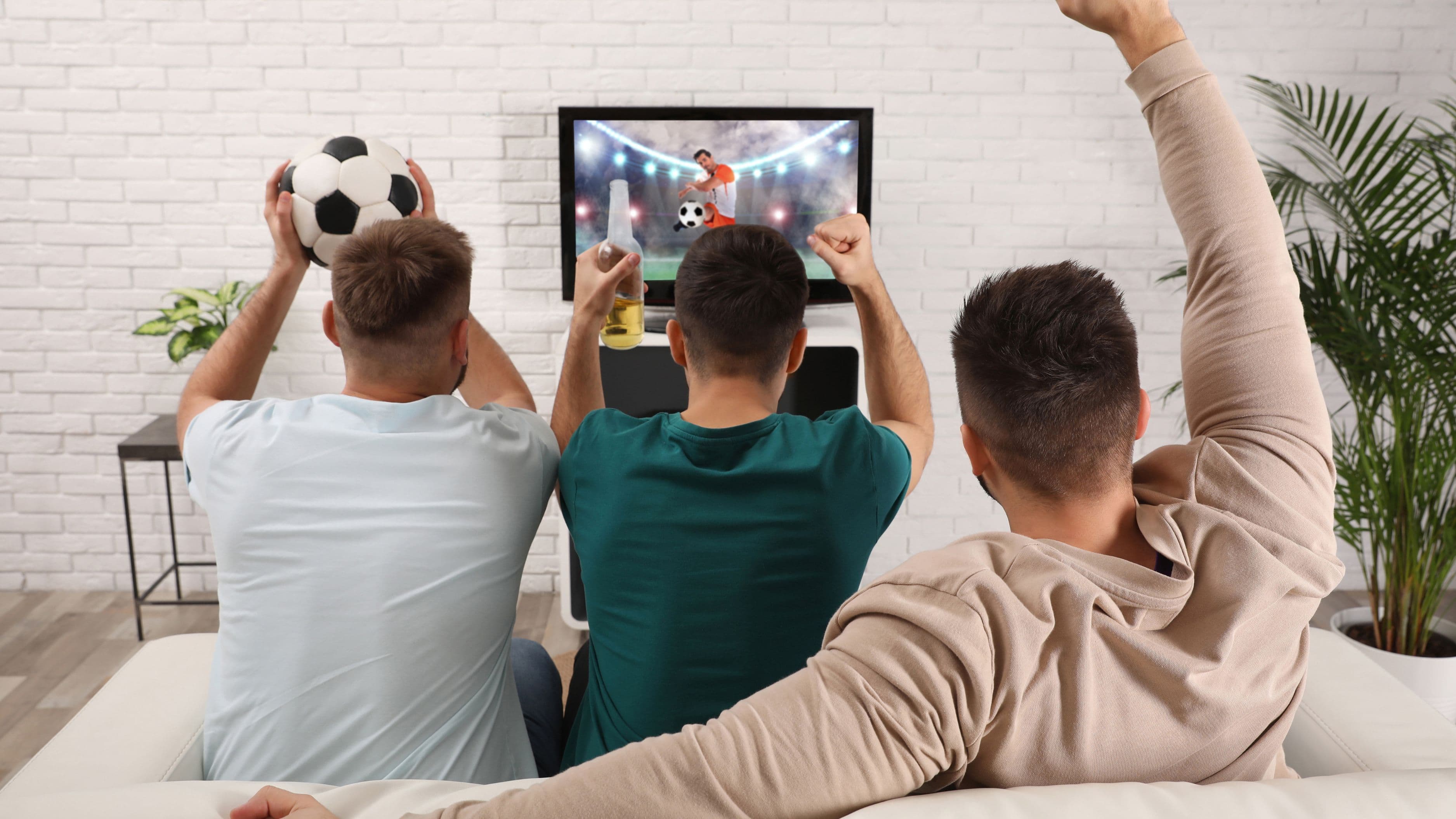
For a lot of gaming stream viewers, the chat is half the experience. The running commentary, the inside jokes, the moments when a thousand people react to the same thing at exactly the same time – that energy is what makes live streaming different from watching a recorded video.
Twitch chat has a reputation – earned – for being fast, chaotic, and loaded with emotes. The platform has built an entire culture around emote-based communication: KEKW, PogChamp, Pog, monkaS, and hundreds of others that serve as a shorthand language between regulars in a given community. For viewers who are embedded in that culture, Twitch chat feels like home. For newcomers, it can feel impenetrable – like walking into a conversation that's been going on for years and not knowing any of the references.
YouTube Live chat tends to move more slowly in most streams, which can actually make it easier to follow and engage with. Creators can read and respond to individual messages more realistically, and viewers can see what others are saying without it scrolling off the screen in two seconds. The community culture on YouTube is generally more accessible to viewers who are new to a streamer or new to live streaming in general. That said, YouTube's emote library is smaller and less culturally embedded than Twitch's, so if emote-based humor is a big part of why you enjoy live chat, YouTube feels noticeably thinner.
Stream Discovery: Finding New Streamers to Watch
This is an area where the two platforms work in meaningfully different ways, and it has real implications for what you watch.
On Twitch, the main discovery mechanism is the Browse page, organized by game or category. You can find streams for virtually any game and sort by viewer count. The challenge is that smaller streamers – those with under a few thousand viewers – often struggle to get discovered through this system, because most viewers filter toward the top of the viewer count list. Discovery on Twitch tends to be community-driven: you find streamers through recommendations, clips shared on social media, or raids where a bigger streamer sends their audience to a smaller one at the end of their session.
YouTube's recommendation algorithm is significantly more powerful for discovery. If you watch gaming content on YouTube, the algorithm actively surfaces live streams and creators it thinks you'll like based on your history. This means you can discover a new-to-you streamer mid-stream without ever having heard of them before. For viewers who like being surprised by new content and exploring different gaming niches, this is a genuine advantage. The flip side is that the algorithm can also push you toward the same major creators repeatedly, making it harder to consistently find smaller voices.
Video Quality and Stream Reliability
Both platforms support high-quality streams – 1080p at 60fps is standard for established creators on both, and 4K streaming is available on YouTube for select streams. In practice, the quality you experience depends more on your internet connection and the individual streamer's setup than on the platform itself.
Where the platforms differ more noticeably is reliability and latency. Twitch has historically offered lower-latency streams in its standard mode, with an "ultra-low latency" option that reduces the delay between what's happening in the stream and what you see to around one to two seconds. This matters a lot for interactive streams where the creator is responding to chat – the closer to real-time the stream is, the more natural the interaction feels.
YouTube Live typically runs with slightly higher latency in standard mode, though it offers a "low-latency" mode as well. The gap has narrowed, but in situations where real-time interaction is a big part of the appeal, Twitch still has a slight edge for pure responsiveness. For gameplay-focused streams where you're mostly watching rather than interacting, the difference is less noticeable.
The Archive and VOD Experience
One of YouTube Live's clearest practical advantages is what happens after the stream ends. Every YouTube live stream automatically becomes a regular YouTube video, complete with timestamps if the creator adds them, searchable, and available in YouTube's recommendation system. Finding old streams is as easy as going to a creator's channel and looking through their video library. There's nothing special you need to do as a viewer.
Twitch VODs are more limited. Affiliates and Partners can save their past broadcasts, but they're only kept for a set period – typically 14 days for affiliates, 60 days for Partners – before they disappear unless the creator exports them elsewhere. Many Twitch streamers export key content to YouTube anyway, which means the long-term archive for a lot of creators lives on YouTube even if the live stream happened on Twitch. If you like to catch up on streams you missed, YouTube's superior VOD system is a meaningful practical advantage.
Subscriptions and Supporting Streamers
Both platforms have mechanisms for viewers to financially support their favorite creators, but the structure is different in ways that matter.
On Twitch, Tier 1 subscriptions cost $4.99/month and come with benefits like ad-free viewing on that channel, access to the streamer's custom emotes, and subscriber-only chat modes during certain streams. Twitch also has Bits, its virtual currency for cheering during streams, and gifted subscriptions that let viewers pay for others in the community. The Twitch Prime (now Prime Gaming) integration with Amazon Prime membership gives subscribers one free channel subscription per month.
On YouTube, channel memberships function similarly at comparable price points, with custom emotes, badges, and member-only perks depending on how the creator has set things up. Super Chats – highlighted paid messages during live streams – are YouTube's equivalent of Bits and are often more visible during fast-moving streams because they stay pinned in chat for a period rather than scrolling away.
Neither system is dramatically better for viewers who just want to support a creator. The differences are more about which platform the creator you want to support is primarily active on.
Which Platform Should You Use?
For most viewers who are new to gaming streams, YouTube Live is the easier starting point. The discovery algorithm will surface relevant content without you having to know what to look for, the chat moves at a pace that's more readable, the VOD archive is better, and you're already in an ecosystem you probably use for other things. The ramp-up is gentler.
If you're already embedded in gaming culture and you want the full live streaming experience – faster chat, emote culture, the Twitch community ecosystem, watching events like major esports tournaments where Twitch often has broadcast rights – then Twitch is where that experience lives most fully. The community energy on Twitch during major gaming events is genuinely unmatched.
In practice, plenty of viewers use both. Many creators stream on Twitch as their primary platform and repost on YouTube, which means watching the archive on YouTube while being in the live community on Twitch is a common pattern. There's no rule that says you have to pick one.
What to Watch Out For
On Twitch, ad frequency can be a real irritation for viewers without subscriptions or Twitch Turbo (the ad-free subscription tier). Unskippable ads during peak moments in a stream are a consistent complaint. If ads are a dealbreaker for you and you don't want to pay for Turbo or channel subscriptions, this is worth knowing before you invest your time in the platform.
On YouTube Live, the recommendation algorithm can push you toward major creators and away from smaller or newer ones. If you specifically want to explore the long tail of gaming content – niche games, smaller communities, up-and-coming streamers – you may have to do more active searching on YouTube than you would through Twitch's community-driven discovery systems.
Both platforms have dealt with issues of viewbotting (artificially inflated viewer counts), though both have made efforts to address it. Viewer counts on smaller streams on either platform should be taken with a grain of salt.
FAQ
Is Twitch or YouTube Live better for esports events? It depends on the tournament. Major esports like League of Legends Worlds, Valorant Champions, and others often have Twitch broadcast rights and stream there primarily. Other events broadcast on YouTube or split coverage between platforms. Check each event's official social channels to see where they're streaming.
Can you watch Twitch and YouTube Live streams without creating an account? Yes, you can watch most streams on both platforms without logging in. You'll need an account to participate in chat, subscribe to channels, or use platform-specific features like Bits or Super Chats.
Which platform has better mobile support for watching streams? Both have solid mobile apps. The YouTube app is generally considered slightly more polished and has better integration with the broader YouTube ecosystem. The Twitch mobile app is functional but has faced complaints about performance and ad behavior on mobile in particular.
Do gaming streams cost money to watch? No. Watching streams on both platforms is free. You only pay if you choose to subscribe to a channel, donate via Bits or Super Chats, or purchase a premium subscription tier like Twitch Turbo for ad-free viewing.
What happens if a streamer is live on both Twitch and YouTube at the same time? Simultaneous streaming (multistreaming) is allowed on YouTube but was previously restricted on Twitch for Affiliates and Partners. Twitch updated its exclusivity policy in 2023 to allow Partners to multistream, so it's now possible to find some creators live on both platforms simultaneously. Most don't, but it happens.
📚 Sources
Twitch platform overview and features – Twitch: https://www.twitch.tv/p/en/about/
YouTube Live streaming overview – YouTube Help: https://support.google.com/youtube/answer/2474026
Twitch subscription tiers and benefits – Twitch: https://help.twitch.tv/s/article/subscriptions-guide
YouTube Super Chat and memberships guide – YouTube Help: https://support.google.com/youtube/answer/6304294
Twitch Partner exclusivity policy update 2023 – The Verge: https://www.theverge.com/2023/9/25/23890528/twitch-ends-exclusivity-partner-streaming-contract