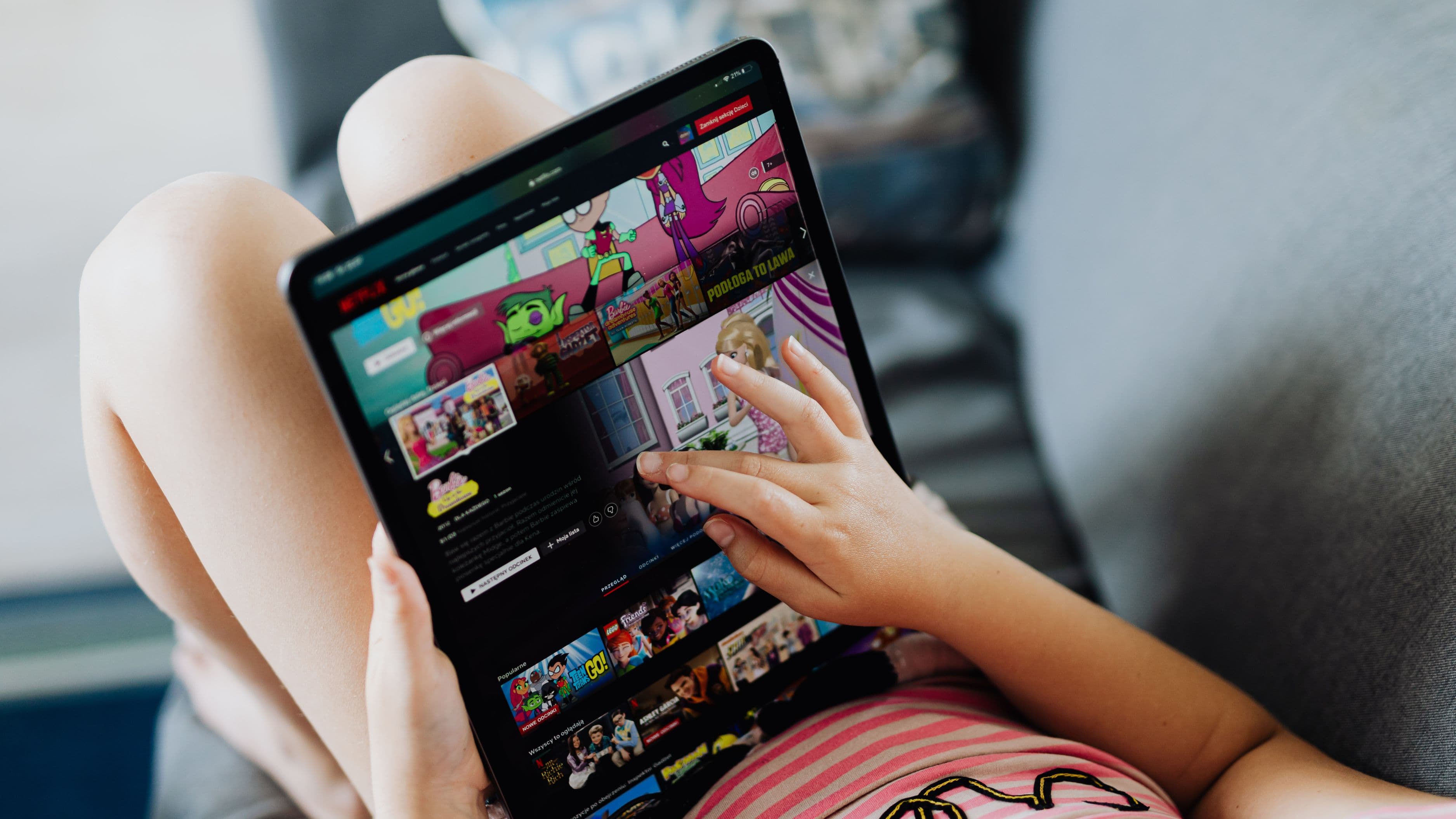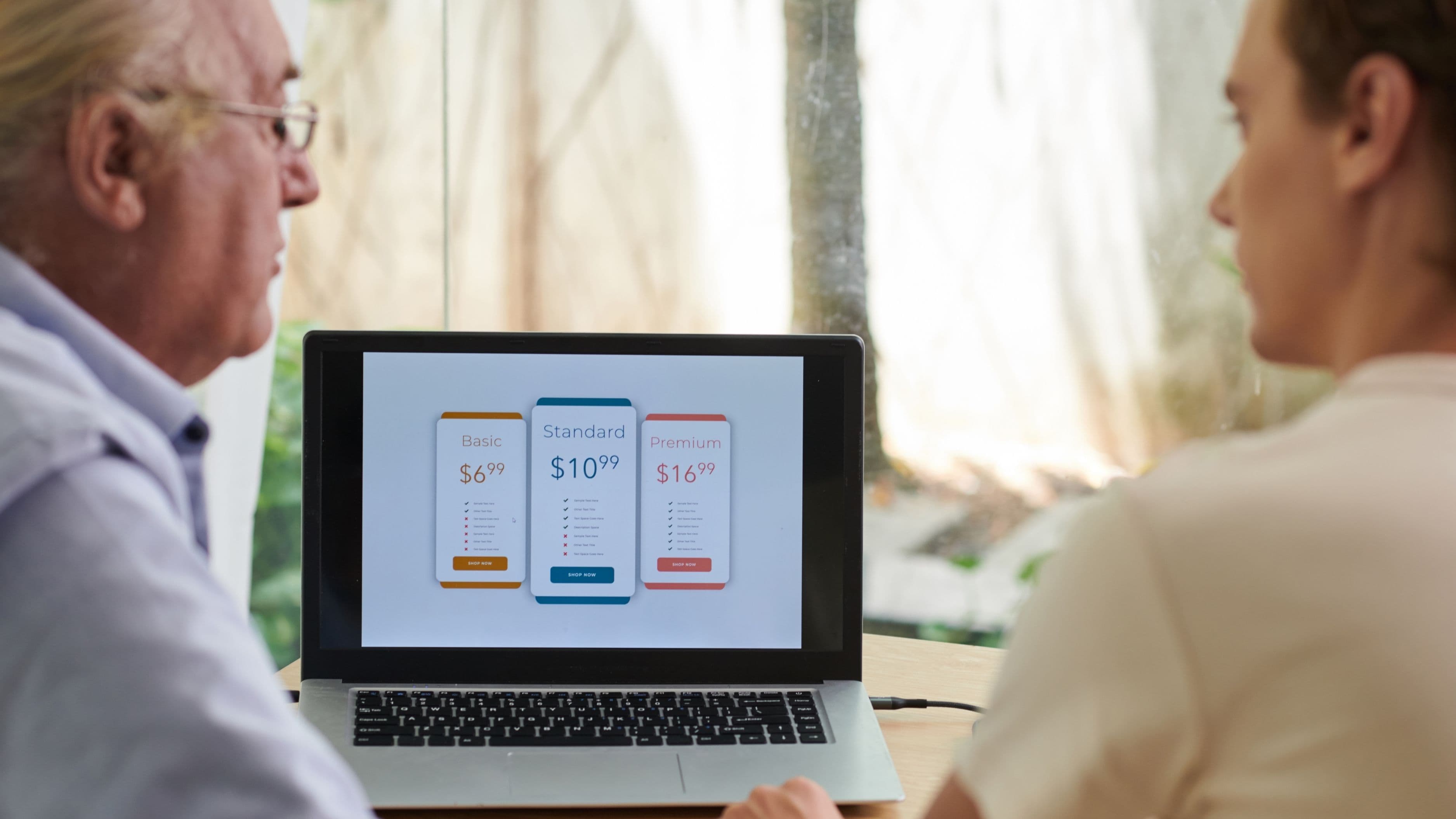
Subscription management apps exist to make that invisible spending visible. They pull together your recurring charges in one place, alert you when prices change, flag subscriptions you haven't used in a while, and in some cases help you cancel directly from within the app. For anyone who's done a bank statement audit and found a streaming charge they completely forgot about, this category of app is genuinely useful.
Here's how they work, which ones are worth using, and what to watch out for before you hand over your financial data.
Why Streaming Subscriptions Pile Up So Easily
Streaming services are specifically designed to reduce friction around signing up and to make cancellation less automatic. Free trials with automatic conversion, annual billing that charges once and then disappears from monthly awareness, and the general low per-month cost of each individual service all contribute to subscriptions accumulating without feeling like a significant financial decision at the time.
The problem compounds when you consider how many streaming services now exist. Beyond the obvious four or five, there are sports streaming add-ons, premium channel subscriptions layered on top of base streaming services, niche platforms for specific content interests, and bundled services that include streaming components you may not have realised you were paying for. The monthly totals add up fast. NerdWallet research has estimated that the average US household spends over $60 per month on streaming services – a number that's been rising consistently as streaming prices increase and more services enter the market.
Subscription management apps address this by doing the tracking and alerting automatically, so you're not relying on your memory or a manual bank statement review to stay on top of what you're paying for.
What Subscription Management Apps Actually Do
At their core, these apps connect to your bank accounts, credit cards, or email inboxes and identify recurring charges. They categorise them, display them in a dashboard, and give you a clear view of what you're spending across all your subscriptions combined. The better apps go further: they track price changes over time, notify you when a free trial is about to end, flag subscriptions you haven't used recently based on login activity, and offer one-tap or in-app cancellation for certain services.
The connection method varies by app. Some connect through Plaid or similar financial aggregation services, which access your bank and card transaction data with read-only permissions. Others monitor your email inbox for subscription confirmation and receipt emails, which avoids the need for banking credentials entirely. A few do both. Understanding which method an app uses matters for both privacy and accuracy – the bank-linked approach is more comprehensive but involves sharing financial access, while the email-based approach is more limited but less invasive.
The Best Apps for Managing Streaming Subscriptions
Rocket Money (formerly Truebill)
Rocket Money is the most fully featured subscription management app in the market. It connects to your bank accounts and credit cards, automatically identifies recurring charges, and presents them in a clean dashboard sorted by category. The free version handles basic tracking and identification. The paid premium tier – which costs $6–$12 per month depending on what you choose to pay – adds features like bill negotiation, where Rocket Money's team contacts service providers to try to lower your bills, and the concierge cancellation service, where they handle cancellation calls on your behalf.
For streaming specifically, the free tier is often sufficient. It will identify every streaming subscription tied to your connected accounts, show you what each one costs per month and per year, and let you track when charges hit. The upgrade to premium makes more sense if you have a broader range of bills you want help managing – utilities, insurance, phone plans – beyond just streaming.
The limitation worth knowing: Rocket Money takes a percentage of any savings achieved through bill negotiation as its fee, which can add up if you're using that feature heavily. For the subscription identification and tracking use case, the free tier serves most people well.
Trim
Trim takes a conversational approach – you connect your financial accounts and it analyses your transactions, then surfaces subscriptions and potential savings through a chat-style interface. It's been around longer than most apps in this category and has a solid track record. Trim offers negotiation services similar to Rocket Money and can also handle cancellation requests on your behalf.
The interface is less visually polished than Rocket Money's but the functionality is comparable. Trim's negotiation service charges a percentage of the savings achieved, similar to Rocket Money's model. For pure subscription tracking and identification, it's a solid free option with a somewhat older design.
Bobby
Bobby takes a different approach entirely – it doesn't connect to your financial accounts at all. Instead, you manually enter your subscriptions, their costs, and their billing dates. It then tracks them in a clean, calendar-style interface and sends reminders before charges hit. There's no automated detection, which means it requires manual maintenance, but it also means there's no financial data sharing involved.
For users who are uncomfortable connecting bank accounts to a third-party app – a completely legitimate concern – Bobby offers the tracking and reminder functionality without the access requirement. It's particularly good as a forward-looking tool: you set up your subscriptions once, it tells you what's coming and when. The free version covers basic functionality; the paid version adds customisation and additional reminder options.
Bobby is available on iOS. Android users looking for a similar manual approach can use apps like SubTrack or Spendesk depending on their specific needs.
TrackMySubs
TrackMySubs is a straightforward web and mobile app for tracking subscriptions manually, with a clean interface and good multi-currency support that makes it useful for international users or anyone with subscriptions billed in different currencies. Like Bobby, it doesn't connect to financial accounts – you add subscriptions manually and it tracks and alerts you. The free tier supports a limited number of subscriptions; the paid tier removes the cap and adds additional features.
Your Bank's Built-In Tools
Before downloading any third-party app, it's worth checking what your existing bank or credit card app already offers. Several major banks – Chase, Bank of America, Capital One – now include subscription tracking features natively within their apps. These identify recurring charges in your transaction history and flag them as subscriptions. The functionality is generally less detailed than a dedicated subscription management app, but it requires no additional data sharing and is available at no extra cost. For someone who just wants to see what streaming services are being charged to a particular card, this is often the simplest starting point.
How to Actually Use These Apps to Cut Streaming Waste
Getting value from a subscription management app requires actually reviewing what it surfaces and making decisions about it. Here's a practical process that works:
Step 1: Connect and identify. Set up your preferred app and let it run for one full billing cycle before acting on anything. This ensures it captures monthly, annual, and irregular charges across all your connected accounts. Use that first month to simply get a complete picture.
Step 2: Categorise your subscriptions. Go through the identified subscriptions and put them in one of three buckets: actively using and worth keeping, not sure if I'm using this enough, and haven't used this in over a month. That third bucket is where the immediate savings are.
Step 3: Do a usage audit for the "not sure" bucket. Open each of the streaming services you're uncertain about and check your viewing history. Most platforms show what you've watched and when. If you haven't logged in for more than three weeks, ask yourself honestly whether that's likely to change in the next month. If the answer is no, cancel. You can always resubscribe when something you actually want to watch becomes available.
Step 4: Set up alerts. Configure the app to notify you when new recurring charges appear on your accounts. This catches free trials converting to paid subscriptions in real time, rather than three months later when you finally notice.
Step 5: Review quarterly. Streaming habits change. A service you were watching heavily three months ago might now be sitting unused. A quarterly review of your subscription dashboard takes ten minutes and keeps the list current.
What to Watch Out For
The data sharing involved in bank-linked subscription apps is real and worth taking seriously. When you connect a bank account through Plaid or a similar aggregator, you're granting that service read access to your transaction history. The reputable apps in this category use bank-grade encryption, have clear privacy policies, and don't sell your individual transaction data. But it's worth reading the privacy policy of any app you connect financial accounts to before doing so, particularly around data retention if you cancel the service.
Be cautious with apps that aren't from established, well-reviewed providers. The subscription management app category has attracted some low-quality entrants that monetise through data sharing or aggressive upselling. Stick to apps with significant user bases, clear reviews, and transparent data practices.
For the cancellation features specifically, understand that in-app cancellation only works for services the app has a direct relationship with. For services it can't cancel directly, the app will typically give you instructions or a link to the cancellation page. That's still genuinely useful – having the path to cancellation surfaced in one place removes the friction of tracking down how each service handles cancellation on their own terms.
FAQ
Do these apps actually save money, or is it just another subscription? The core tracking and identification features are free on most major apps. The ROI on free tracking is almost always positive if you find even one subscription you'd forgotten about and cancel it. The paid features – bill negotiation, concierge cancellation – have a cost, and whether they're worth it depends on how many bills you have that are negotiable.
Is it safe to connect my bank account to these apps? Reputable apps use read-only access through regulated aggregation services like Plaid, meaning they can see transactions but can't move money. They use encryption standard to banking applications. That said, you are sharing your financial transaction history, and the risk isn't zero. Using a dedicated credit card for all subscription charges and connecting only that card is a way to limit the data exposure while still getting useful tracking.
What if I want to track subscriptions without sharing financial data at all? Use a manual tracking app like Bobby or TrackMySubs. You'll need to enter subscriptions yourself, but there's no account connection or data sharing involved. The trade-off is that it requires maintenance and won't automatically catch subscriptions you've forgotten about.
Can these apps cancel subscriptions for me? Some can, for certain services. Rocket Money and Trim both offer cancellation assistance, either automated or through a concierge service. Coverage depends on the streaming platform – major services like Netflix, Hulu, and Spotify are typically supported, while smaller or less common platforms may require manual cancellation. Check the specific app's coverage list before relying on this feature.
How often should I review my subscriptions? Once a quarter is a reasonable baseline for most people. Set a calendar reminder every three months. If you travel, change jobs, or have a major life change that affects your media habits, a review at those transition points is particularly valuable since your usage patterns will have shifted.
📚 Sources
NerdWallet – "Average American Spending on Streaming Services": https://www.nerdwallet.com/article/finance/subscription-costs
Consumer Financial Protection Bureau – "Understanding Financial Data Aggregation": https://www.consumerfinance.gov/about-us/blog/the-cfpb-proposed-a-rule-to-give-consumers-more-control-over-their-financial-data/
Rocket Money – How It Works: https://www.rocketmoney.com/learn/personal-finance/what-is-rocket-money
Plaid – Security and Privacy Overview: https://plaid.com/safety/
Forbes Advisor – "Best Subscription Management Apps": https://www.forbes.com/advisor/banking/best-subscription-management-apps/
🔍 Explore Related Topics
How to use Plaid safely with finance apps