Why Streaming Quality Isn't Identical Across Devices
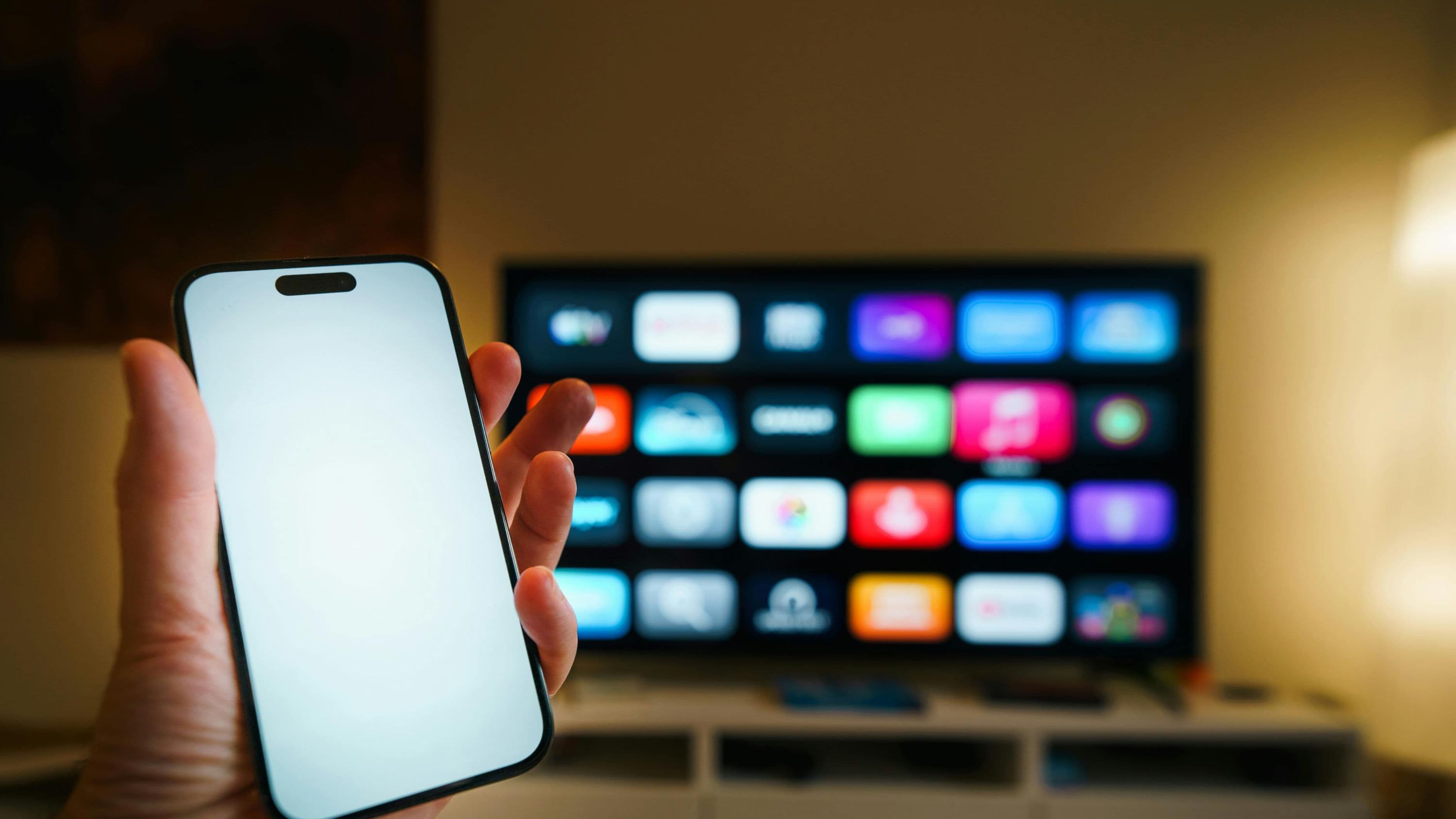
Streaming platforms don't always send the exact same video quality to every device, even when you're watching the identical piece of content on the same account and the same internet connection. Several factors specific to each device and app combine to determine what quality actually reaches your screen, which is why the same show can genuinely look different depending on whether you're watching on a phone, tablet, or television.
Screen Size and Resolution Play a Bigger Role Than You'd Think
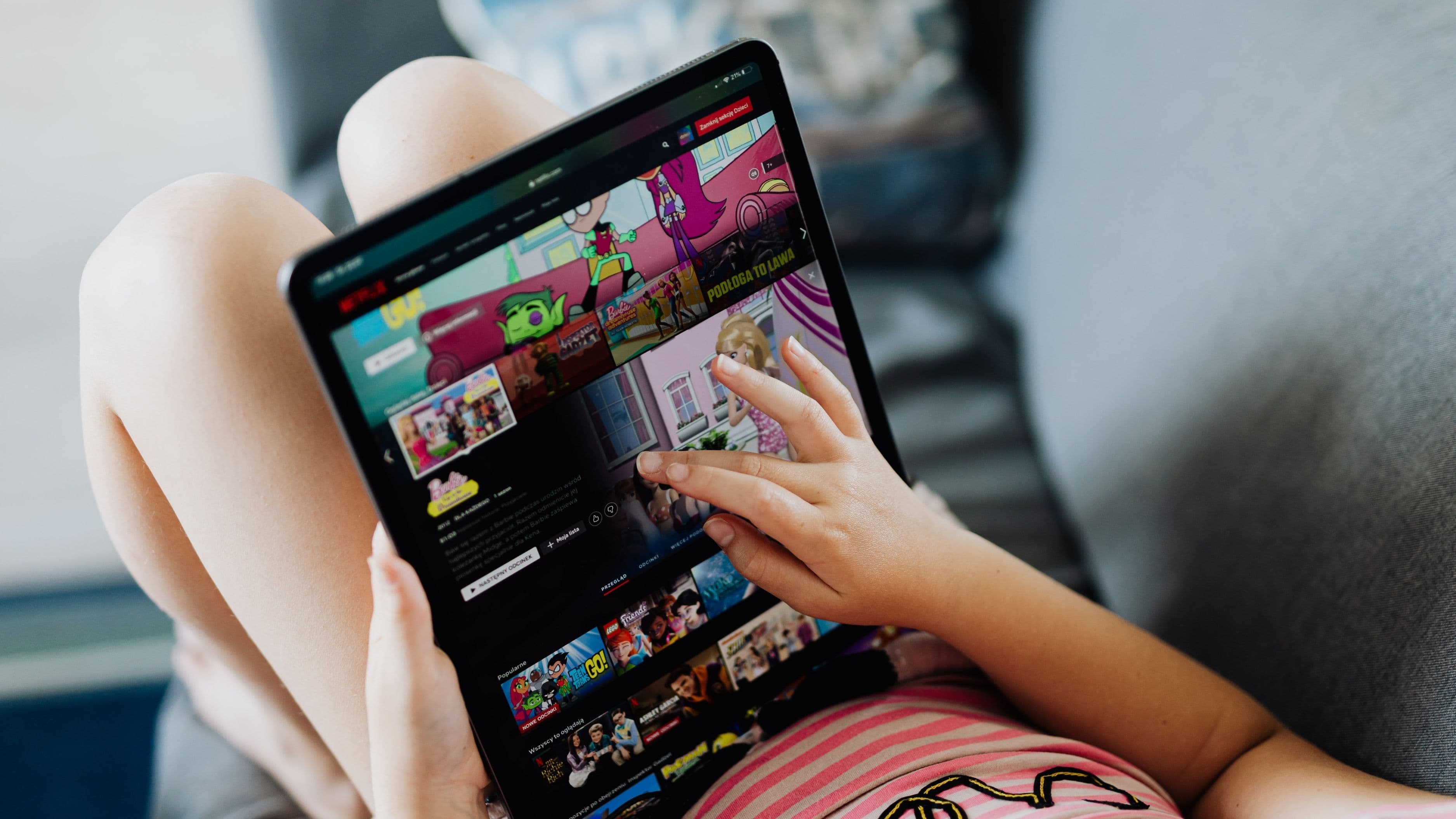
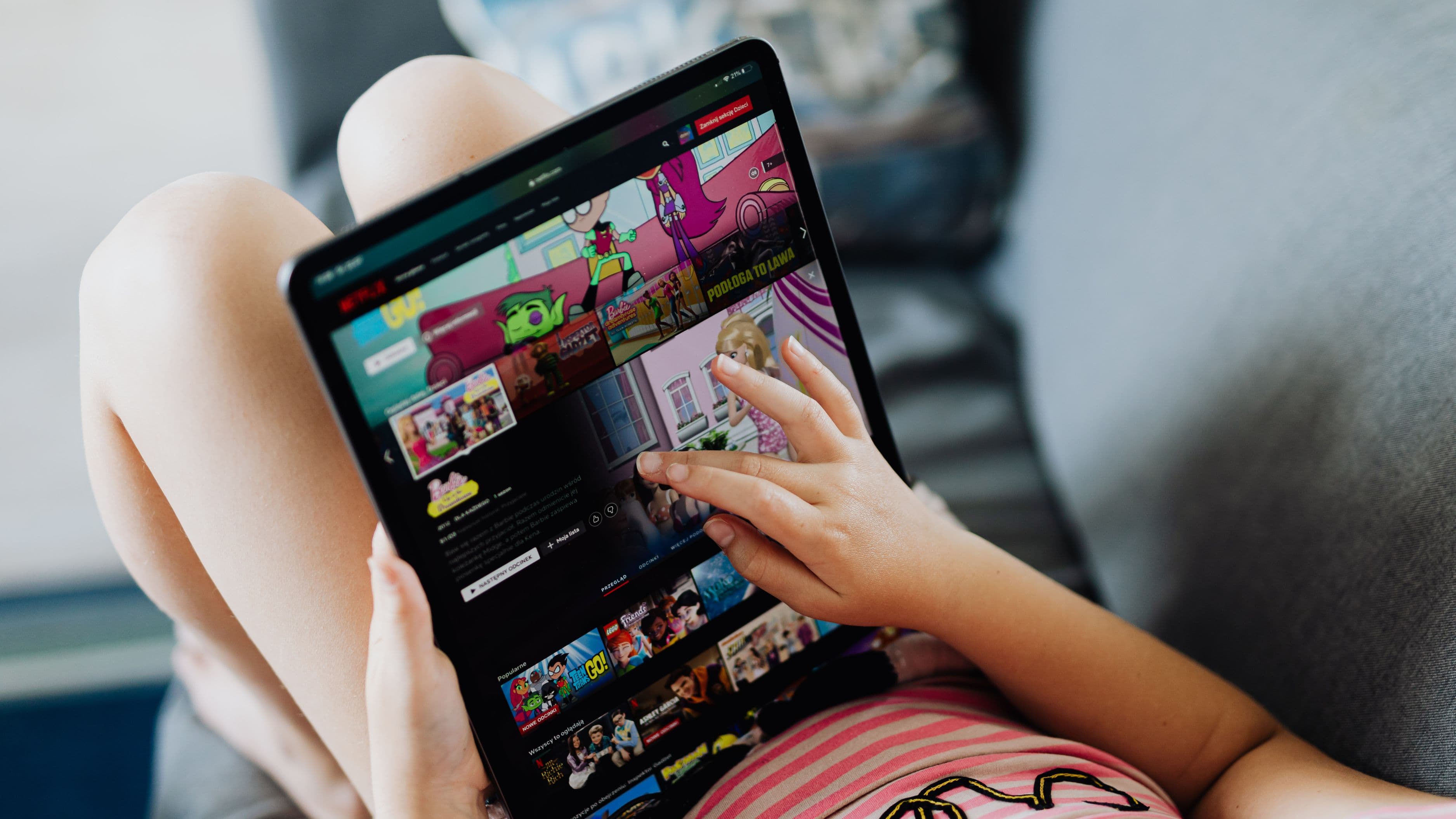
A phone screen is small enough that lower resolution video often looks perfectly sharp, since there simply isn't enough physical screen space to reveal the same level of detail loss that would be obvious on a much larger TV screen. Streaming apps take this into account, and some platforms will stream at a lower resolution on mobile by default, reasoning correctly that most viewers won't notice the difference on a smaller screen, which also helps conserve mobile data in the process.
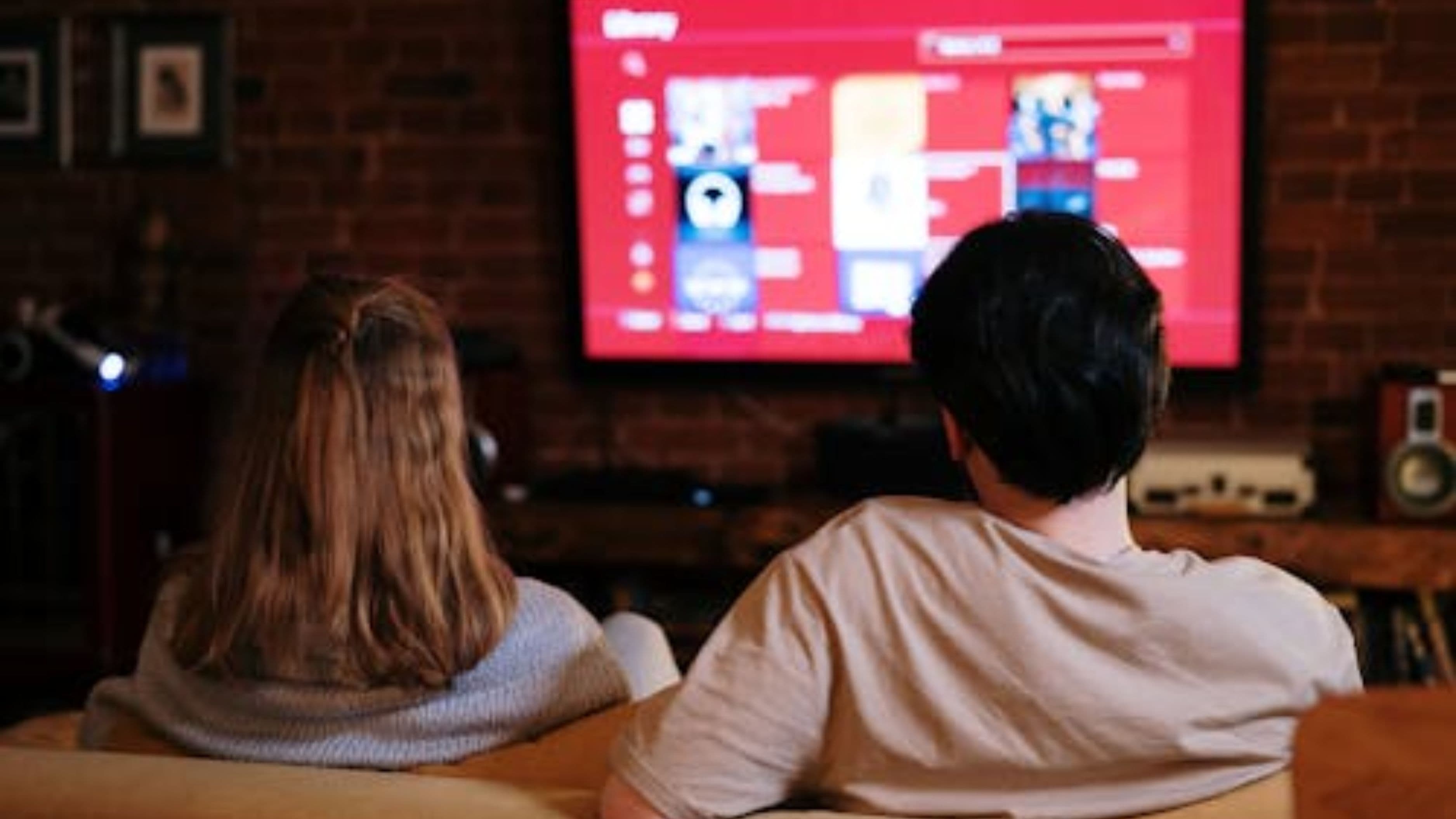
On a large TV, especially a 4K-capable display, the same lower-resolution stream becomes much more noticeable, since the image is stretched across a significantly larger physical area, making compression artifacts and softness in detail considerably easier to spot.
App-Specific Quality Settings and Defaults
Many streaming apps include separate quality settings for mobile data usage versus Wi-Fi, and some default to a lower quality setting specifically to conserve mobile data unless you manually change it. This is worth checking directly in each app's settings menu, since the default behavior varies significantly between platforms and isn't always obvious unless you go looking for it specifically.
Some platforms also cap maximum streaming quality differently depending on the device type itself, regardless of your internet connection speed, meaning even with excellent Wi-Fi, a mobile app might not offer the same top-tier resolution option that's available through the same platform's TV app.
Internet Connection and Bandwidth Allocation
Your home network's bandwidth gets divided across whatever devices are actively using it, and depending on your router's configuration, a TV connected via ethernet cable often gets a more stable, higher-bandwidth connection than a phone relying on Wi-Fi, particularly in homes with older routers or weaker Wi-Fi coverage in certain rooms. This can lead to noticeably different streaming quality even when you're using the exact same internet plan and streaming the exact same content.
Mobile devices connected to cellular data rather than Wi-Fi face an additional layer of variability, since cellular network speeds and quality fluctuate considerably more than a typical home internet connection, which explains why streaming on your phone while out and about often looks noticeably worse than the same content at home on Wi-Fi.
What You Can Actually Control
Check each streaming app's settings menu specifically for a video quality option, since many platforms let you manually select a higher quality tier rather than relying on automatic adjustment, which sometimes defaults to a lower setting than your connection could actually support. On mobile specifically, look for a setting that distinguishes between quality preferences on Wi-Fi versus cellular data, and adjust the Wi-Fi setting to the highest available option if data usage isn't a concern in that context.
For TV streaming, using a wired ethernet connection instead of Wi-Fi when possible generally provides a more stable connection, particularly useful if your TV is in a room with weaker Wi-Fi signal strength, which can otherwise cause quality to drop even on a fast overall internet plan.
Realistic Expectations
Even with every setting optimized, some difference in perceived quality between mobile and TV viewing is normal and expected, partly due to genuine technical factors and partly due to how differently the human eye perceives detail on a small handheld screen versus a large television. Don't expect identical picture quality across every device just because you've adjusted the available settings, since some baseline difference is built into how these platforms are designed to work across different screen sizes and connection types.
What to Avoid
Avoid assuming a quality drop on one device automatically means something is wrong with your internet connection, since app-specific settings and device-level streaming caps are just as likely to be the actual cause. It's also worth avoiding constant manual quality switching mid-stream unless you're specifically troubleshooting an issue, since some apps handle automatic quality adjustment reasonably well on their own, and manually overriding it too aggressively can occasionally cause more buffering rather than less.
Frequently Asked Questions
Why does the same show look different quality on the same platform's mobile app versus TV app? Streaming platforms often apply different default quality settings and, in some cases, different maximum resolution caps depending on device type, which can result in a real, noticeable quality difference even on an identical internet connection.
Does using cellular data always result in lower streaming quality than Wi-Fi? Not always, but cellular network speed and stability vary more than most home Wi-Fi connections, which frequently results in more noticeable quality drops or buffering when streaming over cellular data, especially in areas with weaker signal coverage.
Is it worth paying for a higher internet speed tier just to improve streaming quality? It depends on your current speed and how many devices are actively using your connection simultaneously, since bandwidth-related quality issues are more likely in households running several devices at once on a lower-tier internet plan.
The quality difference you're noticing between mobile and TV streaming is genuinely real, driven by a mix of screen size expectations, app-specific settings, and how your network bandwidth gets distributed across devices. Checking your app-specific quality settings and understanding how your connection is being shared across devices is the most practical way to close that gap where it's actually within your control.
📚 Sources
Federal Communications Commission, Understanding Internet Speed and Streaming – https://www.fcc.gov/consumers
Netflix Help Center, Streaming Quality Explained – https://help.netflix.com