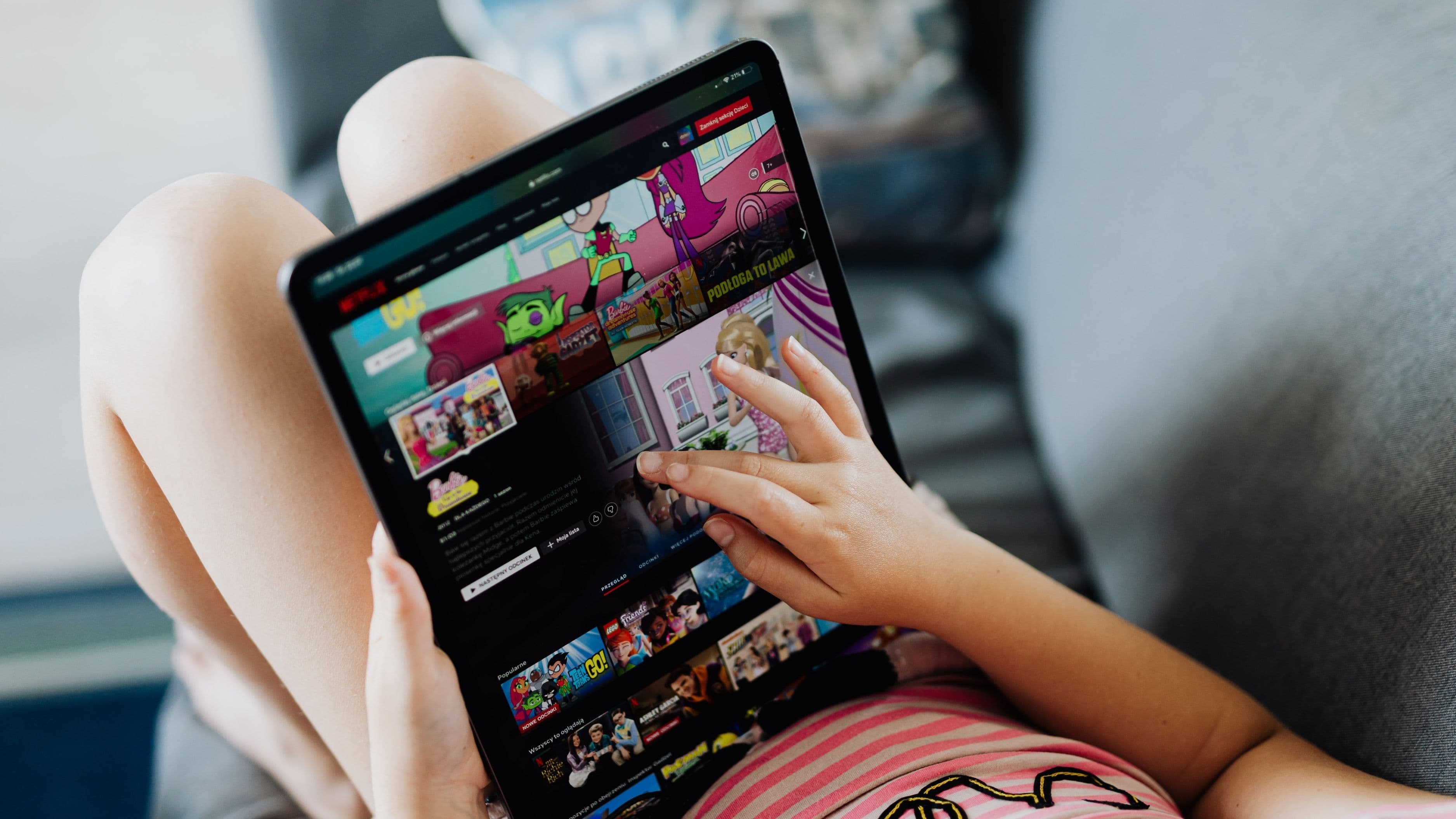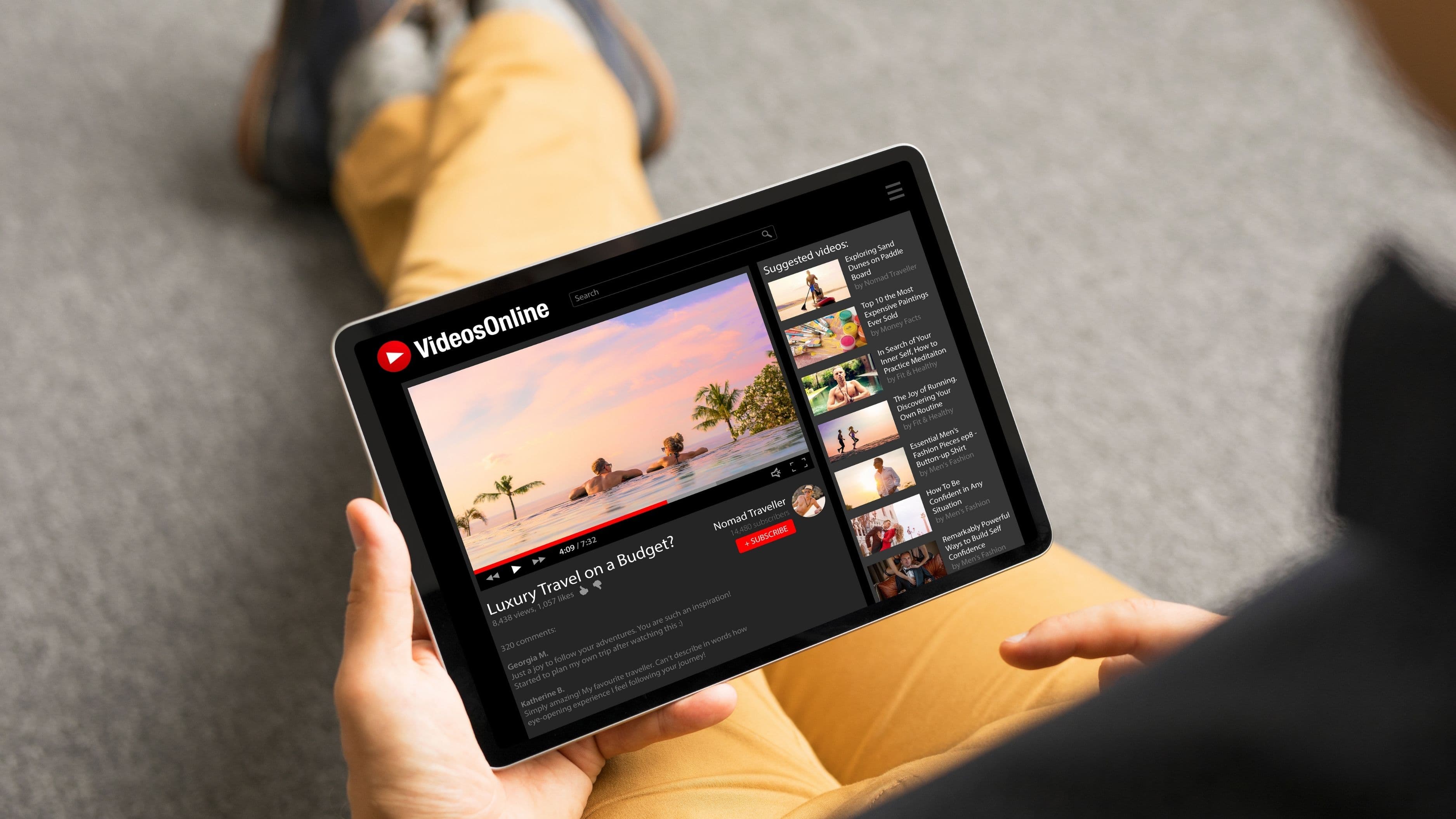

Not all offline download features are built the same, though. Some services are genuinely generous – easy to use, large storage limits, long expiry windows. Others treat downloads as a checkbox feature with so many restrictions they're barely worth using. Here's how the major players actually stack up.
What to Look for in a Download Feature
Before getting into the comparisons, it helps to know what the differences actually are. Five things separate a useful offline download feature from a frustrating one: download limits (how many titles you can save at once), expiry windows (how long downloads last before they expire), device limits (how many devices can hold downloads on one account), quality options (whether you can choose HD or data-saving quality), and title availability (what percentage of the library is actually downloadable).
Some services limit you to 25 downloads at a time. Others give you unlimited. Some downloads expire in 30 days or less. Others last until you watch them. And not everything in a streaming library is available for download – licensed content in particular is often restricted. Those differences add up when you're trying to download a season of something before a long trip.
Netflix
Netflix has one of the most widely used download features, and it's generally solid for subscribers on Standard or Premium plans. You can download on up to four devices depending on your plan, and most Netflix originals are available for download. Licensed content is hit or miss – some titles are downloadable, others aren't, and the availability can change without notice when licensing deals shift.
Download quality options are available – you can choose Standard or High quality in the app settings, with High quality producing noticeably better visuals at the cost of more storage space. The Standard setting is a reasonable middle ground for most situations. Downloads typically expire after 7 days of inactivity or 48 hours after you start watching, whichever comes first – which is a tighter window than some competitors and worth knowing before a longer trip.
One important limitation: Netflix's ad-supported Basic plan does not include downloads at all. If downloads are important to you, you need at least the Standard plan. The recent crackdowns on account sharing also mean that downloads are tied to specific verified devices, which reduces flexibility compared to older account setups.
Best for: Frequent Netflix subscribers who want to download originals and don't mind the 48-hour playback window.
Disney+
Disney+ has one of the most generous download setups among the major services. Downloads are available across all paid tiers, including the ad-supported plan – which is a meaningful advantage over Netflix. You can download on up to 10 devices on a single account, which is more than any other major service, making it practical for families or households with multiple devices.
The expiry window is also among the most forgiving: downloads typically last 30 days from the time you save them, and you have 7 days to finish a title once you start watching. That's substantially more room than Netflix gives you. The downloadable library is extensive – most Disney, Pixar, Marvel, and Star Wars content is available offline, along with a solid portion of the general Disney+ catalog.
Quality options include Standard and High quality, similar to Netflix. The main limitation is that Disney+'s library, while deep in franchise content, is narrower in variety than Netflix or HBO Max – if you're not primarily watching Disney, Marvel, or Star Wars content, the generous download terms matter less.
Best for: Families, frequent travelers, and anyone who subscribes primarily for Disney, Pixar, Marvel, or Star Wars content.
Max (HBO Max)
Max has improved its download feature meaningfully since the merger of HBO Max and Discovery+. Downloads are available on Standard and Ad-Free plans, but not on the base With Ads tier – similar to Netflix's restriction. You can download on up to 3 devices simultaneously, which is on the lower end compared to Disney+.
The expiry window is 30 days from download with a 48-hour window once you start watching – similar to Netflix's playback window but with more time before you need to start. Most Max originals and HBO titles are available for download, which is a strong library for drama, documentary, and prestige content. The Discovery+ content integration has added significant documentary and reality TV depth to the downloadable library.
One practical issue: Max's app has had a reputation for instability compared to some competitors, and download management is one area where users have reported occasional bugs with expired downloads not clearing properly or progress not syncing. It's improved, but it's worth keeping in mind if you're managing a large download queue.
Best for: HBO and prestige drama fans who want to download binge-worthy series for travel.
Apple TV+
Apple TV+ has a notably clean and well-implemented download feature, which fits the broader Apple experience. Downloads are available to all subscribers on up to 10 devices, which matches Disney+'s generous device limit. Most Apple Original content is available for download, and the expiry window is 30 days from download with a 48-hour playback window once started.
The limitation is straightforward: Apple TV+ has a significantly smaller library than its competitors. It's a quality-focused service with relatively few total titles, which means you'll exhaust the downloadable library faster than on Netflix or Disney+. If you're a heavy traveler who needs a large queue of content for extended offline periods, Apple TV+'s catalog depth is a real constraint.
For people who follow Apple Originals closely and have an iPhone or iPad as their primary viewing device, though, the download experience is polished and reliable. Apple's hardware and software integration means downloads on iPhone and iPad in particular tend to work exactly as expected.
Best for: Apple device users who follow Apple Originals and want a clean, reliable download experience.
Amazon Prime Video
Amazon Prime Video offers a download feature that's technically capable but has some quirks worth understanding. Downloads are available on Prime Video on most devices, and you can download on up to three devices simultaneously. The expiry window is generally 30 days, with a 48-hour playback window once you start – standard across the industry.
The complication with Prime Video is the distinction between included content and add-on channels. Content included with your Prime membership is downloadable under the standard terms. Content from Prime Video Channels – which you subscribe to separately, like Paramount+ with Prime Video or Starz – has its own download terms that vary by channel and are sometimes more restrictive. It's worth checking the specific download availability for add-on channel content before assuming it works the same as base Prime content.
Download quality options include Good, Better, and Best, which is a more granular control than most services offer and is useful for managing storage on devices with limited capacity.
Best for: Prime members who want flexible quality control and primarily watch base Prime Video content rather than add-on channels.
Peacock
Peacock's download feature is available only on the Peacock Premium Plus tier – not on the ad-supported Premium plan. This is one of the more restrictive download access policies among major services, and it's worth knowing before signing up. The Premium Plus tier runs roughly $7–$8 more per month than the basic Premium tier specifically for the ad-free and download features combined.
When downloads are available, the feature works reliably enough. You can download on up to three devices, and most Peacock Original content and a portion of the broader library is available. The expiry windows are standard – 30 days from download, 48 hours once started.
Peacock's library strength is in NBC content, classic TV, some live sports, and a growing set of Peacock Originals. If those are your primary interests, the Premium Plus tier makes the download feature worth having for travel. If you're on a lower Peacock tier, downloads simply aren't available.
Best for: Dedicated Peacock users on Premium Plus who primarily watch NBC content, Peacock Originals, or sports highlights.
Paramount+
Paramount+ offers downloads on its Paramount+ with Showtime tier and the base Essential tier, with some limitations. Most Paramount Originals, CBS content, and Showtime titles (on the higher tier) are available for download. Device limits are up to three devices simultaneously. Expiry windows follow the industry standard 30-day / 48-hour structure.
The notable limitation is that live content and some sports programming isn't available for download, which makes sense given the nature of live streaming but is worth knowing if that's why you subscribed. The download library is solid for drama, franchise content (Star Trek, Mission Impossible extended universe, etc.), and news.
Best for: Subscribers primarily interested in CBS, Paramount originals, or Showtime content who travel regularly.
Quick Comparison at a Glance
Most generous device limit: Disney+ (10 devices), Apple TV+ (10 devices)
Longest download expiry window before starting: Disney+, Max, Apple TV+, Amazon Prime Video, Paramount+ (all 30 days)
Tightest playback window once started: Netflix (48 hours) – same as Max, Apple TV+, Amazon, but Netflix's 7-day inactivity window adds an extra constraint
Best for families with multiple devices: Disney+
Best library depth for downloads: Netflix (breadth), Disney+ (franchise depth), Max (prestige content)
Most restrictive tier requirement: Peacock (downloads require highest paid tier)
Mistakes to Avoid
Waiting until you're already offline to download. This sounds obvious but it's the most common mistake. Downloads require an internet connection, and a strong one works better for the high-quality setting. Queue up your downloads at home on Wi-Fi the night before a trip, not in the airport departure lounge.
Not checking whether specific titles are downloadable. Not everything in a streaming library is available for download. Before building a trip playlist, verify that each title has the download icon visible in the app. Licensed content especially can change availability with little notice.
Ignoring storage requirements. A high-quality download of a feature film can take 2–5GB of storage. A full season of a drama in high quality can take 10–20GB. Check your device storage before a large download session and clear old downloads you're done with to free up space.
Starting a downloaded title just before the expiry window. If you start watching something with 6 hours left in your expiry window, you may not finish it before the license expires and the download locks. Start titles with enough buffer to complete them.
Downloading on too many devices and hitting the limit. If you've downloaded content on three devices and need to download on a fourth, you'll need to remove the download from one of the other devices first. On shared accounts, this can cause friction if multiple household members are managing downloads independently.
FAQ
Can I download streaming content to a laptop or computer? It depends on the service. Most streaming apps allow downloads on mobile devices (iOS and Android). Laptop and desktop downloads are more restricted – Netflix allows downloads through the Windows app but not through a browser. Disney+ allows downloads through Windows and Mac apps. Most services don't support browser-based downloads at all. Check the specific service's supported devices list for downloads before assuming desktop support.
Do downloads count against my device limit for simultaneous streaming? Usually not – downloading a title to a device and actively streaming to a device are typically counted separately. But check your specific plan's terms, as this varies.
What happens to my downloaded content if I cancel my subscription? Downloaded content becomes inaccessible immediately when your subscription lapses, even if the download expiry date hasn't passed. Streaming licenses are tied to an active subscription. If you resubscribe, previously downloaded content doesn't automatically restore – you'd need to re-download it.
Is download quality the same as streaming quality? Not always. Some services cap download quality below the maximum available streaming quality, particularly on base or ad-supported tiers. Netflix's highest download quality is 1080p on most devices but can reach 4K on select compatible devices with a Premium plan. Check your specific service and plan for the maximum supported download resolution.
Do downloads expire faster on some devices than others? The expiry windows are the same regardless of device, but licenses can occasionally behave differently across operating systems due to DRM (digital rights management) implementation differences. If you notice a download expiring unexpectedly early, it's worth checking whether there's a known bug on that platform version.
The Bottom Line
For pure generosity on download terms, Disney+ leads the pack – 10 devices, 30-day expiry, downloads available on all paid tiers, and a library deep enough in franchise content to fill any trip. Apple TV+ matches on devices and is extremely reliable on Apple hardware, but the smaller library is a real constraint for extended offline use.
Netflix is the default for most subscribers and works well for originals, but the 48-hour playback window and no-downloads-on-ad-supported-tier policy are genuine limitations to be aware of. Max and Amazon Prime Video are solid mid-tier options. Peacock's restriction to the top tier is the most user-unfriendly policy in the group.
Match your choice to how you actually travel and what you actually watch, and you'll have what you need offline without surprises.
📚 Sources
Netflix Help Center – Downloading titles on Netflix: https://help.netflix.com/en/node/64215
Disney+ Help Center – Downloading content on Disney+: https://help.disneyplus.com/article/disneyplus-downloading-content
Max Help Center – Downloading with Max: https://help.max.com/us/Answer/Detail/000002485
Apple Support – Downloading Apple TV+ content for offline viewing: https://support.apple.com/en-us/101558
Amazon Prime Video Help – Download videos for offline viewing: https://www.amazon.com/gp/help/customer/display.html?nodeId=G201376240
Peacock Help Center – Offline downloads on Peacock: https://www.peacocktv.com/help/article/can-i-download-content-to-watch-offline