Why Auto-Renewal Catches So Many People Off Guard
Most streaming platforms default new sign-ups, including free trials, into automatic recurring billing unless you actively opt out or cancel before the trial period ends. This isn't necessarily deceptive on its own, it's disclosed in the terms you agree to, but the combination of an easy sign-up process and a comparatively more involved cancellation process creates a real asymmetry that works in the platform's favor.
Add in the sheer number of subscriptions people juggle today, streaming video, music, cloud storage, fitness apps, and it becomes genuinely easy to lose track of which ones renewed automatically and which ones you meant to cancel weeks ago but never got around to.
Step 1: Audit Your Current Subscriptions
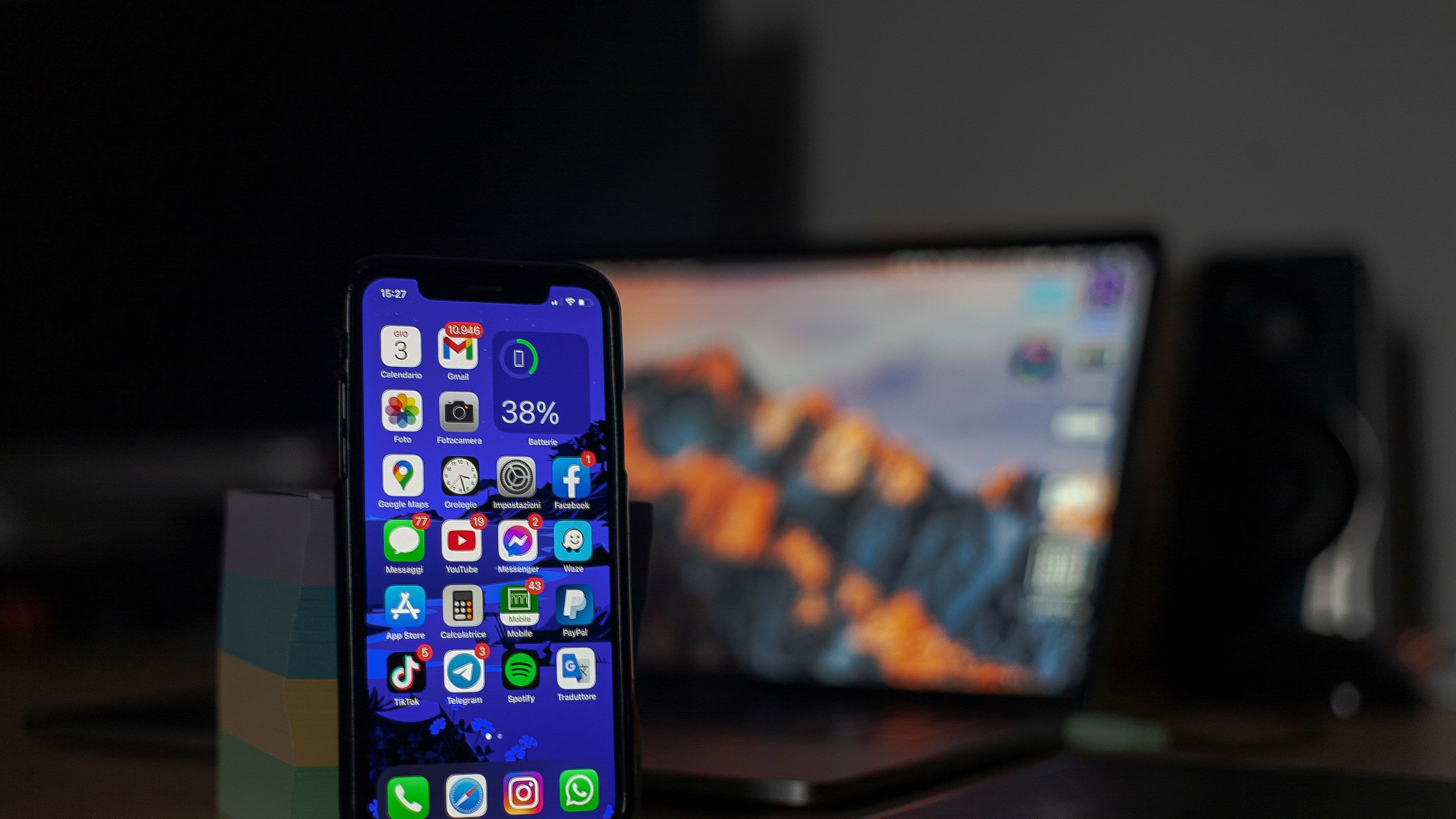
Start by checking your bank or credit card statement from the last two months specifically for recurring charges from streaming platforms, since this is often the fastest way to spot subscriptions you'd genuinely forgotten about. Cross-reference this against your phone's App Store or Google Play subscription management page if you signed up through a mobile app, since app-based subscriptions sometimes don't show up clearly on a bank statement under a recognizable name.
Many banking apps now include a subscription-tracking feature that flags recurring charges automatically, which is worth checking if your bank offers it, since it can surface forgotten subscriptions faster than manually scanning through statements yourself.
Step 2: Set Calendar Reminders Before Trial Periods End
Whenever you sign up for a new free trial, immediately set a calendar reminder two to three days before the trial ends, giving yourself enough buffer time to actually cancel before you're charged, rather than remembering on the exact day and potentially missing the cutoff due to time zone differences or processing delays. This single habit prevents the most common way people end up paying for a trial they never intended to convert into a paid subscription.
Some people find it useful to note the specific cancellation deadline directly in the reminder itself, since trial lengths vary by platform and it's easy to mix up which trial ends when if you're juggling more than one at a time.
Step 3: Know Where to Cancel for Each Major Platform
Cancellation location varies depending on how you originally signed up, which is one of the more confusing parts of managing multiple subscriptions. If you signed up directly through a platform's website, cancellation typically happens through your account settings on that same website. If you signed up through an app on your phone, cancellation usually needs to happen through your phone's App Store or Google Play subscription settings instead, not within the app itself, which surprises a lot of people who assume the in-app settings will handle it.
If you signed up through a third party, like a cable provider bundle or a promotional partnership through another service, cancellation sometimes needs to go through that third party rather than the streaming platform directly, so check your original sign-up confirmation email for specifics if you're unsure.
Step 4: Use Virtual Cards for Trial Sign-Ups When Possible
Some banking apps and services like Privacy.com offer virtual card numbers that let you set spending limits or single-use restrictions on a specific card, which can act as a safety net for trial sign-ups by preventing a renewal charge from going through automatically even if you forget to cancel manually. This isn't necessary for every subscription, but it can be a useful extra layer of protection for trials you're genuinely unsure you'll remember to cancel.
Step 5: Do a Quarterly Subscription Review
Rather than only checking subscriptions when you notice an unexpected charge, build in a quick quarterly review, once every three months, where you look at your full list of active subscriptions and ask honestly whether you're still getting enough value from each one to justify keeping it. This catches subscriptions that started intentionally but have quietly stopped being worth the cost as your viewing habits shifted.
What to Avoid
Avoid assuming that simply not using a service will automatically stop the charges, since nearly all streaming platforms continue billing regardless of actual usage until you take the specific step of canceling. Also avoid relying purely on memory for tracking multiple trial end dates, since the whole point of a calendar reminder is removing that reliance on memory in the first place, and it's genuinely easy to lose track once you're juggling more than two or three trials at once.
Be cautious of "pause" features some platforms offer as an alternative to full cancellation, since a paused subscription can sometimes auto-resume after a set period without a clear reminder, which defeats the purpose if you were trying to avoid ongoing charges altogether.
Realistic Expectations
Even with a solid system in place, it's realistic to occasionally miss a cancellation deadline or forget about a smaller subscription buried in a bundle deal, and that's a normal part of managing multiple digital services rather than a sign your system has failed. The goal here is meaningfully reducing how often this happens, not achieving flawless subscription management forever.
Frequently Asked Questions
Can I get a refund if I'm charged after forgetting to cancel a trial? Some platforms offer goodwill refunds for a recent, unintentional charge, particularly if you contact support quickly and it's a first-time occurrence, though this isn't guaranteed and varies significantly by platform and specific circumstances.
Is it worth using a subscription tracking app? For people juggling many recurring subscriptions across different categories, a dedicated tracking app or your bank's built-in subscription feature can genuinely save time and catch forgotten charges faster than manual tracking.
Why do some subscriptions require canceling through the App Store instead of the app itself? This depends on how the original transaction was processed. Subscriptions billed through Apple or Google's payment systems are managed through those platforms' subscription settings rather than within the individual app, regardless of which service the subscription is actually for.
Staying ahead of unwanted auto-renewals mostly comes down to a few consistent habits: setting reminders before trials end, knowing where to actually cancel for each platform, and reviewing your subscriptions regularly rather than only reacting when a surprise charge shows up. None of this requires much effort once it becomes routine, and it can meaningfully reduce how much you're paying for services you're not actually using.
📚 Sources
Federal Trade Commission, Negative Option and Subscription Billing Rules – https://www.ftc.gov
Consumer Reports, Managing Streaming Subscriptions – https://www.consumerreports.org