This comparison covers the four most widely used smart TV operating systems: Samsung Tizen, LG webOS, Google TV, and Roku TV. Not which TV brand is best, but which software platform is best – and more importantly, which one is the right fit for how you actually watch.
Quick Overview: What Each One Is
Before the deep dive, here's what you're actually comparing.
Samsung Tizen is a proprietary OS developed and used exclusively by Samsung. It runs on every Samsung smart TV and integrates tightly with Samsung's broader hardware ecosystem, including SmartThings home automation and Samsung mobile devices. It's been around since 2015 and has evolved significantly through annual model updates.
LG webOS started as a smartphone OS that LG acquired from HP in 2013 and repurposed for smart TVs. It's been LG's exclusive OS ever since, with a reputation as one of the most user-friendly interfaces in the category. LG recently began licensing webOS to other TV brands, which means it's no longer limited to LG hardware.
Google TV is Google's most recent smart TV platform, launched in 2020 as a successor to Android TV. It's used by Sony, Hisense, TCL, and others, and runs on the Chromecast with Google TV streaming device. It adds a personalized content recommendation layer on top of the broad app availability that made Android TV popular.
Roku TV is the smart TV version of the Roku streaming OS, which has been powering standalone streaming sticks and boxes since 2008. It's built into TVs from TCL, Hisense, Sharp, and others, and is probably the most widely used smart TV OS in the US by total number of active accounts.
Interface and Ease of Use
Samsung Tizen organizes the home screen around a persistent bottom dock that stays visible while you're watching content – you press the home button and a row of recent apps and content appears without leaving what you're watching. The Universal Guide function shows a combined content timeline across live TV and streaming apps, which is useful for channel-surfers who also stream. The overall design is polished and responds quickly, though the heavy promotion of Samsung's own services (Samsung TV Plus, Samsung Daily) can feel intrusive if you don't use them.
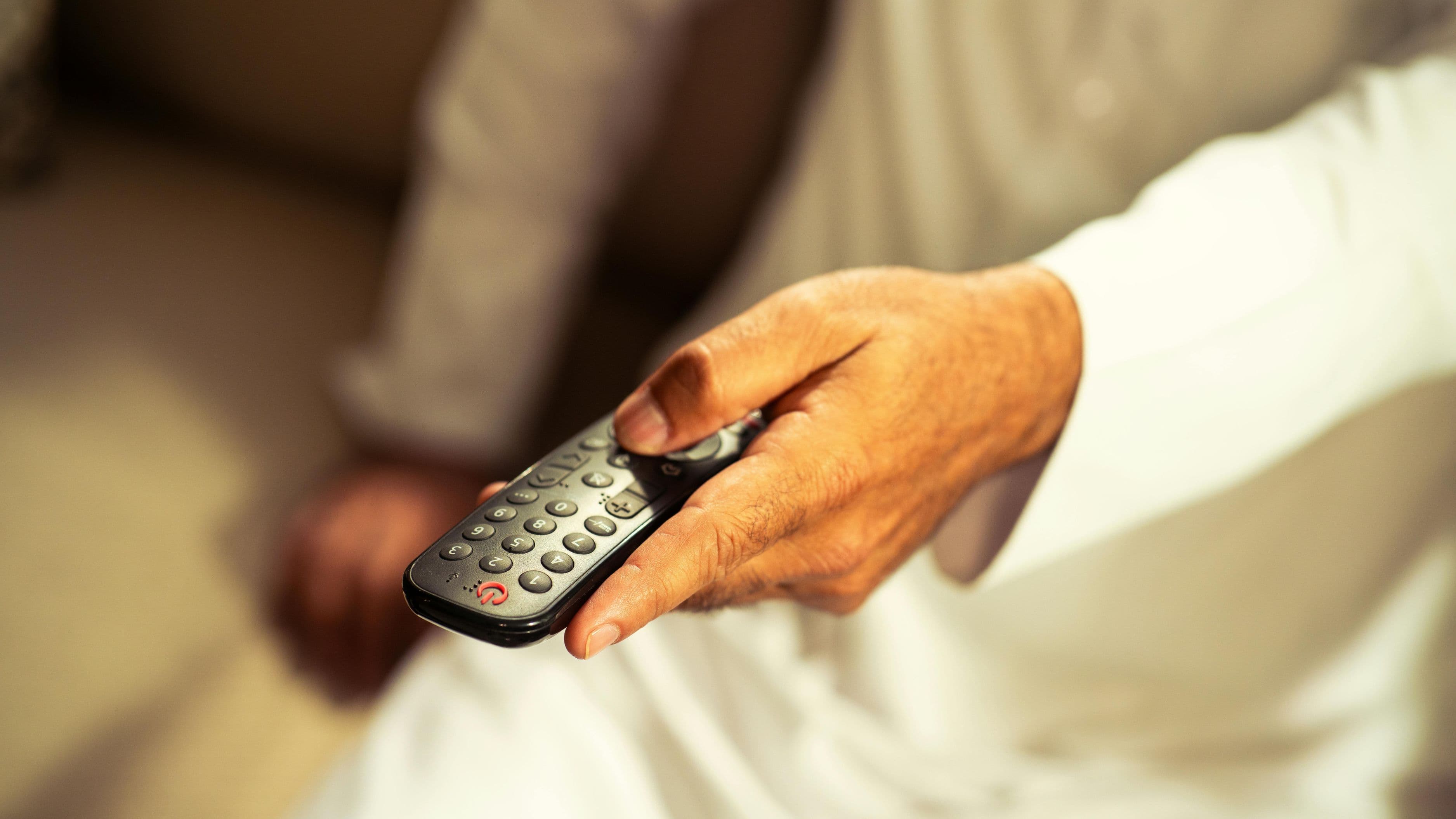
LG webOS is consistently praised as the most visually clean and intuitive of the four. The home screen is a floating content shelf at the bottom of the display, browsable without leaving your current content. LG's Magic Remote – which uses gyroscopic motion to work like a cursor on screen – makes navigating menus feel much faster and more natural than directional button navigation. Once you've used a Magic Remote, standard TV remotes feel slow. webOS updates have progressively reduced clutter, and the 2022+ versions are noticeably cleaner than earlier iterations.
Google TV takes a different philosophical approach: rather than showing you a grid of apps, it leads with a personalized recommendations row that aggregates content from all your connected services into a single "For You" tab. If you use a lot of streaming services and want a unified discovery experience, this is genuinely useful – you don't have to remember which service has what, because Google surfaces it for you. The trade-off is that this approach requires more data sharing and can feel like algorithmic curation rather than personal browsing. The interface has layers that newer TV users may find initially overwhelming.
Roku TV is the simplest of the four. The home screen is a scrollable grid of app tiles with a content feed panel on the left. That's essentially it. There's very little to configure, almost no learning curve, and the whole interface feels designed for people who want to press the Netflix button and start watching immediately. Roku's simplicity is both its greatest strength and its main limitation – it doesn't try to do much beyond what it does, which means it lacks the personalization and smart home integration that the others offer.
Winner on ease of use: Roku for pure simplicity, webOS for elegance combined with functionality.
App Availability
All four platforms support every major streaming service: Netflix, Disney+, Max, Hulu, Apple TV+, Peacock, Paramount+, and Prime Video. For most users, this means app availability isn't a meaningful differentiator. Where differences emerge is in niche apps, international services, and specialty content.
Google TV has the broadest app library because it runs on a version of the Android platform, which means access to the Google Play Store and thousands of apps beyond the major streaming services. If you want a niche sports streaming app, an international content service, or a local broadcaster's streaming app, Google TV is most likely to have it.
Roku TV has over 5,000 apps in its Channel Store, which covers the vast majority of what most US viewers need. It has solid international app coverage and a respectable selection of niche services, though its library is smaller than Google TV's.
Samsung Tizen has a strong app library for mainstream services and has improved its international content coverage over time, but its store is more curated and generally smaller than Google TV's or Roku's. It does include Samsung TV Plus, which adds hundreds of free live TV channels without any subscription.
LG webOS has a similar app situation to Tizen – strong for major services, somewhat limited for niche or international apps. LG Content Store has grown substantially but lags behind Google TV and Roku in total volume. LG Channels provides free live TV content similar to Samsung TV Plus.
Winner on app availability: Google TV, with Roku TV as a close second for US-focused viewers.
Performance and Speed
Raw performance varies more by TV hardware than by OS, since the processor and RAM powering the software differ across TV models and price points. But each OS has a general performance reputation based on how efficiently it uses the hardware it runs on.
LG webOS consistently ranks among the fastest and most responsive across its TV lineup. Animations are smooth, app launches are quick, and the OS rarely shows the sluggishness that cheaper smart TVs from other brands can exhibit.
Roku TV is known for being lightweight and fast because the OS is intentionally minimal. It doesn't try to run recommendation algorithms, process continuous data, or maintain complex app states in the background. The result is an interface that feels responsive even on modest hardware.
Samsung Tizen performs well on Samsung's mid-to-high-end TVs, though it can feel heavier on Samsung's budget range where hardware specs are lower. On premium Samsung displays, Tizen is smooth and quick.
Google TV is the most resource-intensive of the four because of its personalization features and broader app ecosystem. On well-specced hardware (Sony's higher-end TVs, for example), it runs smoothly. On budget hardware running Google TV, performance can feel noticeably slower.
Winner on performance: LG webOS and Roku TV, both of which deliver consistent responsiveness across more of their hardware range.
Voice Control and Smart Home Integration
This is where the platforms diverge most significantly, and where your existing smart home and device ecosystem should heavily influence your decision.
Samsung Tizen uses Bixby as its native voice assistant – and Bixby is the weakest voice assistant of the four. It handles basic TV commands adequately but falls short on natural language processing compared to Google Assistant or Alexa. Tizen also integrates with SmartThings, Samsung's smart home platform, which is excellent if you own Samsung smart home devices and nearly irrelevant if you don't. It supports Alexa and Google Assistant as alternatives.
LG webOS uses ThinQ AI as its native assistant, which is similarly mediocre for complex commands but adequate for TV-specific tasks. LG TVs support Alexa and Google Assistant integration, which is the practical path for users who want capable voice control. The smart home integration centers on LG ThinQ devices.
Google TV has the strongest native voice integration by a significant margin. Google Assistant built into Google TV handles natural language searches, cross-app content queries, smart home control through Google Home, and a wide range of information requests naturally and accurately. If you use Google Home or a lot of Android devices, Google TV's voice capabilities are a genuine advantage in day-to-day use.
Roku TV has no native voice assistant. It supports Amazon Alexa and Google Assistant for voice control, but these work through external integration rather than being built directly into the OS. The Roku Voice Search function on the remote handles basic content search adequately without a full assistant.
Winner on voice and smart home: Google TV by a clear margin, followed by Tizen for Samsung ecosystem users.
Privacy and Data Practices
All four platforms collect viewing data to varying degrees, but their transparency and data practices differ.
Google TV has the most extensive data collection, consistent with Google's broader advertising business model. Personalized recommendations require data, and Google uses viewing data, account data, and behavioral patterns across its services. Privacy controls exist but require active management.
Amazon Fire TV (not part of this comparison but worth noting in context) has similar data-forward practices. Samsung Tizen and LG webOS both collect ACR (Automatic Content Recognition) data – a technology that identifies what you're watching, including from other devices connected to the TV. Both allow this to be disabled in settings, but it's on by default and requires the user to actively opt out.
Roku TV also uses ACR and targeted advertising, and has faced some scrutiny over its data practices. Like the others, these settings can be adjusted but aren't off by default.
No major smart TV platform is truly privacy-neutral. If data collection is a primary concern, your options are to use an external streaming device on a non-smart TV, aggressively manage settings on any of these platforms, or use a VPN – though VPN use on smart TVs requires either a router-level VPN or a streaming stick running a VPN app.
Best for privacy-conscious users: Roku TV, marginally, because of its simpler data model – though none of the four should be considered private without active settings management.
Which One Is Right for You
There isn't a universal winner, but the right choice is clear depending on your situation.
Choose Samsung Tizen if you're buying a Samsung TV and are already in the Samsung ecosystem. Tizen is best-in-class for what it's designed to do: power Samsung hardware with a fast, polished interface that integrates Samsung's own services. If you're not buying a Samsung TV, Tizen isn't relevant.
Choose LG webOS if you're buying an LG TV and care about interface quality and remote experience. The Magic Remote genuinely changes how the TV feels to use, and webOS is arguably the most refined UI of the four. If you're not buying an LG TV (or an LG-licensed TV), webOS isn't relevant either.
Choose Google TV if you're buying a Sony, Hisense, or TCL TV and are already in the Google ecosystem. If your home runs on Android phones, Google Home, and Google Assistant, the integration is seamless and the recommendation features are genuinely useful. Also the best choice if app breadth is a priority.
Choose Roku TV if you want the simplest possible experience, are buying a budget to mid-range TV, or simply don't want to commit to any tech ecosystem. Roku's universality – it integrates with Alexa, Google, and Apple equally without favoring any of them – makes it the easiest choice for mixed-device households or users who just want to watch TV without thinking about software.
Common Mistakes to Avoid
Letting the TV brand drive the OS decision without checking whether the brand offers an OS you actually want is the most common mistake. Not all TCL TVs run Roku – some run Google TV. Not all Hisense TVs run the same OS. Check the specific model's software before purchasing, not just the brand.
Assuming you can install a different OS if you don't like the one that comes with the TV is also a misconception. Smart TV operating systems are not interchangeable. The OS a TV ships with is what it runs. External streaming devices are the workaround, not a true replacement.
Ignoring long-term software support when buying is a real financial decision. Samsung has a solid track record of providing Tizen updates to older TV models. LG has similarly updated webOS on older TVs. Google TV's support timeline is less established but improving. Roku consistently updates older devices. A TV you plan to use for 7–10 years benefits from a platform with a strong update history.
FAQ
Can I add more apps than what's available in my TV's app store? On Google TV you have access to the Google Play Store, which is the largest smart TV app store available. On Roku, Tizen, and webOS, you're limited to each platform's official store. For apps not available natively, a streaming stick in your HDMI port is the most practical workaround.
Is Roku TV a good OS for non-technical users? Yes – it's arguably the best choice for non-technical users specifically because of its simplicity and the absence of complicated personalization settings to configure.
Will my smart TV OS get slower over time? To some degree, yes. As apps update and require more processing power, older hardware can struggle to keep pace. This happens regardless of OS, but lighter platforms like Roku tend to age more gracefully on budget hardware than heavier platforms like Google TV.
Do any of these OS platforms work with Apple devices? All four support AirPlay 2 for streaming from iPhone or Mac, and all four have the Apple TV app available. Apple TV+ is accessible on every major smart TV platform. None of them run tvOS or integrate with Apple HomeKit at the same level as Apple TV hardware.
What if I want to use my smart TV without any internet connection? All four platforms can display content from HDMI inputs and USB drives without an internet connection. The smart features, app streaming, and voice assistants require internet. The underlying TV functions (external inputs, basic picture settings) work offline on all platforms.
📚 Sources
Rtings.com – Smart TV Operating System Comparison 2024 – https://www.rtings.com/tv/reviews/best/smart-tv-by-operating-system
The Verge – The Best Smart TV Platform to Buy In 2024 – https://www.theverge.com/23393695/smart-tv-os-google-tv-roku-fire-tv-samsung-tizen-lg-webos
CNET – Best Smart TV Platform Tested and Ranked – https://www.cnet.com/tech/home-entertainment/best-smart-tv-platforms/
PCMag – Google TV vs Roku TV: What's the Difference? – https://www.pcmag.com/comparisons/google-tv-vs-roku
Samsung Newsroom – Tizen Smart TV Platform Features – https://news.samsung.com/global/tizen-based-smart-tv-platform
LG Newsroom – webOS Smart TV Overview – https://www.lg.com/us/experience-tvs/webos