Here's what the main smart TV operating systems actually offer, how they compare where it matters, and which one is likely to be the best fit for how you actually watch.
The Main Smart TV Operating Systems Right Now
There are five operating systems running the majority of smart TVs sold in the US and globally: Google TV, Roku TV, Amazon Fire TV, Samsung Tizen, and LG webOS. Each has a distinct design philosophy, a different approach to app availability, and different trade-offs in speed, usability, and privacy.
Google TV
Google TV is the operating system found on Sony TVs and several other brands, and it's a significant step up from the older Android TV platform it replaced. It organizes content around a recommendations row at the top of the home screen, pulling in personalized suggestions from across every app you use rather than making you open each service separately. If you use YouTube regularly, the integration is seamless. If you're already in the Google ecosystem – Gmail, Google Home, Android phone – Google TV connects with all of it naturally.
The app library is effectively the full Google Play Store, which means virtually every streaming service you'd want is available, including niche apps that smaller platforms sometimes skip. Search through Google TV works across all your apps simultaneously, so searching for a title shows you where it's available to stream, rent, or buy without you having to check each service individually. Voice search through Google Assistant is genuinely useful rather than just a gimmick.
The main trade-offs are privacy concerns (Google's data practices are extensive and the TV actively uses your viewing habits to serve recommendations and ads) and occasional interface complexity for users who just want a simple grid of apps. For tech-comfortable viewers who are already in the Google ecosystem and want a smart, integrated experience, Google TV is among the best options available.
Best for: Google ecosystem users, people who want cross-platform content recommendations, tech-comfortable viewers.
Limitations: Privacy trade-offs, slightly complex for minimalist users.
Roku TV
Roku has been making streaming hardware longer than most competitors, and that experience shows in the operating system. Roku TV is the cleanest, most streamlined smart TV OS available, with a simple home screen that's essentially a grid of app tiles and a persistent content feed at the top. There's almost no learning curve, and the interface responds quickly even on mid-range hardware.
The Roku Channel Store has over 5,000 apps, covering all major streaming services and a strong selection of niche and international content. Roku also has its own free, ad-supported streaming service built in (The Roku Channel), which includes live TV, news, and on-demand content at no cost. The search function works across most apps and shows you the cheapest place to watch something, which is a genuinely useful feature if you're managing multiple subscriptions.
Roku TV doesn't have a native voice assistant – it integrates with Amazon Alexa and Google Assistant for voice control, but you're dependent on those external ecosystems rather than having a built-in solution. The interface is designed primarily around traditional navigation rather than deep personalization, which makes it excellent for straightforward viewers but less adaptive for users who want algorithm-driven content discovery.
The biggest Roku advantage is consistency across price points. Whether you're buying a $300 TV or a $1,200 one, the Roku experience is essentially the same, which makes it a reliable choice when you're buying toward the lower end of the price spectrum.
Best for: Casual viewers, families, anyone who wants simplicity and speed, users who don't want to commit to a specific tech ecosystem. Limitations: Less personalization, no native voice assistant, lighter on smart home integration.
Amazon Fire TV
Amazon Fire TV is the OS powering select TV brands (particularly Amazon Fire TVs and some Toshiba and Pioneer models) and its design priorities are immediately obvious: it's built around promoting Amazon content. Prime Video recommendations are prominently featured, Alexa integration is deep and functional, and the overall experience is designed to keep you in the Amazon ecosystem as much as possible.
Outside of that Amazon-forward bias, Fire TV is a capable and app-rich platform. The Appstore includes all major streaming services, though the interface tends to favor its own content in ways that can feel pushy. Alexa voice control is genuinely excellent – you can search across apps, control smart home devices, check the weather, and do a range of tasks through voice that other platforms handle less smoothly. For anyone who already uses Alexa for smart home control, the integration is a real practical advantage.
The home screen of Fire TV can feel cluttered because it mixes actual app content with ads for Amazon content and sponsored placements alongside the apps you've chosen. If you're not bothered by that and are primarily an Amazon Prime subscriber, Fire TV is a natural fit. If you're primarily using Netflix, HBO Max, and Disney+ and find Amazon's self-promotion annoying, the interface friction can be wearing over time.
Best for: Amazon Prime subscribers, Alexa smart home users, people who primarily watch Prime Video.
Limitations: Heavy Amazon promotion on the home screen, less ideal if Amazon services aren't your primary viewing platform.
Samsung Tizen
Samsung's proprietary Tizen OS runs exclusively on Samsung smart TVs and is one of the most mature smart TV platforms available. It's fast, stable, and has evolved substantially since its initial launch. The smart hub is clean and functional, with a persistent menu bar at the bottom of the screen that lets you access apps without ever leaving your current content. The universal guide pulls content from across your apps into a single browsable timeline, which is genuinely useful for live TV viewers.
Samsung has invested heavily in Tizen's own free streaming service, Samsung TV Plus, which includes hundreds of free live TV channels – news, sports, movies, and more – without any subscription requirement. Combined with support for all major streaming apps, this makes Samsung TVs among the most capable out-of-the-box for viewers who want both live and on-demand content without paying for multiple services.
The main limitation of Tizen is that it's Samsung-exclusive, so your smart TV experience is tied entirely to Samsung's continued investment in the platform. Samsung has been consistent in updating older TVs with new Tizen features, which is a positive signal for long-term support. The platform also integrates well with Samsung smart home devices (SmartThings) but less smoothly with non-Samsung ecosystems. Voice control through Bixby exists but is widely considered less capable than Google Assistant or Alexa.
Best for: Samsung hardware buyers, people who want free live TV built in, viewers with Samsung smart home devices.
Limitations: Samsung ecosystem lock-in, Bixby voice assistant is mediocre, limited usefulness if you switch to a non-Samsung TV later.
LG webOS
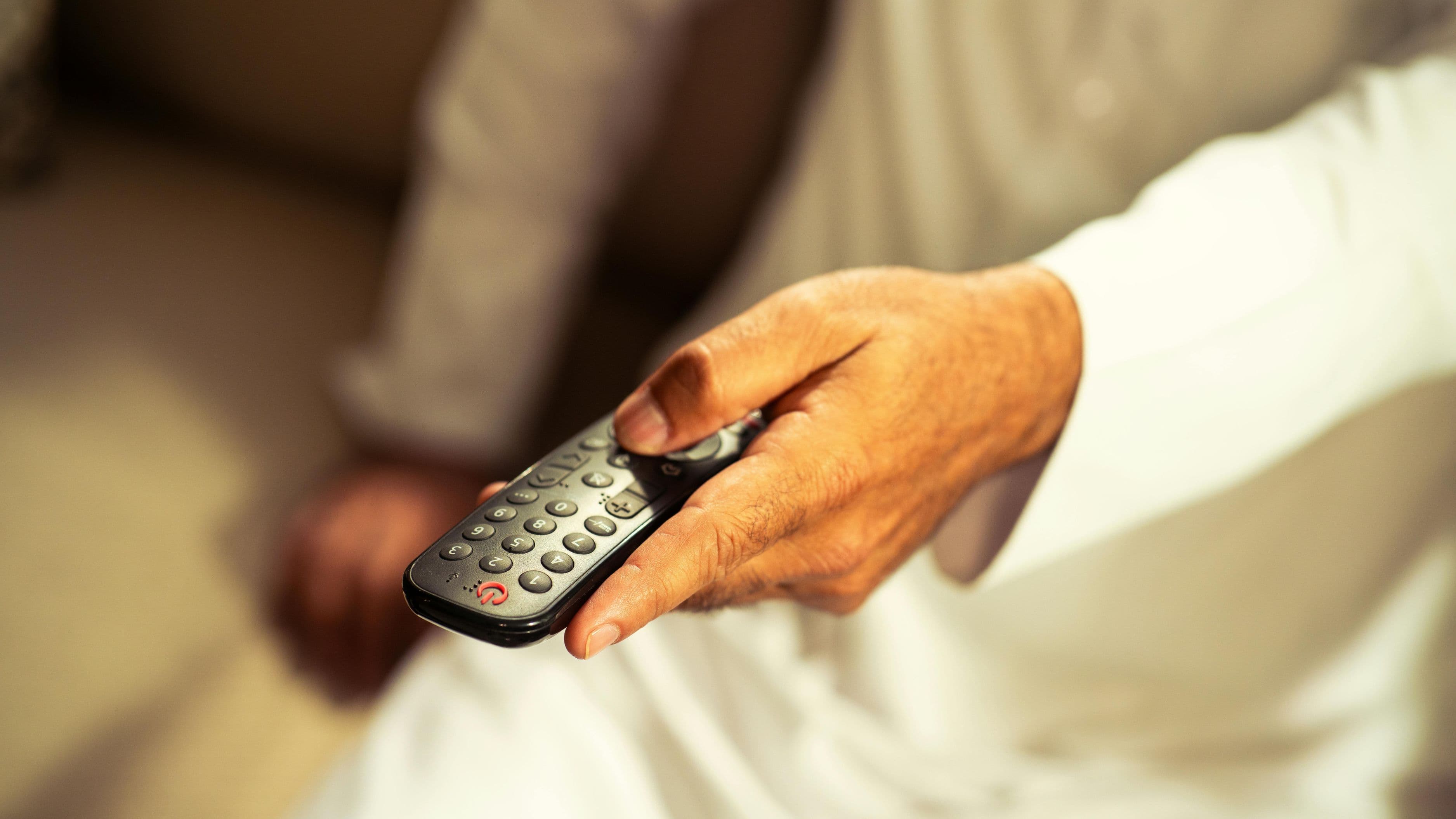
LG's webOS is the other major proprietary smart TV OS and is frequently cited by TV reviewers as the most elegant and user-friendly interface available. The Magic Remote – a gyroscopic pointer remote that works like a PC mouse – makes navigating the OS distinctively fast and natural. Content search works across apps, the interface is clean and quick, and the LG Content Store has all major apps with LG ThinQ AI integration for smart home control.
LG has also recently opened webOS to other TV brands (Eko, Ayonz, and others), which means you can now find webOS TVs outside of LG's lineup. webOS includes LG Channels, a free live TV streaming service similar to Samsung TV Plus, which adds free content without any subscription requirement.
webOS sits in a similar position to Tizen – proprietary, well-executed, and excellent if you're buying within the brand ecosystem. The Magic Remote is genuinely transformative for people who find standard TV remotes clunky, and for buyers choosing between LG and Samsung TVs at similar price points, the UI preference often comes down to this remote experience versus Samsung's guide approach.
Best for: LG hardware buyers, users who value interface quality, viewers who want a mix of streaming and free live TV.
Limitations: LG ecosystem, Magic Remote is excellent but also proprietary.
How to Choose the Right One for You
The right OS depends almost entirely on two things: what ecosystems you already use, and how you primarily watch.
If you're a Google/Android user who streams across multiple services and wants intelligent content discovery, Google TV is the most natural fit. If you want the simplest, fastest experience with no ecosystem commitment, Roku TV is the safest choice at any price. If Amazon Prime is your primary streaming service and you use Alexa in your home, Fire TV integrates everything in a way the others don't. If you're buying a premium Samsung display and want a native, integrated experience, Tizen is mature and well-supported. If you're buying an LG OLED and want the best interface quality, webOS paired with the Magic Remote is hard to beat.
The one thing worth actively avoiding is buying a TV based on panel quality alone and treating the OS as an afterthought. Two TVs with identical display hardware running different operating systems will produce meaningfully different day-to-day experiences, and the one with the worse OS will be noticeably more frustrating over the years you're using it.
Common Mistakes to Avoid
Don't assume you can replace a bad OS with an external streaming stick. You can – a Roku Stick or Fire TV Stick plugged into your TV's HDMI port will override the built-in OS for streaming purposes – but this adds a device, uses an HDMI port, and means you're using two remotes or programming a universal remote. It's a workable fix but an inelegant one. Choosing the right OS from the start is cleaner.
Don't make your decision based on the in-store demo. Smart TV OS demos in retail environments are typically pre-configured to show the most polished version of the interface. Test with your actual account, your actual apps, and your actual internet connection once you're home – performance varies significantly based on home Wi-Fi quality and the server load at any given time.
Don't forget app availability for niche services. If you use a sports streaming service, an international content platform, or a niche app, verify it's available on your target OS before buying. All five platforms support major services (Netflix, Disney+, Max, Hulu, Apple TV+, Prime Video), but smaller services have gaps across different platforms.
FAQ
Can I use a smart TV without its built-in OS? Yes. Any smart TV with HDMI ports can run an external streaming device like a Roku Streaming Stick, Chromecast with Google TV, Amazon Fire TV Stick, or Apple TV. This essentially replaces the built-in OS for streaming purposes, though you'll still need to use the TV's native OS for settings and input switching.
Which smart TV OS gets updated the most regularly? Google TV and Roku OS both receive frequent updates with new features. Samsung Tizen and LG webOS update on a roughly annual cycle with new model releases and periodic software patches for existing TVs. Amazon Fire TV also updates regularly. The consistency of updates over time – particularly for older TV models – varies by brand.
Does the OS affect picture quality? No. Picture quality is determined by the TV's display panel, processing chip, and hardware. The OS is software that runs on top of the hardware. Choosing a different OS won't change how good (or bad) the picture looks.
What if I want to use Apple TV+ on any of these platforms? Apple TV+ is available as an app on all five major platforms – Google TV, Roku TV, Fire TV, Tizen, and webOS. Apple AirPlay 2 support (for mirroring content from iPhone or Mac) is also available on most major TV brands regardless of OS.
Is one OS faster than the others? Generally, Roku TV and LG webOS are considered the fastest and most responsive. Google TV can feel slightly heavier on lower-end hardware. Samsung Tizen and Amazon Fire TV fall in the middle. Performance also depends on the hardware the OS is running on – a mid-range TV with a slower processor will feel slower regardless of OS.
📚 Sources
Rtings.com – Smart TV Operating System Comparison – https://www.rtings.com/tv/reviews/best/smart-tv-by-operating-system
The Verge – Google TV vs Roku TV vs Fire TV vs Tizen vs webOS – https://www.theverge.com/23393695/smart-tv-os-google-tv-roku-fire-tv-samsung-tizen-lg-webos
CNET – Best Smart TV Platform – https://www.cnet.com/tech/home-entertainment/best-smart-tv-platforms/
PCMag – Smart TV Buying Guide: Which OS Is Right for You – https://www.pcmag.com/explainers/smart-tv-os
Roku – Roku TV Platform Overview – https://www.roku.com/en-us/products/players/roku-tv
Samsung Newsroom – Tizen OS Features and Smart TV Platform – https://news.samsung.com/global/tizen-based-smart-tv-platform