Region locking on YouTube happens for real reasons: licensing agreements, music rights, broadcasting deals, and local regulations all create situations where content is available in some countries but not others. The good news is that there are legitimate and effective ways to get around this, and most of them are not complicated once you know what you're doing.
Here's exactly how to watch region-locked YouTube content from anywhere.
Why YouTube Blocks Content by Region
Before jumping into solutions, it helps to understand why region locks exist. YouTube doesn't set these restrictions itself in most cases – rights holders do. A music label might have sold streaming rights for a specific song to different providers in different countries, meaning YouTube can only show it in the territories where they hold the rights. A sports broadcaster might have exclusive online streaming rights in a specific region. A TV network might restrict international access to comply with local broadcast agreements.
Government restrictions add another layer. In some countries, YouTube is partially or fully blocked at the network level, unrelated to specific content licensing. This is a different problem from rights-based geo-blocking, though the solutions overlap.
The practical result for viewers is the same either way: content that exists on the platform is invisible to you based on where your internet connection is located.
Option 1: Use a VPN (The Most Reliable Method)
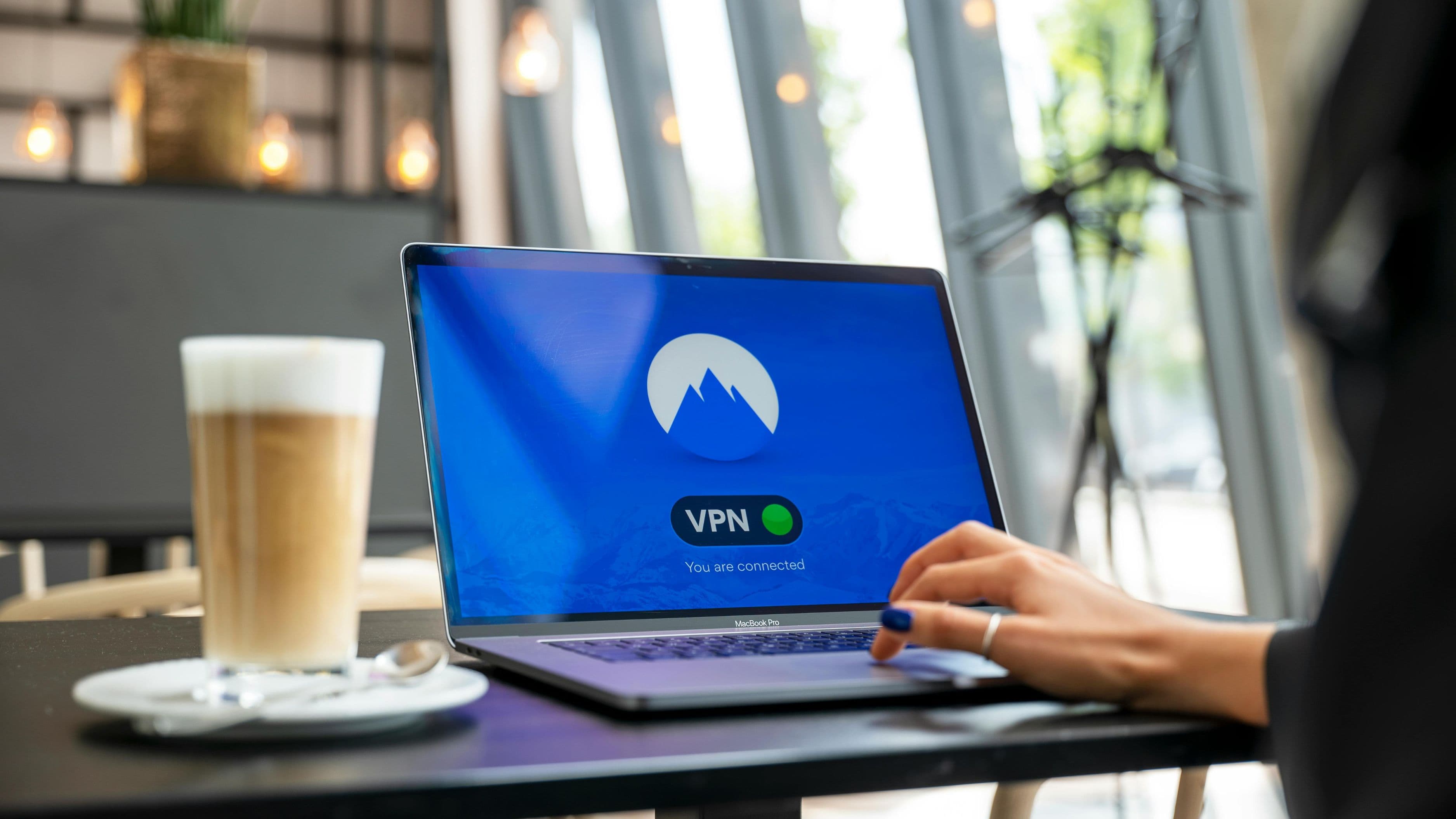
A VPN – Virtual Private Network – routes your internet traffic through a server in a different country, making YouTube see a different location for your connection. If you connect through a US-based VPN server, YouTube sees a US viewer. If you connect through a Japanese server, you appear to be browsing from Japan.
This is the most reliable and versatile solution for region-locked YouTube content, and it works for both specific blocked videos and for accessing YouTube in countries where it's restricted at the network level.
How to set it up:
Choose a reputable VPN service. For YouTube specifically, you want a VPN with fast servers (video streaming is bandwidth-intensive), a wide selection of server locations, and a track record of working reliably with streaming platforms. Well-regarded options include ExpressVPN, NordVPN, and Mullvad. Most cost $3–$12 per month depending on subscription length, with annual plans offering the best value.
Download and install the VPN app on your device – phone, computer, tablet, or smart TV depending on where you're watching. Most VPNs have apps for iOS, Android, Windows, macOS, and browser extensions.
Connect to a server in the country where the content is available. If a video is only accessible in Germany, connect to a German server. If you're not sure which country the content is available in, try starting with the US or UK, which have the broadest YouTube content libraries.
Open YouTube and try the blocked video. With the VPN active, your apparent location has changed and the geo-restriction should no longer apply.
What to keep in mind: Using a VPN to access geo-restricted content technically violates YouTube's Terms of Service, though this is rarely enforced against individual viewers – enforcement is typically directed at large-scale commercial bypassing. VPNs themselves are legal in most countries, though a handful of countries restrict or ban VPN use. If you're in a country with VPN restrictions, research your local regulations before proceeding. Also note that VPNs can slow your connection slightly, which may affect video quality – connecting to the nearest available server in your target country helps minimize this.
Option 2: Use a Proxy or Smart DNS Service
Proxies and Smart DNS services are alternatives to a full VPN that are specifically designed for streaming geo-restricted content. They change your apparent location for streaming traffic only, without encrypting your entire internet connection – which means they're generally faster than a VPN for video playback.
A Smart DNS service doesn't mask your IP address in the same comprehensive way a VPN does – it reroutes only the DNS queries that tell streaming platforms where you are. For the specific purpose of accessing region-locked YouTube content, this is often enough. Services like Unlocator and Smart DNS Proxy offer this capability, typically at a lower cost than a full VPN.
The tradeoff is that Smart DNS doesn't provide the privacy and security benefits of a VPN, and it won't help if YouTube is blocked entirely at the network level in your country. For viewers who just want faster access to geo-restricted content without the encryption overhead, it's a practical option.
Option 3: Use a Proxy Website (Free, but Limited)
There are browser-based proxy websites that route YouTube traffic through servers in other countries without requiring any software installation. You paste the YouTube URL into the proxy site, and it loads the video through its server.
This works in a pinch and costs nothing, but the experience is significantly worse than a paid VPN. Free proxy sites are typically slow, bombard you with ads, have unreliable uptime, and may not support HD video playback. Some proxy sites also raise security concerns, particularly regarding data handling. For occasional access to a single blocked video, it's a workable free option. For regular use, a proper VPN or Smart DNS is worth the investment.
Option 4: Download the Video First
If you only need access to a specific piece of content – a documentary, a tutorial, a music video – rather than ongoing browsing, downloading it through a tool like yt-dlp (a command-line downloader) or a browser extension before you travel or while using a VPN session can give you offline access without needing to maintain a VPN connection while you watch.
This approach has its own Terms of Service implications (YouTube's ToS restricts downloading for personal use unless the creator has enabled the download button), so it's worth understanding what you're doing. Practically speaking, this is a common approach for travelers who know they'll have limited or restricted internet access.
Choosing the Right VPN for YouTube: What to Look For
Not all VPNs perform equally for streaming. A few things to evaluate before subscribing:
Server count and location diversity. More server locations mean more flexibility for accessing content from different countries. Look for VPNs with servers across Europe, Asia, and the Americas to cover most geo-restriction scenarios.
Speed performance. VPNs add overhead to your connection. Look for VPNs that publish independent speed test results or have strong reputations for streaming performance. ExpressVPN and NordVPN are consistently rated well in this category.
No-logs policy. A VPN provider that doesn't log your activity is meaningfully more private than one that does. Look for providers that have had their no-logs policy independently audited.
Device compatibility. Make sure the VPN has apps for every device you use to watch YouTube. If you watch primarily on a smart TV, check whether the VPN has a compatible app or router-level setup instructions.
Money-back guarantee. Reputable VPNs offer 30-day money-back guarantees. This lets you test the service with YouTube specifically before committing.
What Doesn't Work (Save Yourself the Frustration)
Free VPNs are tempting but almost always disappointing for streaming. They typically have slow speeds, limited server locations, data caps, and questionable privacy practices. A $3/month paid VPN subscription is worth far more than any free option for this use case.
Browser extensions alone often don't work for the YouTube app on mobile or smart TV – they only affect what happens in the browser. If you watch YouTube across multiple devices, you need a VPN with dedicated apps for each platform.
Tor browser routes your traffic through multiple relays for anonymity, but the resulting speed is far too slow for video streaming. It's not a practical option for watching YouTube content.
Switching your YouTube region in account settings changes your recommendations and interface language, but it does not bypass geo-restrictions on individual videos. This is a common misconception – the account region setting has a different function from your actual network location.
Common Mistakes to Avoid
Connecting to a distant server when a closer one is available. If you need US content and you're in Europe, connecting to a US East Coast server will typically perform better than a US West Coast server. Proximity to your actual location matters even within the target country.
Not testing the VPN before you need it. If you're traveling internationally and planning to use a VPN for YouTube access, test the service before your trip – some VPN providers require account setup that's easier to complete from your home country.
Assuming one VPN connection covers all devices. Your phone, laptop, and smart TV each need the VPN running separately unless you set it up at the router level.
Forgetting to disconnect when you don't need the VPN. Leaving a VPN connected when you're not actively using it for geo-restricted content can slightly slow other internet activity. Most VPN apps make it easy to toggle on and off as needed.
FAQ
Is using a VPN for YouTube legal? In most countries, yes. VPNs are legal tools used widely for privacy, security, and business purposes. A small number of countries restrict or ban VPN use – notably Russia, China, Iran, and the UAE. If you're in one of these countries, check local regulations. Using a VPN to access geo-restricted content technically violates YouTube's Terms of Service, but YouTube does not actively ban individual users for this.
Will a VPN affect my YouTube video quality? It can, slightly. VPNs add some overhead to your connection, which can reduce available bandwidth. Connecting to a nearby server in your target country minimizes this. Most paid VPNs with good speed performance have minimal impact on 1080p streaming; 4K streaming is more sensitive to connection overhead.
Can I use a free VPN for this? Free VPNs generally don't perform well for streaming due to speed limits, server congestion, and data caps. They may also have privacy practices that are less transparent than paid providers. For occasional one-off access, a free tier from a reputable provider (ProtonVPN has a genuinely usable free tier) is a reasonable option. For regular use, a paid subscription is worth it.
Does this work on mobile? Yes. Install your VPN app on your phone, connect to the target country server, then open the YouTube app. The VPN applies to all traffic from your phone while connected, including the YouTube app.
What if the video is blocked everywhere except one obscure country? Connect to a server in that country and try. VPN providers with large server networks typically cover most countries. If you're not sure which country a video is available in, try the most common English-speaking markets first (US, UK, Canada, Australia) before checking less common options.
📚 Sources
YouTube Help – Video Availability and Geographic Restrictions: https://support.google.com/youtube/answer/78358
Electronic Frontier Foundation – VPNs and the Law: https://www.eff.org/issues/privacy
PCMag – The Best VPN Services for 2024: https://www.pcmag.com/picks/the-best-vpn-services
ExpressVPN – How to Use a VPN with YouTube: https://www.expressvpn.com/support/vpn-setup/how-to-use-expressvpn-with-youtube/
Wirecutter (NYT) – The Best VPN Service: https://www.nytimes.com/wirecutter/reviews/best-vpn-service/