Why Local Channels Are Trickier Than National Streaming Apps
Unlike a national streaming service that broadcasts the same content everywhere, local channels are tied to your specific geographic market, meaning the solution that works for someone in another city might not apply to you. This regional dependency is exactly why local channel access requires a slightly different approach than just downloading a popular streaming app and calling it done.
Option 1: A Digital Antenna for Free Over-the-Air Channels
A modern digital TV antenna picks up local broadcast signals completely free, no subscription or internet connection required, delivering major network channels in many cases at a higher picture quality than cable ever offered. Setup involves connecting the antenna to your TV's antenna input and running a channel scan, which most modern TVs handle automatically within a few minutes.
Cost level: low, a one-time equipment purchase with no ongoing fees. Limitation: signal strength and channel availability depend heavily on your distance from broadcast towers and any physical obstructions like hills or tall buildings, so results vary significantly by location.
Option 2: Live TV Streaming Services With Local Channel Access
Several live TV streaming services now include local network affiliates as part of their channel lineup in many markets, functioning much like a traditional cable package but delivered entirely over the internet. Coverage varies by service and by your specific location, since local affiliate agreements are negotiated market by market, so it's worth checking a specific service's channel lineup for your zip code before subscribing.
Cost level: medium, typically a monthly subscription fee comparable to a slimmed-down cable package. Limitation: not every local market has full affiliate coverage through every service, and availability can change as negotiations between services and broadcasters evolve.
Option 3: Network-Specific Streaming Apps
Many major networks offer their own dedicated streaming apps that include local affiliate content, sometimes with a subscription requirement and sometimes free with ads, depending on the specific network and your location. This option tends to work best for people who mainly want access to one or two specific networks rather than a full local channel lineup.
Cost level: low to medium, depending on whether the specific app requires a subscription or offers free ad-supported access. Limitation: coverage and features vary considerably between different network apps, and some require verifying an existing pay-TV subscription for full access to certain content.
Option 4: Combining an Antenna With a Streaming Device
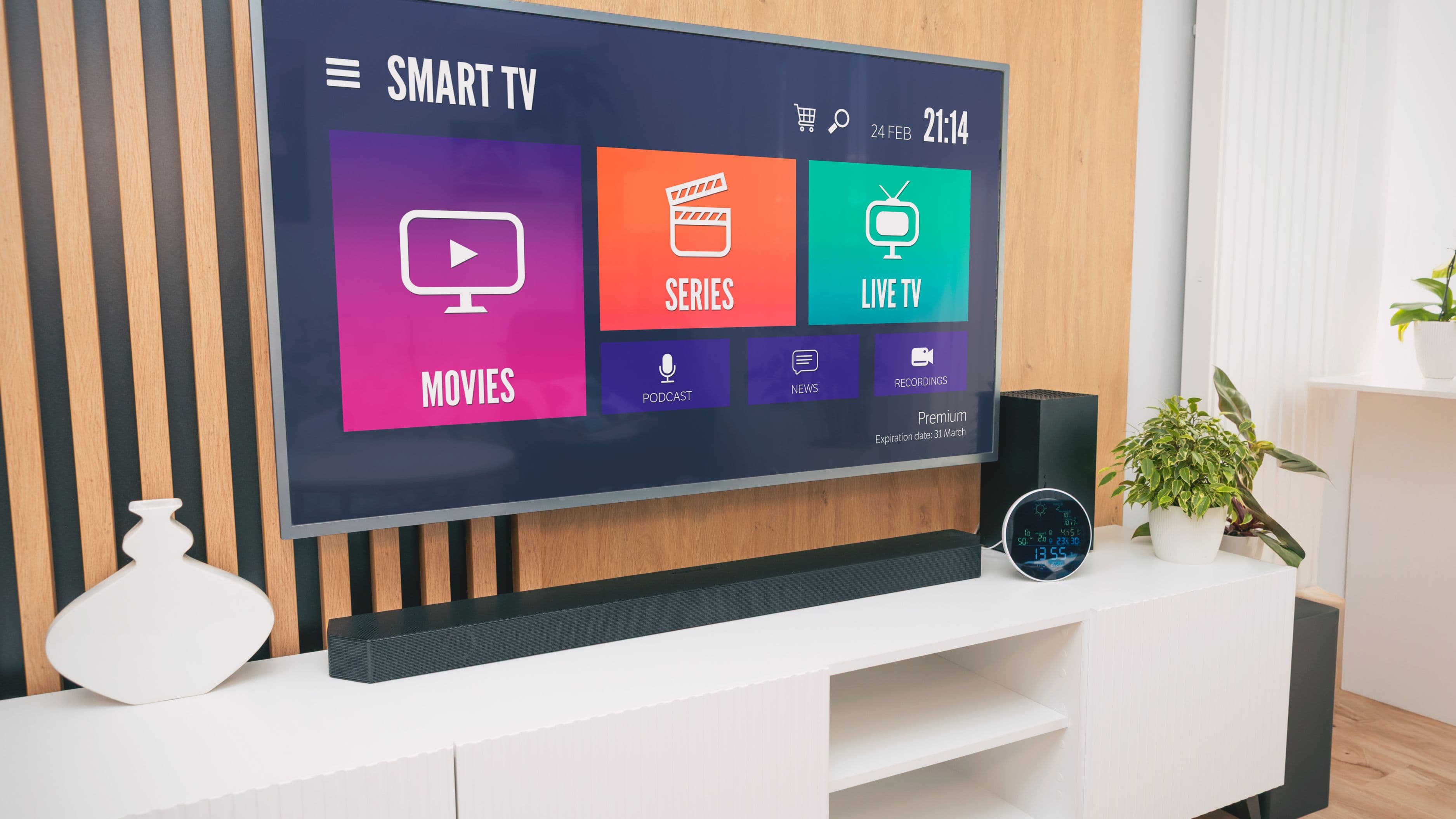
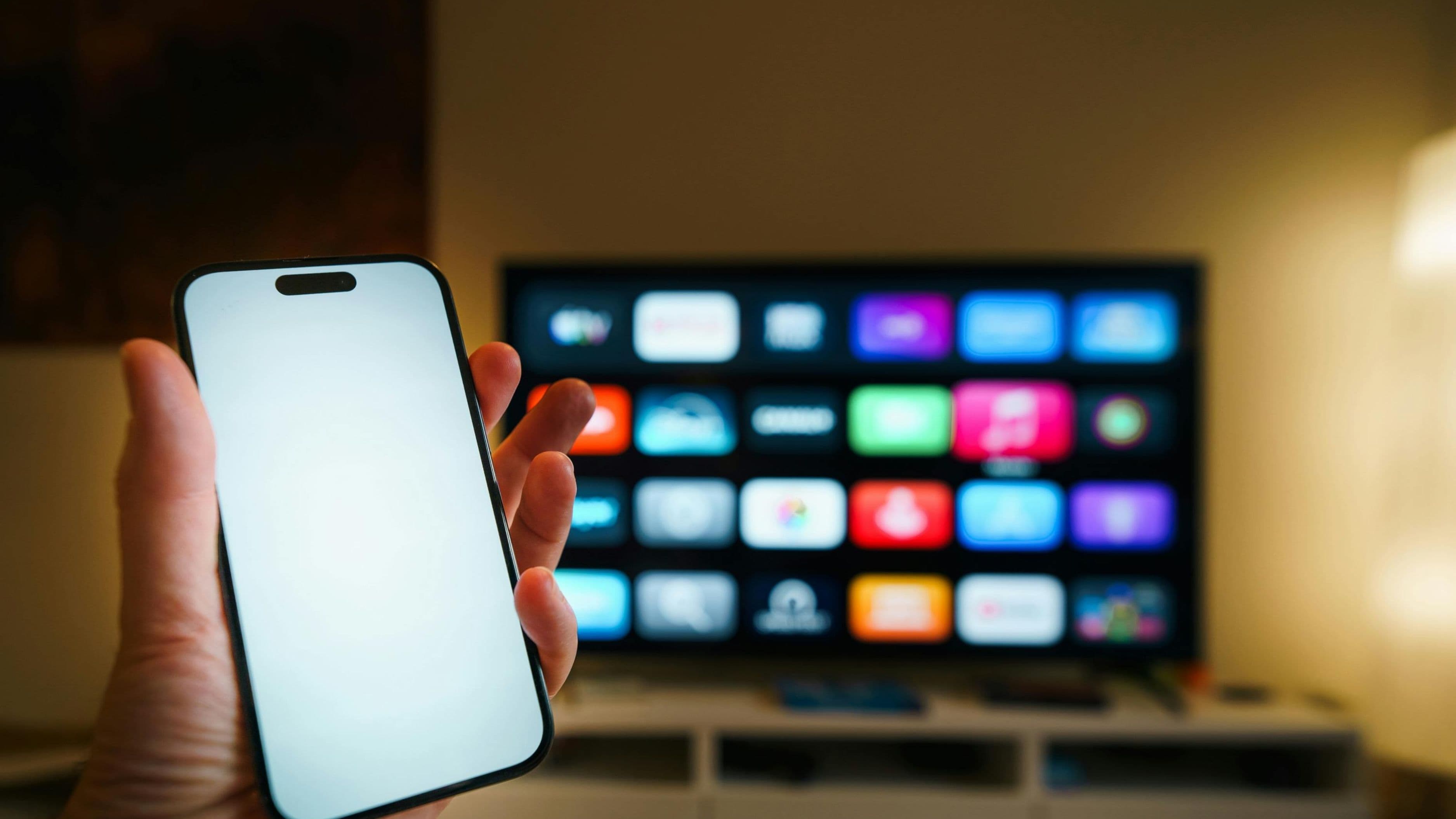
For the most complete local channel setup, pairing a digital antenna with a streaming device that supports over-the-air integration lets you combine live local broadcasts with your other streaming apps in a single, unified interface. Several popular streaming devices and smart TVs now support this kind of integration, creating a viewing experience that feels similar to a traditional cable guide without any actual cable subscription.
Cost level: low to medium, mainly the one-time cost of the antenna plus whatever streaming device you're already using or planning to purchase. Limitation: requires slightly more initial setup than a single streaming app, though it's a one-time effort rather than an ongoing hassle.
How to Choose the Right Option for You
If your top priority is completely eliminating any ongoing subscription cost and you live within reasonable range of broadcast towers, a digital antenna is the most straightforward, cost-effective solution available. If you want a more complete package that includes local channels alongside cable-style national channels without any additional hardware, a live TV streaming service is likely the better fit, provided your specific market has good affiliate coverage through your chosen service. And if you mainly care about one particular network's content, checking that network's own app first can save you from paying for a broader package you don't fully need.
What to Avoid
Don't assume every streaming service offers local channels in your specific area, always check the actual channel lineup for your zip code before subscribing, since coverage varies significantly by market and by provider. Avoid buying an expensive, high-powered antenna without first checking your actual distance from local broadcast towers using an online signal locator tool, since a cheaper antenna may perform just as well if you're reasonably close to the towers. And be cautious of unofficial streaming sources claiming to offer live local channels for free outside of legitimate antenna or subscription options, since these often violate broadcast rights and can carry real legal and security risks.
FAQ
Will a digital antenna definitely pick up all my local channels? It depends heavily on your specific location relative to broadcast towers and any physical obstructions, using an online antenna signal locator tool for your address gives you a realistic expectation before purchasing.
Do I need internet access for a digital antenna to work? No, a digital antenna receives broadcast signals directly through the air and works independently of your internet connection, making it a genuinely free ongoing option once you've purchased the equipment.
Can I combine multiple options for the most complete local channel access? Yes, many people pair a digital antenna for guaranteed free local access with a streaming service or network app for additional content, giving you redundancy and broader coverage than relying on a single method alone.
📚 Sources
Federal Communications Commission – Digital TV and Antenna Reception: https://www.fcc.gov/media/engineering/dtv/maps
Consumer Reports – Cord-Cutting and Local Channel Access Guide: https://www.consumerreports.org/electronics-computers/tv-service/