
Step 1: Figure Out What You're Watching, Since That Determines Your Tool
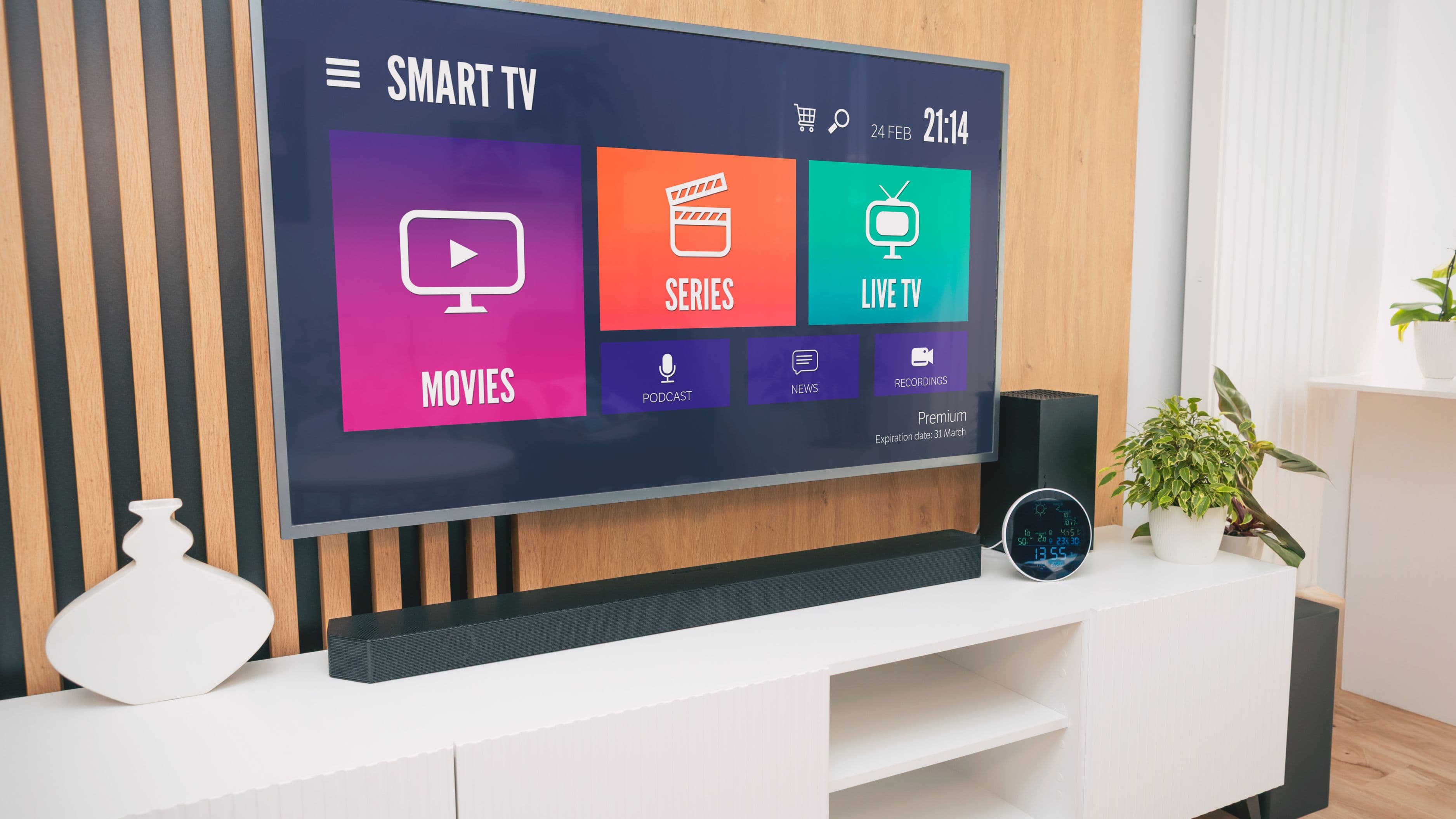
Different watch party tools work with different content, and picking the right one upfront saves you from a frustrating setup that doesn't actually sync. If you're watching something on a specific streaming service, check whether that platform has a built-in group watch feature first, since these are generally the smoothest option when available. Amazon Prime Video has a native Watch Party feature, Disney+ has GroupWatch, and both let everyone watch in sync directly through the platform's own app or website without installing anything extra.
If your streaming service doesn't have a built-in option, or you're watching content from a source that doesn't support native sync at all, you'll want a third-party watch party extension instead, which works by syncing playback across everyone's individual accounts and adding a shared chat alongside the video.
Step 2: Set Up a Browser Extension for Services Without Built-In Sync
Teleparty, formerly known as Netflix Party, is the most widely used option here and works across several major streaming services including Netflix, Disney+, Hulu, HBO Max, and a few others, depending on current platform support. Install it as a Chrome browser extension, then start a session while watching your chosen show or movie. It generates a shareable link that automatically syncs playback for everyone who joins, meaning if the host pauses, rewinds, or plays, everyone's screen follows automatically.
Everyone joining needs their own active subscription to whatever service you're watching on, since Teleparty syncs playback timing and adds chat, it doesn't share your actual account access or bypass a subscription requirement. This is worth clarifying with friends before setup, since it's a common point of confusion, especially with people newer to watch parties.
Step 3: Use Discord for More Flexible, Multi-Platform Watching
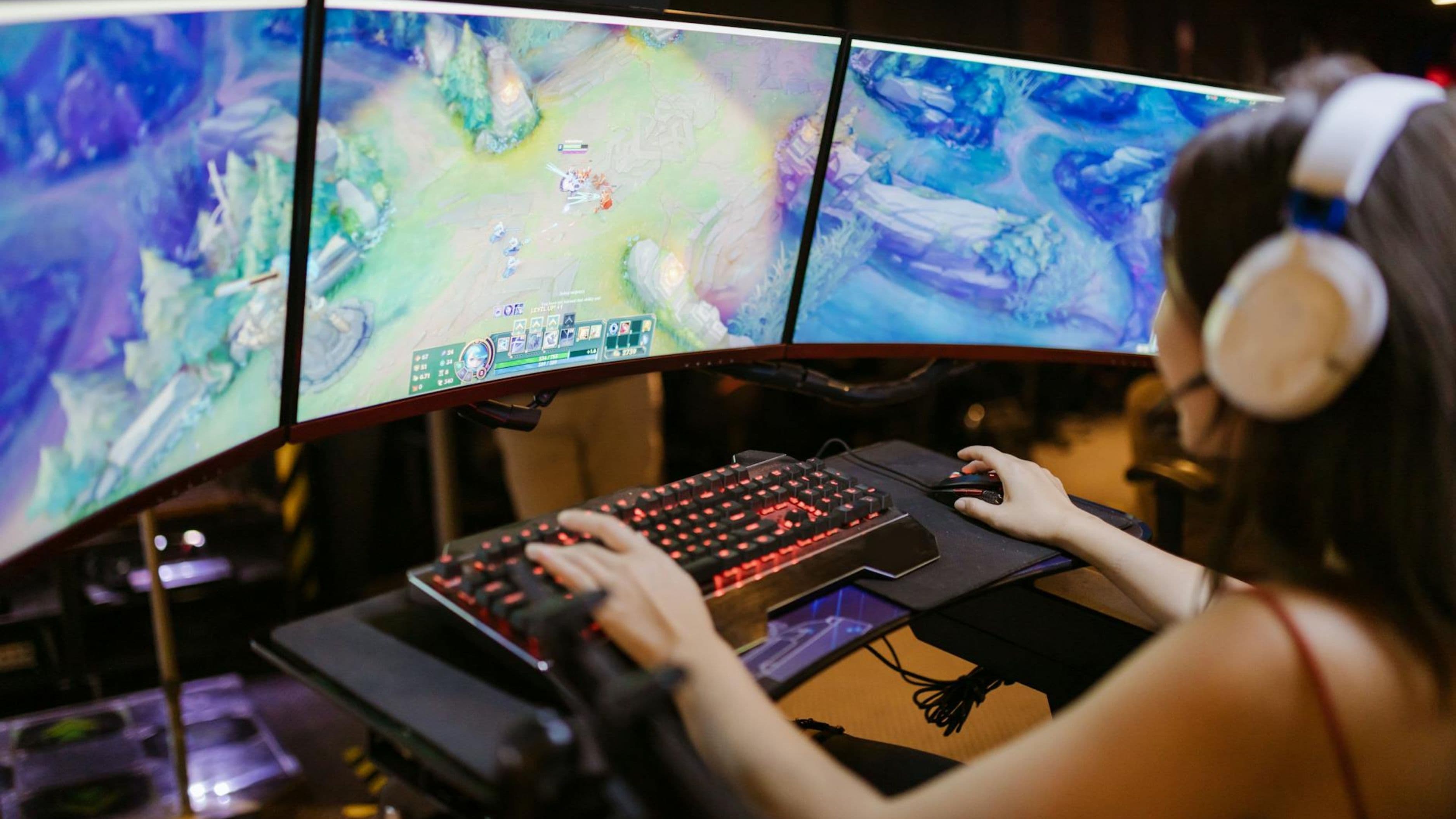
If you want more flexibility, especially for watching something outside the major streaming platforms, live TV, YouTube, sports broadcasts, or even a video game stream, Discord's screen share feature is a strong option that works regardless of what content source you're using. Create or join a voice channel with your friends, then use the screen share feature to broadcast your screen, including video and audio, directly to everyone in that channel.
This method requires the host's device to have enough processing power to handle both playing the content and streaming the screen share smoothly, and viewers may notice a small delay or occasional quality dip depending on everyone's internet connection. It's a more flexible but slightly less polished experience compared to a dedicated watch party tool built specifically for one platform.
Step 4: Coordinate Timing and a Backup Plan Before You Start
Agree on a specific start time with a few minutes of buffer built in, since getting everyone's stream loaded, extension installed, and account logged in rarely goes perfectly smoothly on the first attempt for every single person in the group. It's worth sending the specific tool and instructions to everyone a day or two ahead of time rather than trying to walk multiple people through setup in the minutes before you actually want to start watching.
Have a backup plan ready in case your primary tool has issues, since browser extensions occasionally have compatibility hiccups with specific streaming platforms after an app update on either end. A simple fallback, like switching to a Discord screen share if Teleparty isn't cooperating with a particular show, keeps a minor technical issue from derailing the whole watch party.
Step 5: Set Up Live Sports or Live TV Watch Parties Differently
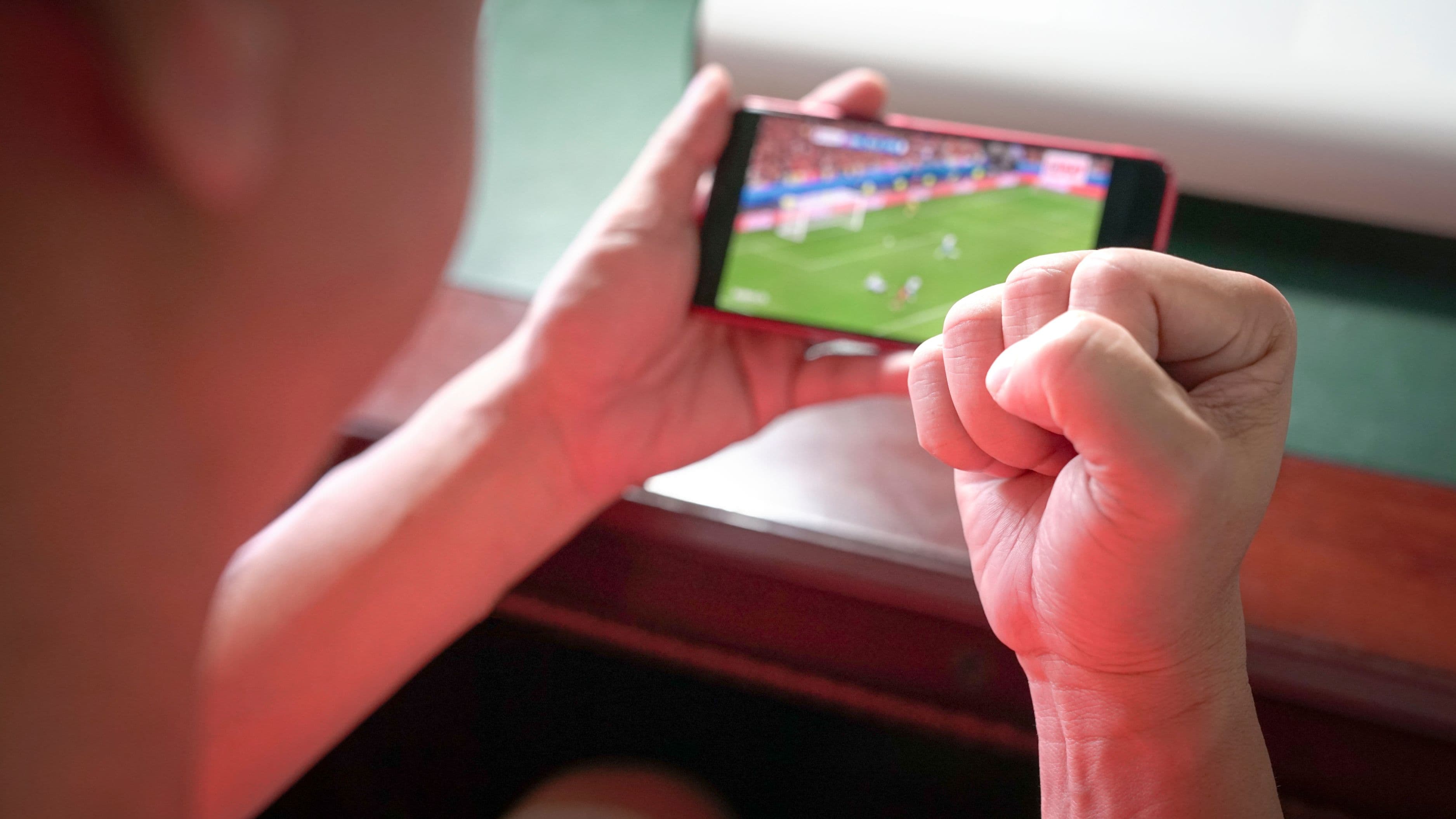
Live content adds an extra wrinkle, since even a few seconds of delay between viewers can mean someone reacts to a big play before their friend has actually seen it happen. For live sports specifically, using the same streaming source and device type across your group, everyone on the same app rather than mixing a cable box with a streaming app, for example, reduces the timing gap significantly, since different platforms and devices can have meaningfully different broadcast delays.
Scener is a dedicated option built specifically around synced group watching with built-in video chat bubbles showing everyone's reactions live, and it supports several major streaming platforms directly. For live TV or sports specifically outside of a supported streaming platform, a Discord screen share with voice chat active tends to be the more reliable choice, since it doesn't rely on syncing separate individual streams that could each have slightly different delay.
Tips for a Smoother Watch Party
Test your setup with just one other friend a day before a larger group watch party if you're using a new tool for the first time, so any hiccups get sorted out before you're troubleshooting in front of a bigger group and losing watch party momentum.
Mute background noise or use push-to-talk in Discord if you're doing a larger group watch, since accidental background noise from multiple open microphones during a movie can get distracting fast, especially during quieter or more dramatic scenes.
Keep the chat feature open if your tool has one, even for a Discord voice-based watch party, since it's a natural place for links, memes, or side comments that don't need to interrupt the actual audio conversation happening during the watch.
Common Mistakes to Avoid
Don't assume everyone has the exact subscription tier needed for the platform you're using. Some watch party tools work fine with ad-supported tiers, while others specifically require an ad-free subscription to function properly, and confirming this ahead of time avoids someone showing up unable to actually join.
Don't skip a quick tech check for larger groups, five or more people joining a watch party without any prior testing significantly increases the odds that at least one person hits an installation or compatibility issue right at start time, which can eat up ten or fifteen minutes of everyone else's patience.
Don't rely on a spotty internet connection for the host role specifically, since the host's connection quality often has an outsized impact on overall sync stability for tools like Teleparty, where the host's playback state is what everyone else follows.
Realistic Expectations
Setup for a browser extension like Teleparty typically takes under five minutes per person, assuming a stable internet connection and an already-active subscription to whatever you're watching. Discord-based watch parties take slightly longer to configure initially if your group hasn't used voice channels and screen share together before, but become nearly instant to set up for repeat watch parties once everyone's already familiar with the process.
Expect occasional minor sync drift over a long viewing session, a few seconds of difference between viewers isn't unusual even with dedicated watch party tools, and most groups find this a minor, easily ignored issue rather than something that meaningfully disrupts the shared experience.
FAQ
Do all participants need their own subscription to the streaming service? Yes, in almost all cases. Watch party tools sync playback and add chat features, but they don't share account access or bypass subscription requirements for the underlying platform.
Is there a free option for hosting a watch party? Yes, Teleparty is free to install and use, and Discord's screen share feature is also completely free, making both accessible options without any additional cost beyond your existing streaming subscriptions.
Can I do a watch party across different countries with time zone differences? Yes, though you'll need to coordinate a time that works reasonably well across zones, and confirm that everyone has access to the same content, since content availability can vary by region depending on the streaming platform.
What's the best option for watching live sports together? Scener works well if your sports content is available through a supported streaming platform, while a Discord screen share with active voice chat tends to be more reliable for cable-based live TV or sources outside major streaming platforms.