
This guide walks you through exactly how to evaluate your options – by content quality, parental controls, price, and how well each service actually holds up in a house with real children in it.
What to Look for Before You Subscribe
Before comparing specific services, it helps to know what actually matters when streaming with kids. Getting this right upfront saves you from paying for something that doesn't fit your household.
Content library for your kids' age range. A service with great content for toddlers might have almost nothing for a 10-year-old, and vice versa. Think about where your kids are developmentally, not just whether a service has "kids content" in general.
Parental controls that actually work. The best services let you create separate kids profiles with age-appropriate content only, lock profile switching with a PIN, and block specific titles or categories. Weak parental controls are a real problem – some platforms let kids navigate out of kids mode with one or two taps.
Price and what's included. Monthly cost, number of screens, download availability for offline viewing, and whether ads are included all affect the real value. A cheaper plan with ads during kids' shows gets old fast.
Ease of use on kids' devices. Some streaming interfaces are genuinely confusing for young kids to navigate. A simple, icon-based interface designed for children is meaningfully better than an adult interface with a "kids section" bolted on.
The Main Options, Broken Down
Disney+
Disney+ is the easiest recommendation for households with kids under 12. The library covers Disney classics, Pixar, Marvel, Star Wars, and National Geographic, which alone is more breadth than most kids will exhaust. The content quality is consistently high, and the volume of genuinely great family films and original series makes this one of the strongest pure-value propositions in streaming for a family audience.
Parental controls are solid – you can set content ratings by profile, lock kids into a kids-only experience, and restrict mature content from the main profile. The interface is clean and recognizable for kids who've grown up with Disney branding. At around $7.99/month for the ad-supported tier or $13.99/month ad-free (as of 2024), it's reasonably priced for the breadth of content offered. The main limitation is that older kids and adults may find the library thinner outside of franchise properties, but for the primary goal of kids' content, it's hard to beat.
Best for: Families with kids aged 3–12 who want a well-managed, safe environment with a large library of high-quality animated and family content.
Netflix
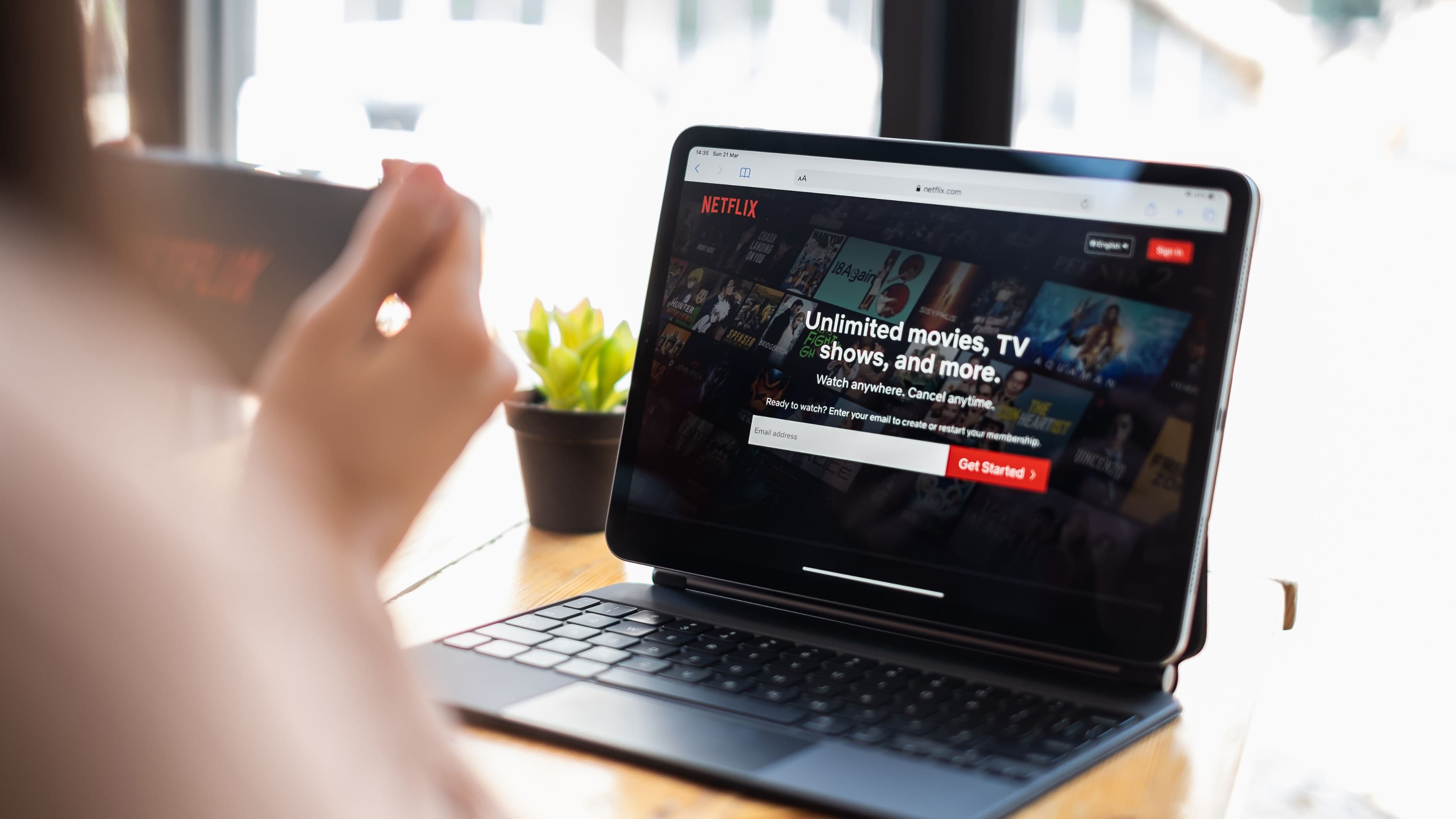
Netflix has one of the largest and most varied kids' content libraries available, with original animated series, classic licensed content, international programming, and a growing range of live-action shows for older kids and teens. The breadth here is genuinely impressive, and Netflix's investment in original kids' content has produced some standout series that aren't available elsewhere.
The kids profile feature is well-developed – you can set it as the default for specific devices, restrict content by age rating, and review what your kids have been watching through the parent account. The main complaint is that the library turnover can be frustrating: content comes and goes, and a series your kids love might disappear in a renewal dispute. Netflix also costs more than Disney+ at most tiers, with the standard ad-supported plan at around $6.99/month and the standard ad-free plan at $15.49/month. For families where parents also watch a lot of non-kids content, Netflix's broader library may justify the cost. For families primarily subscribing for kids' content, the value case is less clear-cut.
Best for: Families with kids across a wide age range (toddlers through teens) who also want adult content in the same subscription.
Apple TV+
Apple TV+ takes a very different approach from the other services on this list. The library is small – intentionally so, focused on prestige originals rather than volume. For kids, this means a limited selection of titles that are genuinely excellent, rather than a deep catalog. Shows like Wolfwalkers, Fraggle Rock: Back to the Rock, and Peanuts content give families something real to watch, but if your kids are looking for a deep library to explore, Apple TV+ isn't built for that.
Where Apple TV+ shines for families is value: it's the cheapest major streaming service at $9.99/month, and it frequently comes bundled free for a year with new Apple device purchases. If you're already in the Apple ecosystem and have a free year, it's worth having. As a standalone kids' subscription, it's harder to justify unless your kids specifically love its original content.
Best for: Apple device households using a free trial or annual bundle deal, or families with older kids who appreciate higher-quality originals over volume.
Paramount+ with Nickelodeon Content
Paramount+ is an underrated option for families with kids who love Nickelodeon programming. SpongeBob SquarePants, PAW Patrol, Dora, iCarly, and a deep catalog of classic and current Nickelodeon content is all here, alongside Paramount film releases and CBS content for adults. For a specific type of household – kids who are into Nickelodeon – this covers a lot of ground at a competitive price (around $5.99/month with ads or $11.99/month without).
The platform's interface and parental controls are functional but not as polished as Disney+ or Netflix. Kids profiles work, but the overall design feels less purpose-built for young viewers. If Nickelodeon content is a primary driver of your household's viewing, it's worth the subscription. If it's just a nice-to-have, the platform's value is less compelling as a standalone.
Best for: Families with PAW Patrol-obsessed toddlers or Nickelodeon-age kids who want a lower-cost option with strong brand-specific content.
YouTube Kids (Free)
YouTube Kids is the most overlooked option in this conversation, and for many families it's the right answer or a strong supplement to a paid service. It's free, the content library is enormous, and the dedicated YouTube Kids app provides age-filtered browsing with parental control settings that include timer limits, content level filters, and the ability to manually approve specific channels.
The limitation is content quality consistency. YouTube Kids includes professionally produced educational and entertainment content alongside a lot of lower-quality user-generated material. Setting up the app properly – using the age-appropriate content level filter and, if your kids are very young, manually curating approved channels – is essential to getting good value from it. The free price point and the breadth of educational content make it worth using even if you also subscribe to a paid service.
Best for: Supplementary use for any household, or as the primary free option for families managing a tight budget.
How to Avoid Overspending
The most common overspending mistake with kids' streaming is subscribing to multiple services without a clear rotation plan. You don't need Disney+, Netflix, Paramount+, and Apple TV+ simultaneously. The content on any one of these services is more than a family will finish in a month. A smarter approach is to subscribe to one or two services that fit your kids' current age and interests, cancel when the content runs low, and rotate to a different service for the next few months. Most services make cancellation easy and let you restart without losing your profile history.
Free trials are worth using strategically. Most major services offer seven-day to one-month free trials. If you're curious whether a service has enough content for your specific kids' age and interests, a free trial week will tell you before you commit to a billing cycle.
Shared plans and bundled subscriptions can also reduce per-household cost. Disney+ is available as part of a bundle with Hulu and ESPN+ at a combined price that's often comparable to subscribing to Disney+ alone. If adults in the household watch Hulu content, the bundle pricing is genuinely good value. Check what bundles are available before subscribing to individual services separately.
Finally, watch for price increases. Every major streaming service has raised prices multiple times in the past two to three years, and several have cracked down on password sharing between households. Reviewing your subscriptions every three to six months and canceling anything that isn't being actively used is worth making a habit.
What to Avoid
Signing up for multiple services at full price without auditing what you actually watch. Two or three unused subscriptions running for six months is $150–$300 in streaming costs for content nobody watched. One service used consistently beats three services used occasionally.
Assuming "kids mode" is set up correctly without checking. Some platforms default to showing adult content until a kids profile is created and set as the active one. Check the settings on any device your kids use to verify which profile they're actually in.
Choosing a service based on a single title. If your child is asking for a specific show, check whether it's still available (catalogs change) and whether there's enough other content on the platform to justify the subscription cost. A service worth subscribing to for one show is a rare case.
Ignoring download availability. If your kids watch on tablets during travel or in areas with unreliable internet, offline download capability is a meaningful feature. Disney+, Netflix, and Paramount+ all support downloads on mobile devices. YouTube Kids does not support offline downloads in the free version.
FAQ
Can I share a streaming account with another family to split costs? Most services now actively restrict multi-household sharing through device and location verification. Netflix ended password sharing in 2023 and the other major platforms have followed or are in the process of following. Each household generally needs its own subscription, though adding an "extra member" slot is available on some plans for an additional fee.
Which service has the best parental controls for very young children? Disney+ and Netflix both have well-developed kids profiles that can be locked to age-appropriate content. Disney+ is slightly more purpose-built for a young children's experience because the brand itself is so oriented toward family content. For children under 6, a dedicated kids profile on either platform, with the profile PIN enabled, provides solid content restriction.
Is there a meaningful difference between ad-supported and ad-free tiers for kids? Yes, and it's worth thinking about. On ad-supported plans, children's content is regularly interrupted by ads, which younger kids in particular find confusing and disruptive. If your kids are the primary users of a streaming service, the ad-free tier is generally worth the additional cost per month for the uninterrupted experience.
What's the best streaming setup for a family trying to spend under $20 per month total? YouTube Kids (free) plus either Disney+ at $7.99/month (ad-supported) or Paramount+ at $5.99/month (ad-supported) covers a wide range of kids' content for under $15/month. Rotating between paid services every few months while keeping YouTube Kids as a consistent free supplement is an effective budget strategy.
Do streaming services offer discounts for annual subscriptions? Some do, though not all prominently advertise it. Disney+ and Apple TV+ both offer annual billing at a discount compared to monthly billing. If you're confident you'll use a service for a full year, the annual option typically saves one to two months' worth of cost.
Outro
The right streaming service for kids isn't the one with the most content – it's the one that has enough of the right content for where your kids are right now, at a price that doesn't require running multiple subscriptions you don't fully use. Start with one service that fits your kids' age range, set up the parental controls properly, and rotate or add services as their interests evolve. That approach keeps costs controlled and keeps the streaming experience genuinely useful rather than an ongoing subscription audit.
📚 Sources
Common Sense Media – Streaming Services for Families Rated and Reviewed: https://www.commonsensemedia.org/streaming-services-for-families
Consumer Reports – Best Streaming Services for Kids: https://www.consumerreports.org/electronics-computers/streaming-services/best-streaming-services-for-kids
Disney+ – Plans and Pricing: https://www.disneyplus.com/en-us/subscribe/disneyplus
Netflix – Plans and Pricing: https://www.netflix.com/signup/planform
YouTube Kids – Parent Guide: https://www.youtubekids.com/parents