Here's what actually works in 2025, what to avoid, and how to stay unblocked long enough to finish a series.
Why Netflix Libraries Differ by Country
Before getting into the how, the why is worth understanding quickly. Netflix doesn't own most of the content it streams. Studios license titles to Netflix on a territory-by-territory basis, which means the same show might be licensed to Netflix in Germany but to a different streaming service in Canada. Netflix can't legally stream that title in Canada even if it wanted to, because the rights belong to someone else there.
This creates a fragmented global catalogue where the same Netflix account gets different content depending on the IP address it connects from. Netflix detects your location through your IP address, which is assigned by your internet service provider and is tied to your geographic region. Change the IP address to one that appears to be in another country, and Netflix shows you that country's library.
That's the fundamental mechanism behind every method on this list. The challenge is doing it in a way that Netflix doesn't detect and block.
Method 1: Use a VPN That Actually Bypasses Netflix Detection
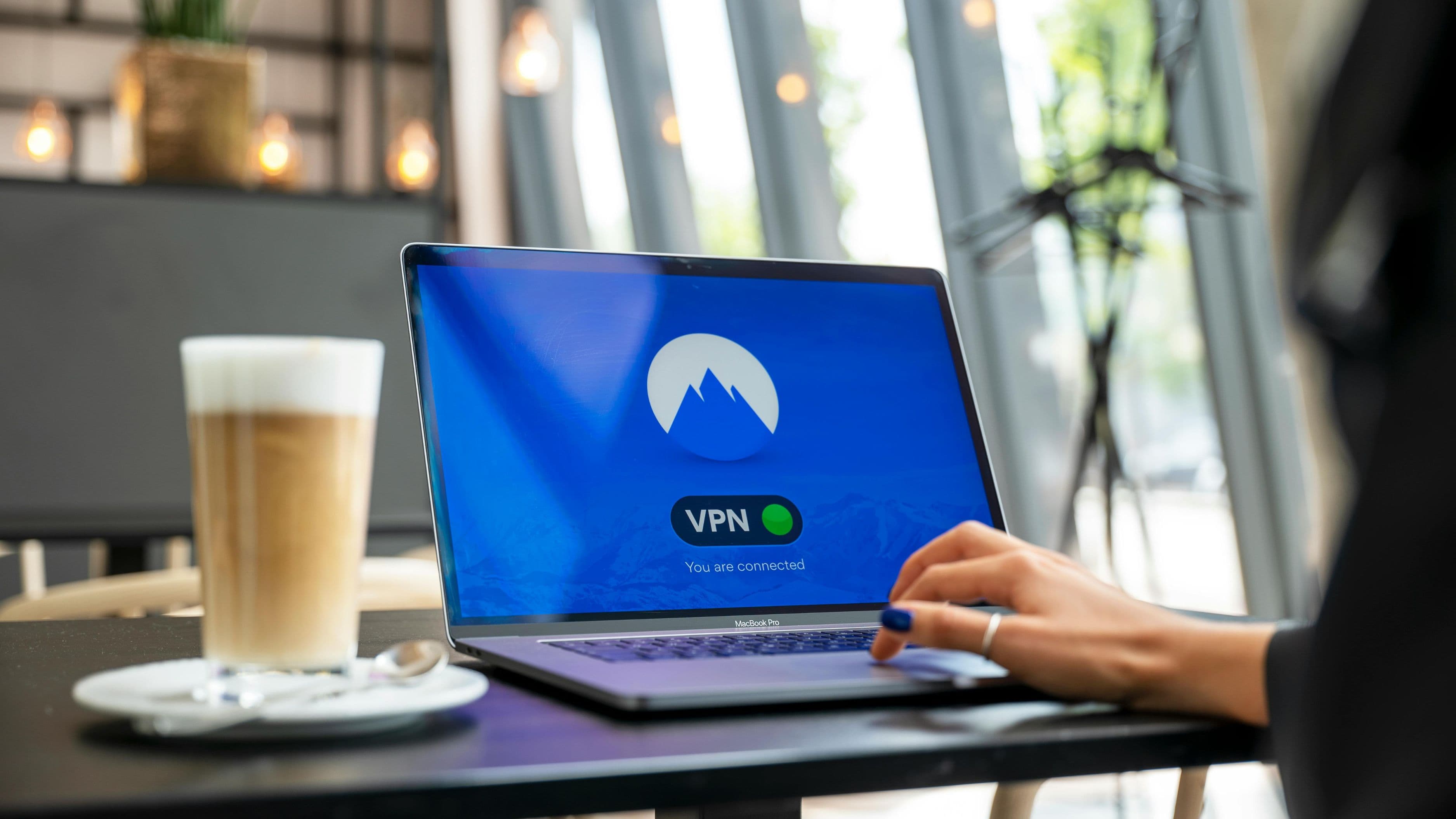
VPNs work by routing your internet connection through a server in another country, giving you an IP address that appears to be in that location. The problem is that Netflix maintains a list of known VPN IP addresses and blocks connections from them. Most consumer VPNs rotate through shared IP addresses that have been flagged, which is why you get the proxy error screen.
The VPNs that still work reliably with Netflix in 2025 are the ones that either rotate IP addresses frequently enough that Netflix hasn't caught up, or use residential IP addresses – IP addresses that are associated with real home internet connections rather than data center servers, making them much harder to identify as VPN traffic.
ExpressVPN remains one of the most consistently reliable options for Netflix specifically. It maintains a large pool of IP addresses across its server network and has historically been fast to update when Netflix blocks specific addresses. It's not cheap at around $8–$13/month depending on plan length, but it works across more Netflix regions than most alternatives.
NordVPN has a feature called SmartPlay built into its server infrastructure that's specifically designed to work around streaming geo-restrictions. The reliability varies by region – it's stronger for UK and European Netflix libraries than some more obscure markets – but it's a solid second option and is frequently offered at a significant discount.
Surfshark is the more affordable option and performs better with Netflix than you'd expect at its price point ($2–$5/month on longer plans). It's not as consistent as ExpressVPN for maintaining access across as many regions, but for a primary target like UK or Canadian Netflix, it's a reliable enough choice.
What to do when a VPN server gets blocked: switch servers. Most VPN apps let you select from multiple servers in the same country. If one server triggers the Netflix proxy error, try a different server in the same location before assuming the VPN doesn't work at all. This clears the problem the majority of the time.
What to avoid: free VPNs. Every free VPN service that claims to work with Netflix either doesn't, harvests your data, has extremely limited bandwidth, or all three. The IP addresses free VPNs use are the first to get blacklisted because they're shared across enormous numbers of users simultaneously.
Method 2: Use a Smart DNS Service
Smart DNS is a different approach to the same goal. Instead of routing all your traffic through a different country, Smart DNS only redirects the specific DNS queries that tell Netflix where you are. Your actual internet connection stays direct, which means your speed isn't affected – a real advantage over VPNs, which typically reduce connection speeds to some degree.
The trade-off is security. Smart DNS doesn't encrypt your traffic the way a VPN does. If that matters to you, VPN is the better choice. If you only care about accessing different Netflix libraries and speed is your priority, Smart DNS is worth considering.
Unlocator and SmartDNSProxy are established services in this space, both offering free trials before committing to a subscription. Setup involves changing the DNS settings on your device or router, which takes a few minutes but isn't technically complicated – both services provide step-by-step guides for every major platform.
The limitation of Smart DNS compared to VPN is less flexibility. You typically choose which country's version of a streaming service you want to see and set that in your DNS configuration, rather than switching freely between countries the way you can with a VPN. For someone who primarily wants UK Netflix or US Netflix specifically and doesn't need to jump between regions, this is a reasonable approach.
Method 3: Configure a VPN on Your Router
Most VPN apps work at the device level – you install the app on your laptop or phone and connect from there. But if you want every device on your home network to automatically connect through a different country's IP address, configuring the VPN at the router level is the more elegant solution.
This means your smart TV, gaming console, Amazon Fire Stick, Apple TV, and any other device that can't run a VPN app natively will all route through the VPN without needing individual setup on each device. For households with multiple streaming devices, this is a significant practical improvement.
The requirement is a router that supports VPN client configuration – most consumer routers from the past few years support this, but you'll need to check whether your specific model does. ExpressVPN, NordVPN, and Surfshark all provide setup guides for the most common router models. The configuration involves logging into your router's admin panel and entering VPN server details, which is straightforward with the guides but does require a few minutes of setup.
The limitation is that router-level VPN connections are typically slower than device-level connections, because the router is handling the encryption for all traffic on the network simultaneously. If your internet connection is fast, this usually isn't noticeable for streaming. If you're already working with a slower connection, it may affect 4K playback.
The Netflix Libraries Most Worth Accessing
Not every country's Netflix library is worth the effort of switching regions. Some countries have significantly richer catalogues than others, and knowing which ones are worth targeting saves you from going through the setup process for a library that's smaller than what you already have.
UK Netflix is consistently one of the most recommended alternative libraries for US subscribers. It has strong catalogues of British television that aren't available in the US, a different selection of international films, and some series that were removed from US Netflix but are still available in the UK.
Japanese Netflix has an exceptional anime selection that goes well beyond what's available in most Western markets, plus Japanese drama and film content that's largely inaccessible elsewhere on the service.
Canadian Netflix overlaps heavily with US Netflix but has different versions of several documentary and drama series, and occasionally gets titles earlier than the US library.
South Korean Netflix has become increasingly valuable as Korean drama (K-drama) and Korean film has exploded globally. While many high-profile Korean titles are available globally, South Korean Netflix has a deeper catalogue of less internationally prominent content.
Indian Netflix has the largest original language Indian content library, including Bollywood and regional language content that isn't available in Western markets.
Staying Unblocked: Practical Tips
Netflix's detection systems are ongoing and adaptive, which means the landscape changes. A few practices keep you reliably unblocked over time.
Always connect to the VPN before opening Netflix. If you open the app while on your home IP and then connect the VPN, Netflix may have already registered your real location. Close the app, connect the VPN, then open Netflix fresh.
Choose the city-level server rather than the country-level auto-connect option if your VPN offers this. Netflix detection sometimes varies by specific server location, and being able to switch between servers in London, Manchester, and Edinburgh (for UK Netflix, for example) gives you more options when one server gets blocked.
If you're getting consistent proxy errors despite switching servers, try clearing the Netflix app cache before reconnecting. On mobile, this is in your phone's app settings. On desktop, clearing browser cookies and cache has the same effect. This forces Netflix to re-detect your location from scratch with the VPN active.
Avoid mentioning VPN use in Netflix support conversations. Netflix's terms of service technically prohibit circumventing geo-restrictions, and while enforcement against individual subscribers is essentially nonexistent, there's no reason to draw attention to it.
What to Realistically Expect
Getting this working reliably takes a small amount of setup and occasional maintenance when VPN servers get flagged and you need to switch. It's not a set-and-forget system in the way that it might have been five years ago, because Netflix's detection is more aggressive than it used to be.
But for most people using a quality paid VPN, the experience in practice is: connect to VPN, open Netflix, watch whatever you want from that country's library. The switching process takes twenty seconds. For the difference in available content – thousands of additional titles across the global Netflix catalogue – the small amount of management involved is worth it for anyone who watches a significant amount of international content.
The cost of a reliable VPN subscription is $3–$13/month depending on the service and plan length. Against the backdrop of a Netflix subscription, that's a modest addition for a meaningfully expanded content library.
FAQ
Is using a VPN with Netflix against the rules? Netflix's terms of service prohibit circumventing geo-restrictions, but the enforcement mechanism is the detection system itself – they block the IP address rather than taking action against the account. There are no reported cases of Netflix accounts being terminated for VPN use. The risk is the VPN getting detected and temporarily blocked, not account action.
Will Netflix ever just show me all global content in one place? This would require Netflix to either own all rights globally to everything it streams (which would require buying out existing territorial licensing deals worth billions of dollars) or negotiate global rights on all future content from the start. The second is increasingly happening with Netflix originals, which is why original series are available globally from day one. For licensed third-party content, territorial licensing will continue to fragment the library for the foreseeable future.
Do the same VPNs work for other streaming services? Generally yes, with varying reliability. Disney+, BBC iPlayer, Amazon Prime Video, and Hulu all have geo-restrictions that work on the same principle as Netflix. VPNs that work well for Netflix tend to work well for other services too, though you may need to switch to a different server for different platforms. BBC iPlayer is worth noting specifically – it requires a UK IP address and is completely free to access, making it one of the most valuable things a UK VPN server unlocks beyond UK Netflix.
Does a VPN slow down streaming? It adds some latency and reduces peak connection speed, but the practical effect depends on your base connection speed. Most people with broadband connections faster than 50Mbps won't notice any impact on streaming quality at 1080p. For 4K streaming, a faster connection and a VPN server geographically close to your actual location reduces the impact.
Can I use a VPN on my smart TV? Smart TVs typically don't support VPN apps natively. The workaround options are: configure the VPN on your router (all devices on the network benefit), use a streaming stick like an Amazon Fire Stick or NVIDIA Shield that does support VPN apps, share a VPN connection from your laptop to your TV via ethernet, or use the Smart DNS approach which can be configured on most smart TVs through the network settings.
📚 Sources
TechRadar – Best VPNs for Netflix 2025: https://www.techradar.com/best/best-vpns-for-netflix
PCMag – How to Change Your Netflix Region: https://www.pcmag.com/how-to/how-to-change-your-netflix-region
Comparitech – Netflix Library Size by Country: https://www.comparitech.com/blog/vpn-privacy/netflix-library-size-by-country/
ExpressVPN – How to Watch Netflix with a VPN: https://www.expressvpn.com/blog/how-to-watch-netflix-vpn/
Wired – Why Netflix Is Different in Every Country: https://www.wired.com/story/netflix-global-content-licensing/