
The honest answer to how many services you need is: probably fewer than you have. But the right number depends on your watching habits, your household, and whether you're being smart about how you rotate and manage subscriptions. Here's a practical way to figure it out.
Start With What You Actually Watch
Before you think about which services to keep or cut, spend five minutes doing a quick audit of your actual viewing habits over the last month. Pull up your watch history on each service you subscribe to. If you can't find recent activity on a service, that tells you something. The goal isn't to justify what you're already paying for — it's to see the truth of what you're actually using.
Most people discover that 80% of their viewing happens on one or two services, and the rest sit mostly idle. A subscription you opened for one show three months ago and haven't touched since is just a recurring charge waiting to be noticed. The streaming industry counts on the fact that most people don't audit their subscriptions regularly, and the low monthly prices make it easy to keep ignoring them.
The One Non-Negotiable Service
Almost everyone has a single streaming service they genuinely couldn't live without — the one with the shows they watch consistently, the interface they prefer, the catalog they actually browse. For most households, this is Netflix, Max, or Disney+ (especially in homes with kids), but it varies.
Your anchor service deserves your full-price subscription and should be the one you keep even when cutting back. It's also worth paying the premium tier if you share it across multiple devices or household members, since the number of concurrent streams matters when multiple people are watching at once.
Everything beyond your anchor service is optional and should be evaluated differently — not "do I like this platform?" but "am I watching enough on this platform to justify paying for it every single month?"
The "Rotation" Model: Your Second Strategy
Here's the approach that saves most people the most money, and it's simpler than it sounds: rotate your secondary subscriptions instead of holding all of them simultaneously.
Most streaming services have no contract. You can cancel anytime and resubscribe at any time. A series you want to watch is usually available for at least a few months after it drops — you don't need to be subscribed for the premiere. This means you can subscribe to Paramount+ for a month to finish the current season of a show you're following, cancel, subscribe to Peacock for a month when the next thing you want to watch lands there, cancel, and so on.
The rotation strategy turns what would be four simultaneous subscriptions ($40–$60/month) into two simultaneous subscriptions and two rotating slots ($20–$40/month), saving $20–$40 every month while giving you access to essentially the same content — just on a slightly delayed schedule.
The only thing that doesn't work well with rotation is live content: sports, news, and weekly-drop shows where you want to watch as episodes air. For those, you'll want to be subscribed during the specific window you need it. Plan subscriptions around the broadcast calendar of the shows you care about.
How Many Services Is the Right Number?
For most households, the sweet spot is two to three simultaneous subscriptions at any given time, with a rotation strategy for the rest.
One service works for people who watch TV casually and aren't chasing specific shows across platforms. If Netflix or one other service covers what you actually watch, adding more is just paying for options you won't use.
Two services is where most individuals and couples land comfortably. An anchor service plus one secondary subscription — either a complementary catalog service or a service you subscribe to seasonally for sports or a specific show — covers the majority of what most people watch without overloading the bill.
Three services makes sense for families or households with diverse viewing tastes. Kids content, adult drama, and sports all have different homes, and covering those three categories might genuinely require three services. Disney+ (kids + Marvel/Star Wars), Netflix (general entertainment), and one sports-focused option like ESPN+ or Peacock is a common and practical combination.
Four or more services simultaneously is almost never justified by actual viewing habits. If you're paying for four or more services every month, there's almost certainly at least one you'd find hard to justify if you looked at your actual watch history.
The Services Worth Understanding
Not all streaming services are built the same, and understanding what each is primarily for helps you make smarter decisions about which ones belong in your stack.
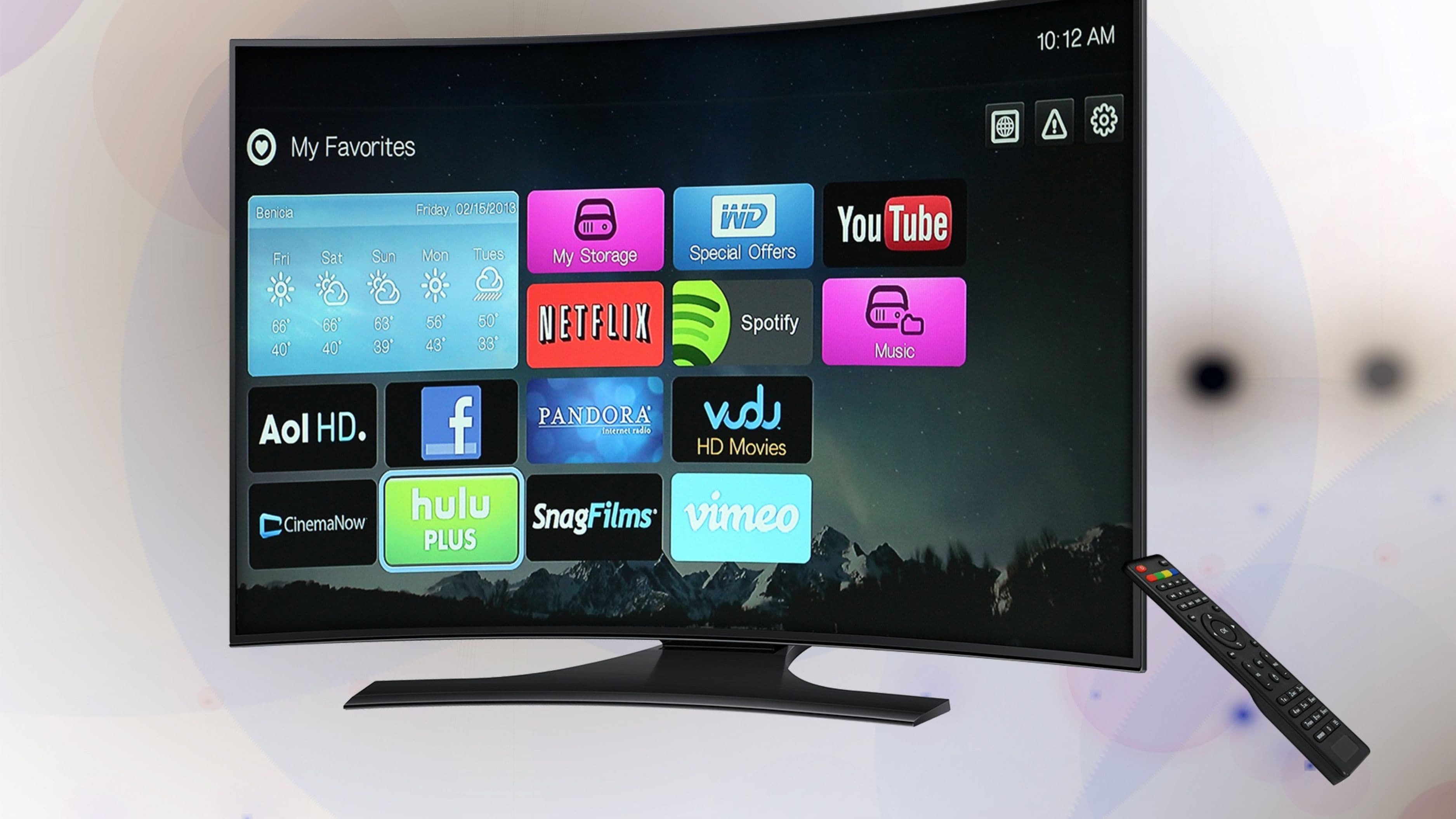
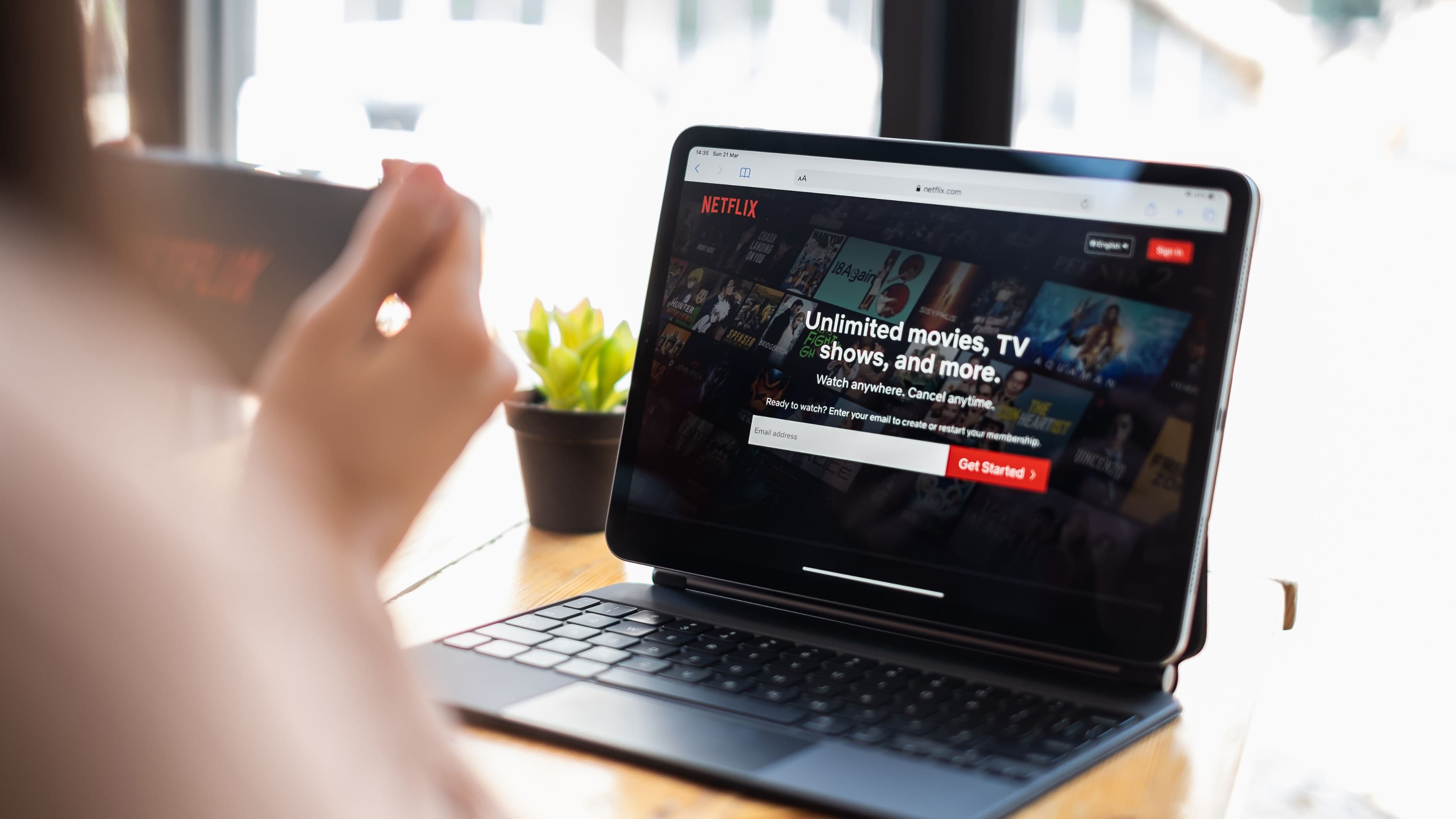
Netflix is the general-purpose anchor for most households. The widest variety of original content, the strongest brand recognition, and the deepest international catalog. It's the default first subscription for most people and rarely gets cut even when others do.
Disney+ is the family and franchise service. If you have kids, it's practically non-negotiable. If you don't, the value case is narrower — it covers Marvel and Star Wars, but if those aren't priorities, it can be a rotation subscription rather than a permanent one.
Max (HBO Max) carries the HBO catalog — which is genuinely the best library of prestige television in existence — plus Warner Bros. films and DC content. For drama-focused viewers, Max's per-dollar value is hard to beat. It's a natural anchor or close second for anyone who prioritizes quality television.
Hulu is the live TV and current network TV service. The base on-demand tier is affordable and includes next-day episodes from ABC, NBC, CBS, and Fox. Hulu + Live TV is a full cable replacement with a large channel bundle — expensive but comprehensive if you want live TV without cable.
Peacock offers a free ad-supported tier with a decent amount of content, and the premium tier adds NBC sports (including some NFL games and the Olympics), Premier League soccer, and the full back catalog of NBC shows. It's an easy one to try free before committing and is often worth a seasonal subscription for sports specifically.
Paramount+ is the CBS and Paramount films service. Yellowstone fans, Star Trek fans, and NFL fans (via CBS games) have good reasons to subscribe. For everyone else, it's a solid rotation target but not a permanent stack item.
Apple TV+ is small-catalog, high-quality originals only. At $9.99/month and often included free with Apple device purchases, it's an easy add if you care about prestige originals like Severance or Slow Horses. Great complement to a larger-catalog service.
Amazon Prime Video comes bundled with Prime membership, so if you're already paying for Prime, it's effectively free. The library is large but cluttered with rental options mixed into the browsing experience.
ESPN+ is the dedicated sports add-on: UFC, some NHL and MLB games, college sports, international soccer, and the 30 for 30 documentary library. Not a general-purpose entertainment service — but for sports fans, it's cheap and valuable at $10.99/month.
The Ad-Supported Tier Decision
Almost every major streaming service now has a lower-priced ad-supported tier, and whether to use it is a real decision worth making intentionally rather than defaulting to the higher tier out of habit.
Ad-supported tiers typically run $3–$8/month compared to $13–$18/month for the premium tier — a meaningful difference over a year. The trade-off is ad interruptions, which range from mildly annoying (Netflix's implementation, typically 4–5 minutes of ads per hour) to more intrusive depending on the service. If you're watching background TV while doing other things, ads matter less. If you're watching something you're genuinely invested in, they matter more.
One practical approach: use ad-supported tiers on your rotation subscriptions (you're only subscribed for a month or two anyway) and pay for ad-free on your anchor service that you use constantly.
Bundling Can Save Real Money
Several services offer bundles that are significantly cheaper than subscribing to each component individually.
The Disney Bundle (Disney+, Hulu, and ESPN+) is one of the best values in streaming when all three are relevant to your household — the combined price is substantially less than subscribing to each separately.
Apple One bundles Apple TV+ with Apple Music, iCloud, and other Apple services. If you're already paying for Apple Music and iCloud storage, Apple One often costs the same or less than those services alone, making Apple TV+ essentially free.
Verizon, T-Mobile, and other telecom carriers often include streaming services with certain plan tiers. If you're paying for one of these plans, check what's included before paying separately for the same service.
A Simple Framework for Your Decision
Here's a quick decision process you can run right now.
First, identify your anchor service — the one you watch the most and would keep no matter what. Keep it.
Second, list every other streaming service you're currently paying for and pull up your watch history on each. Any service where you haven't watched something in the last 30 days is a candidate to cancel.
Third, make a list of shows you're actively following or planning to watch on each service. If a service has one show you're vaguely interested in and nothing else, it's a rotation candidate, not a permanent subscription.
Fourth, evaluate what you're spending in total and set a target. For most one or two-person households, $30–$45/month covers a solid entertainment stack. For families, $45–$65/month can cover everything without overpaying.
Finally, set a calendar reminder to do this audit again in three months. Subscriptions accumulate quietly, and a quarterly check keeps the stack lean.
What to Avoid
Keeping subscriptions on autopilot. The most expensive thing you can do is forget what you're paying for. Check your bank statement or use a subscription tracker app to see every streaming charge in one place.
Subscribing to everything at launch. New services and new seasons create subscription FOMO. The shows will still be there in a month when you've finished what you're currently watching on your current services.
Confusing "good content exists here" with "I need this." Every service has something worth watching. That doesn't mean you need to be subscribed to all of them simultaneously. Good content that you're not actively watching is not a reason to pay.
Paying full price for services with a free tier. Peacock has a genuine free tier. Tubi, Pluto TV, and Freevee offer surprisingly large free libraries with ads. Make sure you've actually needed a paid subscription before upgrading from free.
FAQ
What's the cheapest way to access the most streaming content? Anchor on one mid-range subscription, use ad-supported tiers where available, take advantage of free tiers (Peacock, Tubi, Pluto TV), and rotate secondary subscriptions monthly based on what you're actively watching. Most people can cover their full viewing needs for $25–$40/month this way.
Is it worth using a subscription management app? Yes if you have more than three subscriptions. Apps like Rocket Money, Truebill, or even just your credit card's subscription tracking feature give you a clear view of what you're paying and make it easier to cancel things you've forgotten about.
Can I share subscriptions to reduce cost? Sharing policies have tightened across most platforms. Netflix and Disney+ now enforce household-based account sharing with fees for users outside the primary household. Read the current terms before assuming a shared account is allowed — the rules have changed significantly since 2022.
How do I watch everything without paying for everything? The answer is patience and rotation. Most content stays available for months or years. If you wait until you have a specific show to watch, subscribe for one month, finish it, and cancel, you'll access the same content for a fraction of the simultaneous-subscription cost.
Are free streaming services actually worth watching? More than most people realize. Tubi and Pluto TV have millions of titles between them, including a lot of content that was previously on cable. The ad load is higher than premium services, but the price is right. They're particularly good for background watching, classic films, and older TV series.
📚 Sources
Deloitte – Digital Media Trends Report 2024 – https://www2.deloitte.com/us/en/insights/industry/technology/digital-media-trends-consumption-habits-survey.html
JustWatch – Streaming Service Comparison Tool – https://www.justwatch.com/
CNET – Best Streaming Services of 2024 – https://www.cnet.com/tech/services-and-software/best-streaming-service/
The Verge – How Streaming Became Expensive – https://www.theverge.com/2023/11/8/23952972/streaming-price-increases-netflix-disney-plus-how-expensive
Consumer Reports – Streaming Services Guide – https://www.consumerreports.org/electronics-computers/streaming-media-services/
Forbes – Best Streaming Service Bundles to Save Money – https://www.forbes.com/sites/entertainment/article/best-streaming-bundles/