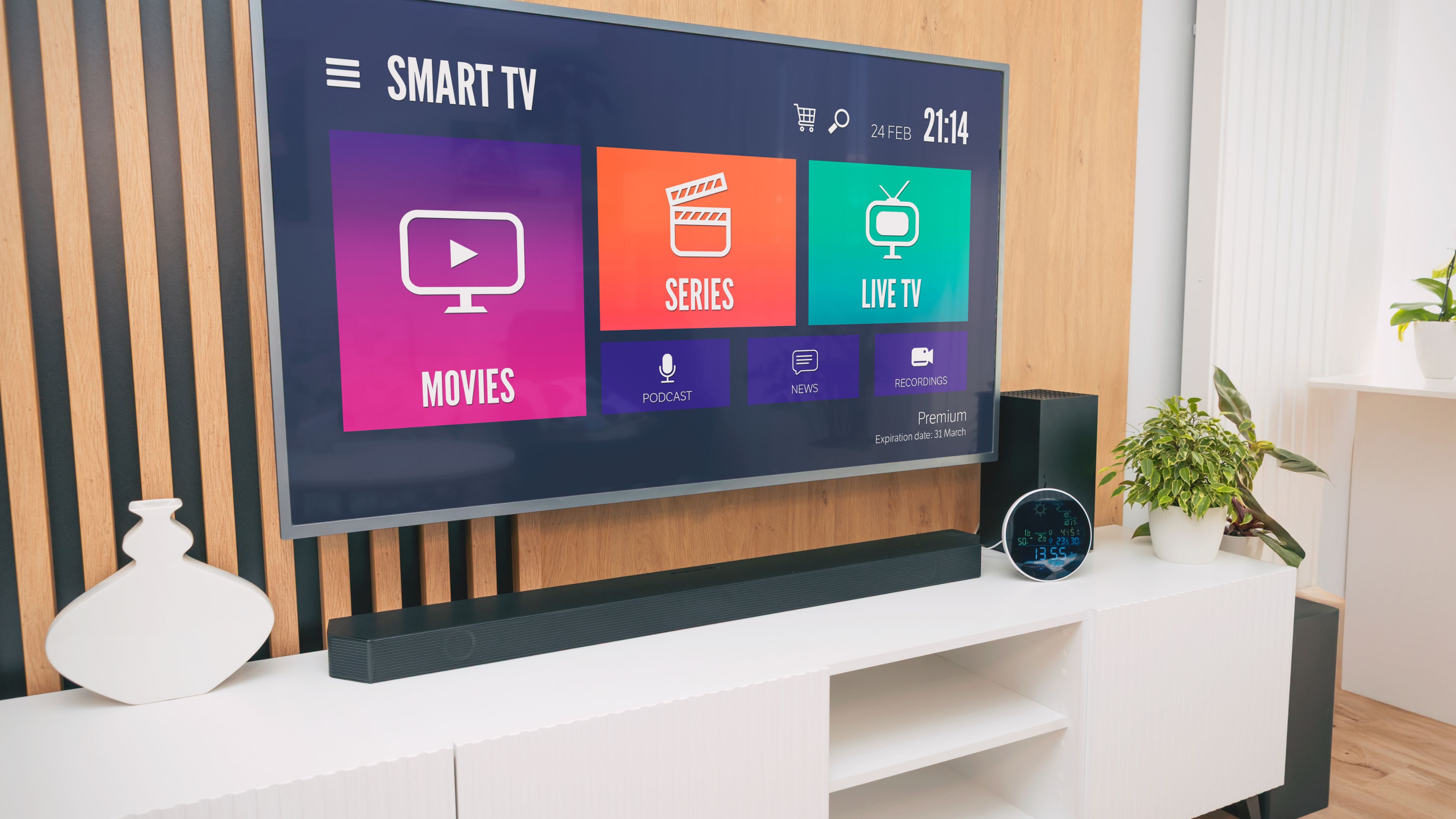
What "Free Live TV" Actually Means
These apps generate revenue through advertising rather than subscription fees, meaning you'll encounter commercial breaks similar to traditional television, but you won't be charged anything to access the live channel lineup itself. It's worth setting that expectation upfront, since some viewers coming from ad-free premium streaming expect the same experience without realizing free live TV operates on a different revenue model entirely.
Pluto TV
Pluto TV offers one of the largest free live channel lineups available, organized into genre-based categories covering news, sports, comedy, drama, and dedicated channels built around specific franchises or themes. The interface mimics a traditional cable guide, making it approachable for viewers who want a familiar channel-surfing experience rather than an on-demand-only library.
What it does well: breadth of content and a genuinely large number of live channels across a wide range of genres. Limitation: channel lineups can shift periodically as licensing agreements change, so a specific channel you enjoy isn't guaranteed to stay available indefinitely.
Tubi
Tubi is primarily known for its extensive free on-demand movie and TV show library, but it also includes a solid selection of live channels covering news, sports highlights, and themed entertainment content. It's a strong choice if you want a blend of live channels and a deep on-demand catalog in a single free app.
What it does well: combining live channels with one of the larger free on-demand libraries available. Limitation: the live channel selection, while solid, is somewhat smaller in scope compared to apps built primarily around live content.
The Roku Channel
The Roku Channel offers a substantial free live TV lineup alongside its on-demand content, and it's accessible even if you don't own a Roku device, through a web browser or the mobile app. Live channels span news, sports, and general entertainment, with a straightforward, easy-to-navigate guide.
What it does well: strong integration if you already use Roku devices, plus solid accessibility across other platforms. Limitation: some of the more specialized live channels are somewhat overshadowed by the platform's strong emphasis on its on-demand library.
Xumo Play
Xumo Play delivers a wide-ranging free live channel lineup with a particular strength in news and lifestyle programming, alongside a reasonably deep on-demand library. The interface is clean and easy to browse, making channel discovery straightforward for new users.
What it does well: strong news and lifestyle channel variety with an intuitive browsing experience. Limitation: sports live coverage is more limited compared to some competing free apps, so it's a better fit if sports isn't your primary viewing priority.
Local Now
Local Now focuses specifically on hyper-local content, weather, local news, and community-focused programming, alongside a selection of national free live channels. This makes it a uniquely useful complement to broader free live TV apps rather than a complete replacement on its own.
What it does well: genuinely useful local weather and community content that broader national apps typically don't offer. Limitation: the broader entertainment and national live channel selection is considerably smaller than apps like Pluto TV or Tubi.
How to Choose the Right Combination for You
Most people find that pairing two apps covers their needs well, Pluto TV or Tubi for a broad live channel lineup covering entertainment and general programming, alongside Local Now specifically for local weather and community news that national apps don't typically prioritize. If sports coverage matters most to you, checking each app's specific sports channel offerings before committing time to setup is worth doing, since coverage varies noticeably between these free options.
Setting Realistic Expectations
Free live TV apps genuinely deliver real value, but they come with real trade-offs worth understanding upfront. Commercial breaks are more frequent than what you might be used to from premium subscription services, and channel lineups can shift over time as licensing agreements change, meaning your favorite free channel today isn't guaranteed to remain available indefinitely. None of this makes these apps a poor choice, it just means treating them as a genuinely useful, cost-free option rather than a perfect one-to-one replacement for a paid cable or premium streaming subscription.
What to Avoid
Don't assume every free live TV app offers identical channel lineups, since content licensing varies significantly between providers, and checking each app's specific offerings before relying on it saves time and disappointment. Avoid unofficial apps or websites claiming to offer premium live channels completely free without any ads or legitimate licensing, since these frequently violate broadcast rights and can expose your device to security risks. And don't expect these apps to fully replace a live sports subscription if that's a major priority, since sports coverage on free apps tends to be more limited than dedicated paid sports streaming options.
FAQ
Do I need to create an account to use these free live TV apps? Most require a basic free account for features like save-for-later or personalized recommendations, though the core live channel browsing typically works with minimal setup.
Will these apps work on my smart TV or do I need a separate streaming device? Most of these apps are available directly on major smart TV platforms, as well as through dedicated streaming devices, phones, and web browsers, giving you flexibility depending on what hardware you already own.
Are these apps really completely free, with no hidden costs? Yes, the core live TV and on-demand content across these specific apps is genuinely free and ad-supported, though some may offer optional premium add-ons or a limited number of individually paid titles alongside the free content.
📚 Sources
Consumer Reports – Free Streaming Services Compared: https://www.consumerreports.org/electronics-computers/tv-service/
Federal Communications Commission – Understanding Streaming and Cord-Cutting: https://www.fcc.gov/consumers