Why a Wired Connection Still Matters for Streaming
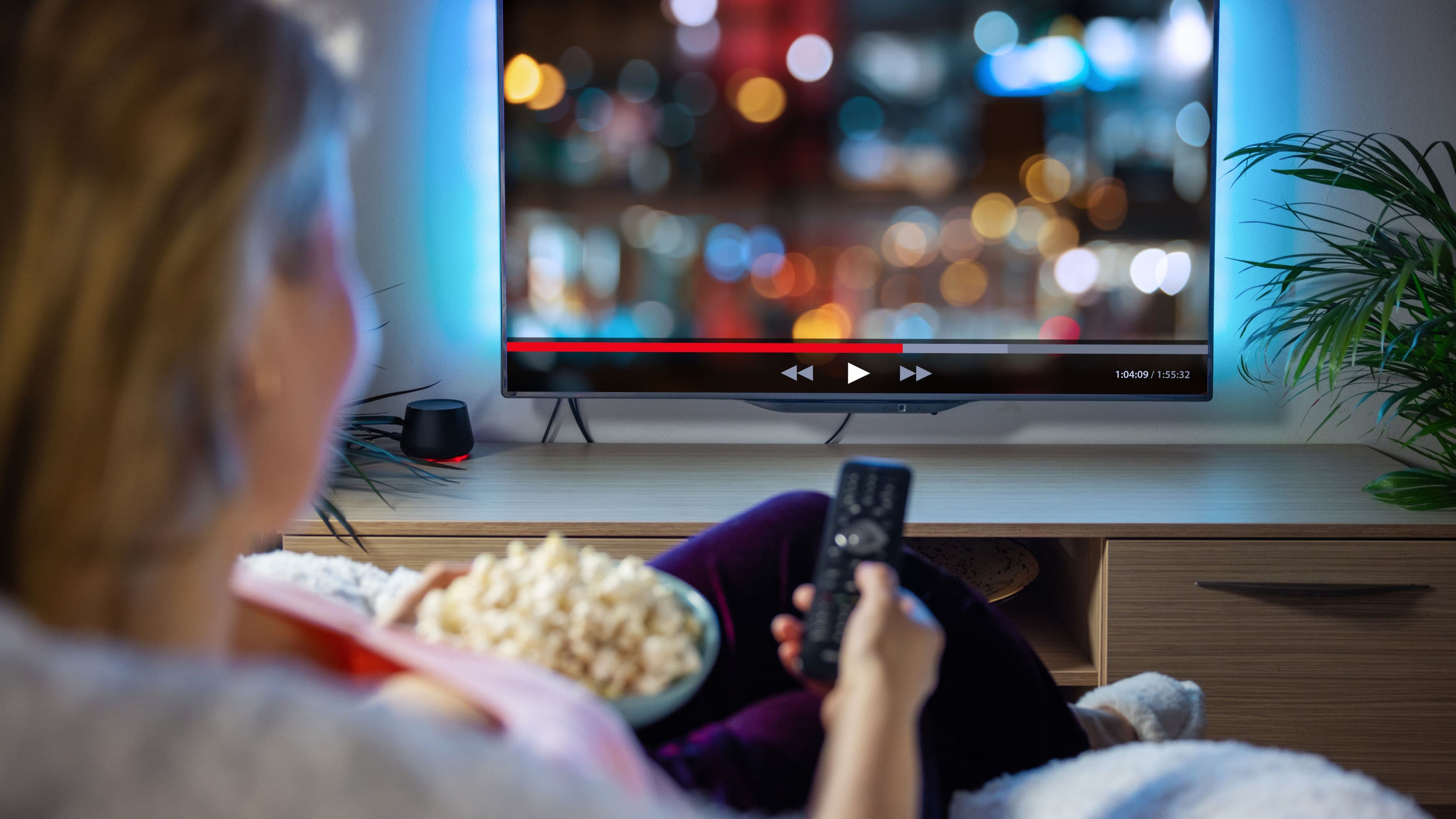
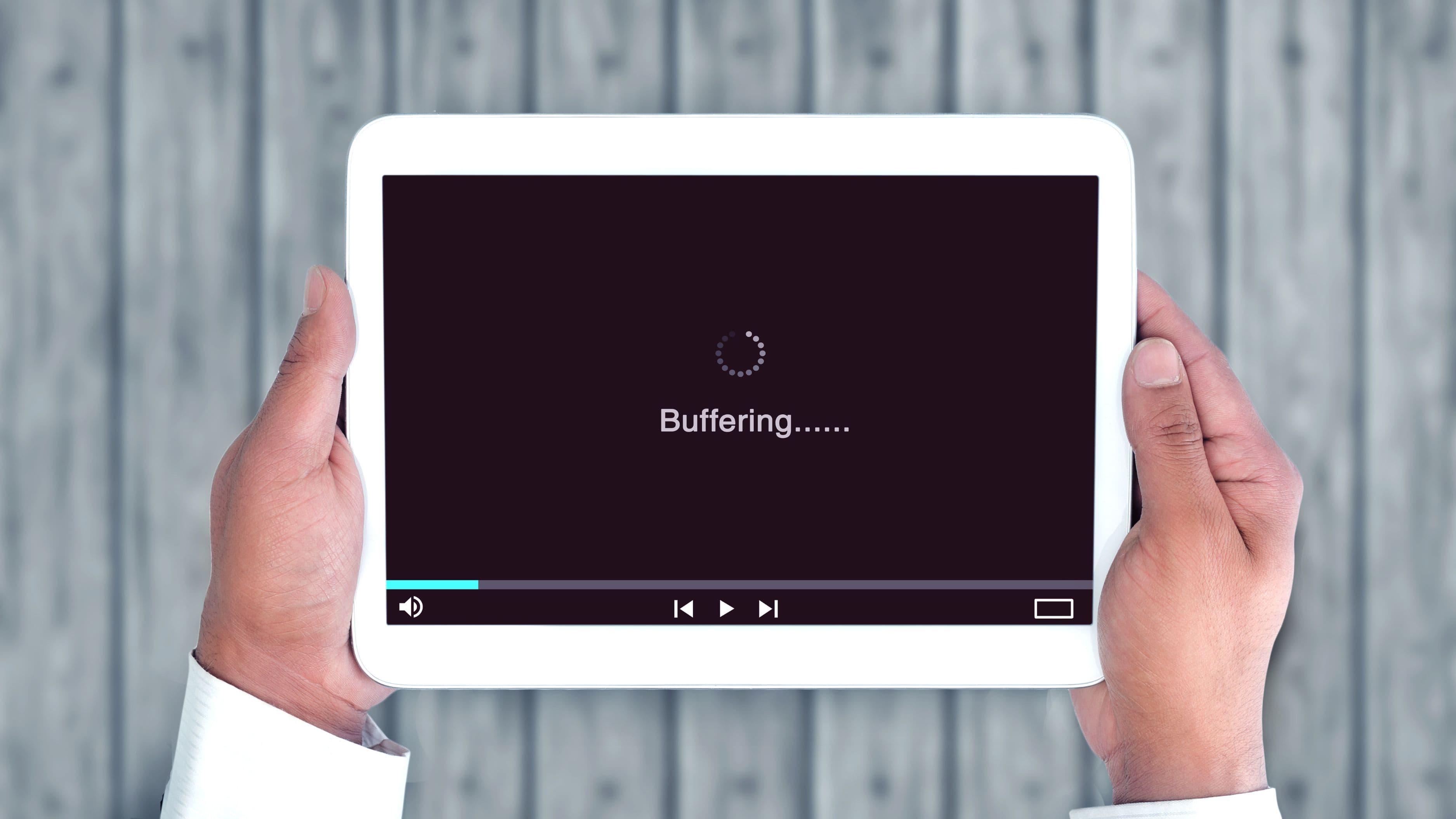
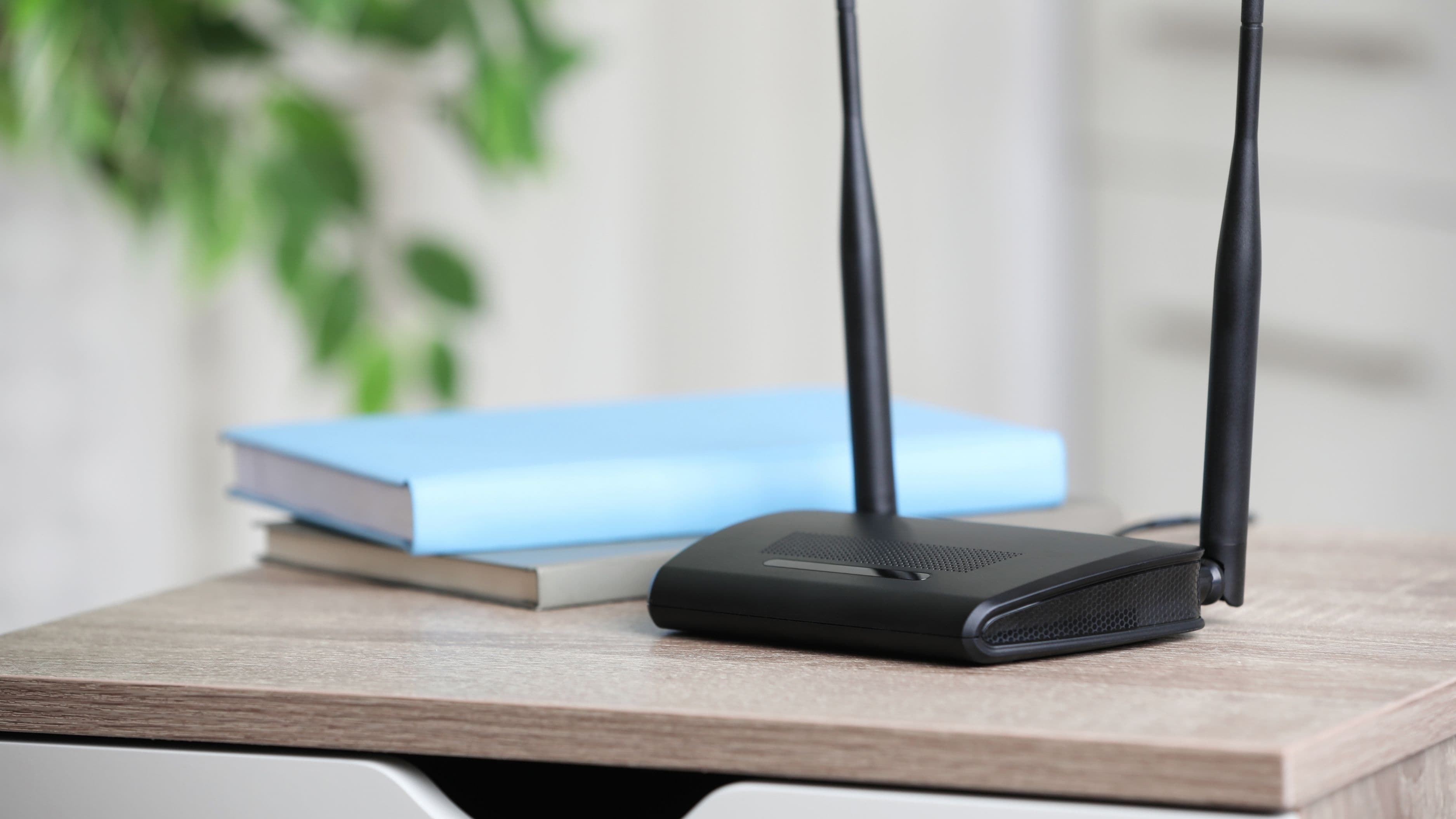
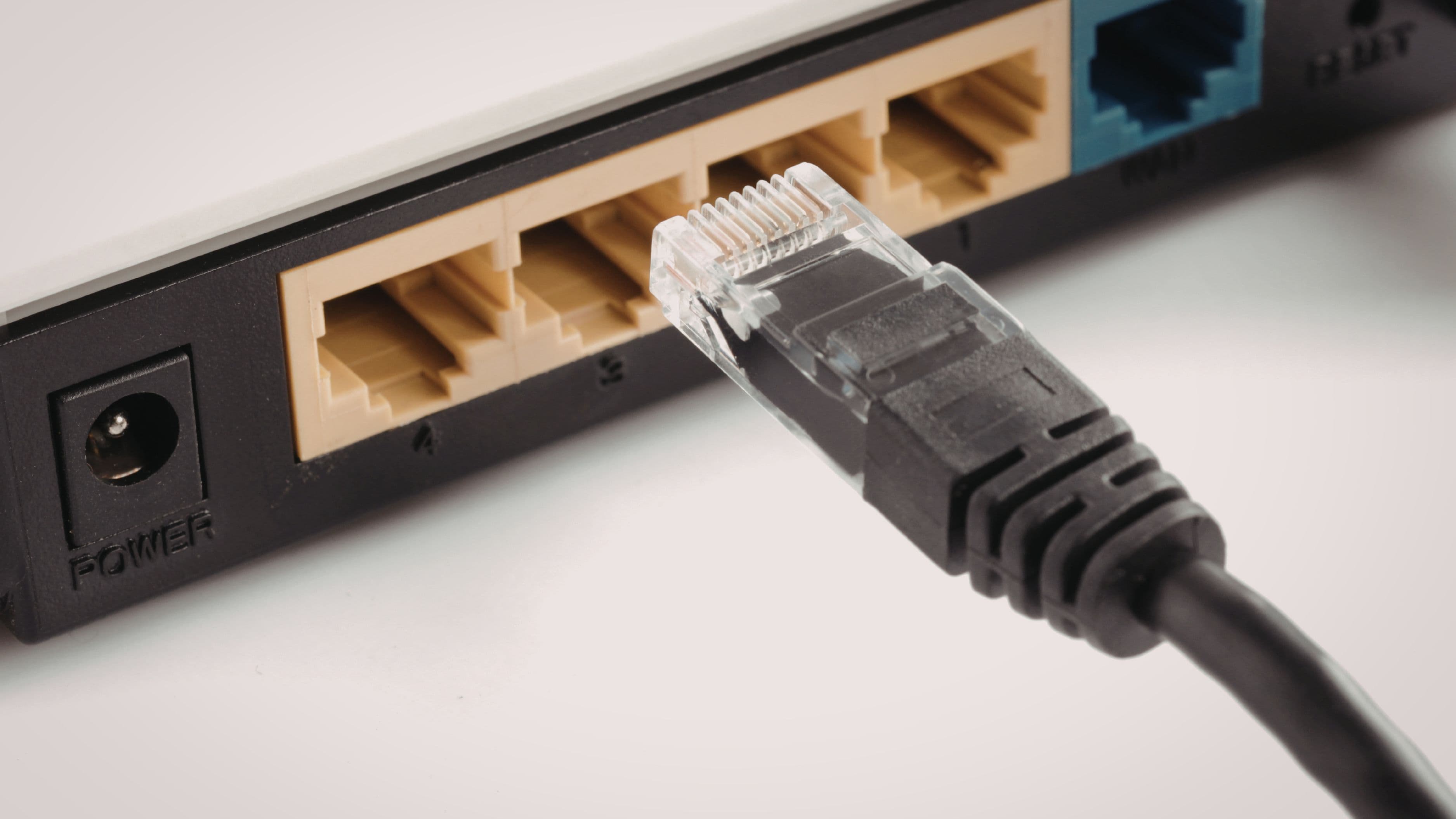
Wi-Fi is convenient, but it's inherently more prone to interference, signal drop-off, and congestion when multiple devices share the same network, especially in larger homes or apartments with more walls between your router and your streaming device. A wired ethernet connection provides a consistent, dedicated connection that doesn't compete with other devices on your network for bandwidth in the same way, which matters most if you're streaming in 4K, dealing with a spotty Wi-Fi signal, or trying to eliminate buffering during peak usage hours in your household.
How These Adapters Actually Work
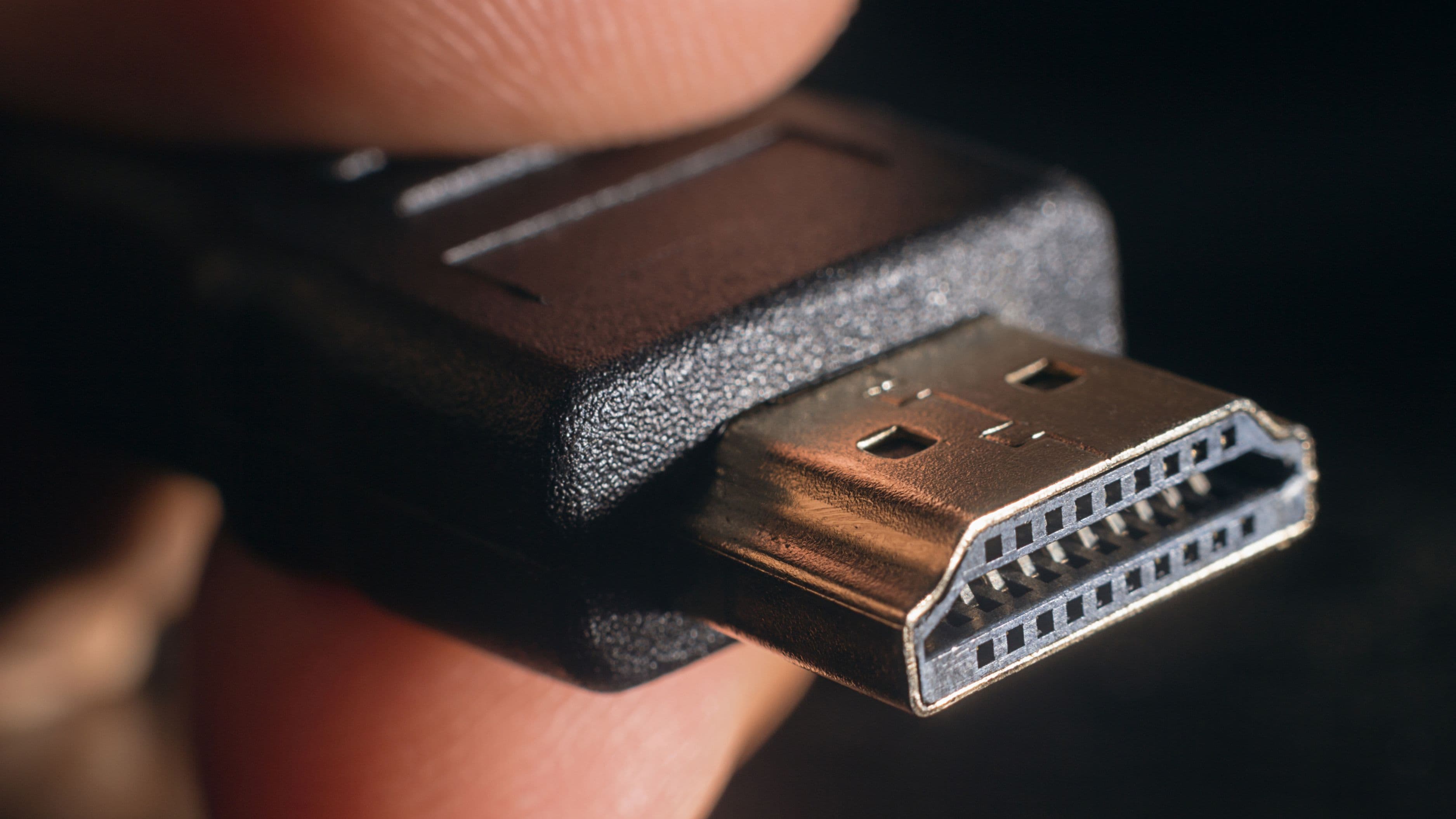
Most modern streaming devices – certain Roku models, Amazon Fire TV Sticks, Chromecast, and some Apple TV variations – connect via USB-C or micro-USB rather than including a dedicated ethernet port. An ethernet adapter plugs into that existing USB port and converts it into a wired network connection, essentially giving a device that shipped without a physical port the ability to use one anyway. These adapters are typically small, inexpensive, and require no additional software setup beyond plugging them in.
What to Look for in an Ethernet Adapter
Power delivery pass-through. Many streaming sticks need continuous power through the same port you'd otherwise use for an ethernet adapter. Look specifically for adapters with a pass-through power connection, which lets you plug in both the ethernet cable and the device's power cord simultaneously, rather than forcing you to choose between power and a wired connection.
Compatibility with your specific device. Not every adapter works seamlessly with every streaming device, particularly older models. Checking user reviews and compatibility notes specific to your exact device model (not just "works with streaming sticks" in general marketing copy) helps avoid a frustrating return process.
Build quality and cable length. Since these adapters typically hang directly off the streaming device rather than sitting on a surface, a sturdier build and a reasonable cable length between the adapter and your router's ethernet cable matter more than they might for a standard adapter used elsewhere.
Best Options by Use Case
Best for Amazon Fire TV Stick
Official Amazon-branded ethernet adapters are specifically designed for compatibility with Fire TV Stick models and include the necessary power pass-through, making them a safe, reliable choice if you want to avoid compatibility guesswork with third-party alternatives.
Best for Roku Streaming Stick
Roku doesn't manufacture its own ethernet adapter, but several well-reviewed third-party USB-to-ethernet adapters with power pass-through are commonly used and confirmed compatible by the Roku community, making this a case where checking recent user reviews for your specific Roku model matters more than looking for an official branded option.
Best for Chromecast
Google's official Chromecast ethernet adapter is purpose-built for Chromecast devices and remains one of the more reliable options specifically because it's designed with the exact power and data requirements of Chromecast hardware in mind, reducing the compatibility issues sometimes seen with generic adapters.
Best Budget Universal Option
Generic USB-C to ethernet adapters with power pass-through, widely available from multiple electronics brands, tend to work across a range of devices, though it's worth confirming your specific streaming device's port type (USB-C versus micro-USB) before purchasing, since the adapter's connector needs to physically match your device.
Real-World Use Case
Consider a household where a smart TV is wired directly through an available ethernet port, but a secondary Fire TV Stick in the bedroom relies on Wi-Fi that regularly weakens due to distance from the router and interference from other household devices. Adding a compatible ethernet adapter to that Fire TV Stick, run to a nearby ethernet jack or extended via a long cable back to the router, effectively eliminates the intermittent buffering that Wi-Fi alone couldn't reliably fix, without requiring any changes to the broader home network setup.
What to Avoid
Don't assume every USB-to-ethernet adapter includes power pass-through, since plugging in an adapter without this feature can leave your streaming stick without power entirely, causing it to shut off rather than connect. Avoid buying the cheapest available generic adapter without checking reviews specific to your device model, since compatibility issues (a device recognizing the adapter but failing to establish a stable connection) are a common complaint with poorly matched budget options. It's also worth measuring the distance to your nearest ethernet source or router before buying a cable, since running a wired connection to certain rooms may require a longer cable than you initially expect.
FAQ
Will an ethernet adapter definitely fix my streaming buffering issues? In most cases where the buffering is caused by weak or congested Wi-Fi, yes, a stable wired connection typically resolves this. If the buffering is caused by your overall internet plan's speed rather than your local network, an ethernet adapter won't fix that underlying bandwidth limitation.
Do I need any special setup after plugging in an ethernet adapter? Generally no – most streaming devices automatically detect and prioritize a wired ethernet connection once it's plugged in, requiring no additional configuration on your part.
Can I use an ethernet adapter and Wi-Fi at the same time? Most streaming devices will automatically default to the wired connection once an ethernet adapter is plugged in and detected, rather than using both simultaneously, since a wired connection takes priority for reliability reasons.
📚 Sources
Amazon Support – Fire TV Ethernet Adapter Compatibility – https://www.amazon.com/gp/help/customer/display.html
Roku Support – Network Connection Troubleshooting – https://support.roku.com/article/208756536