Start With the Screen, Not Extra Gadgets
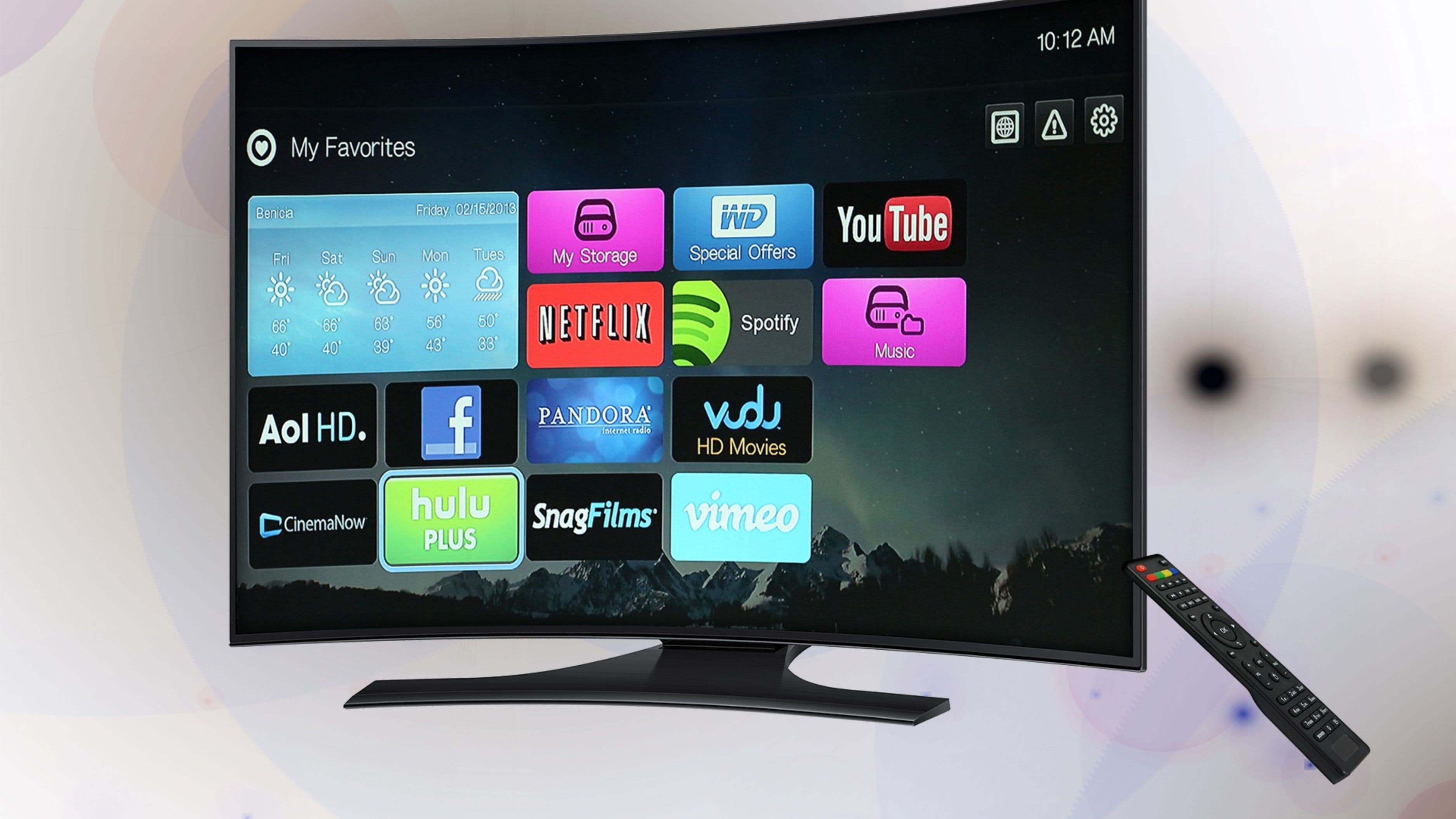
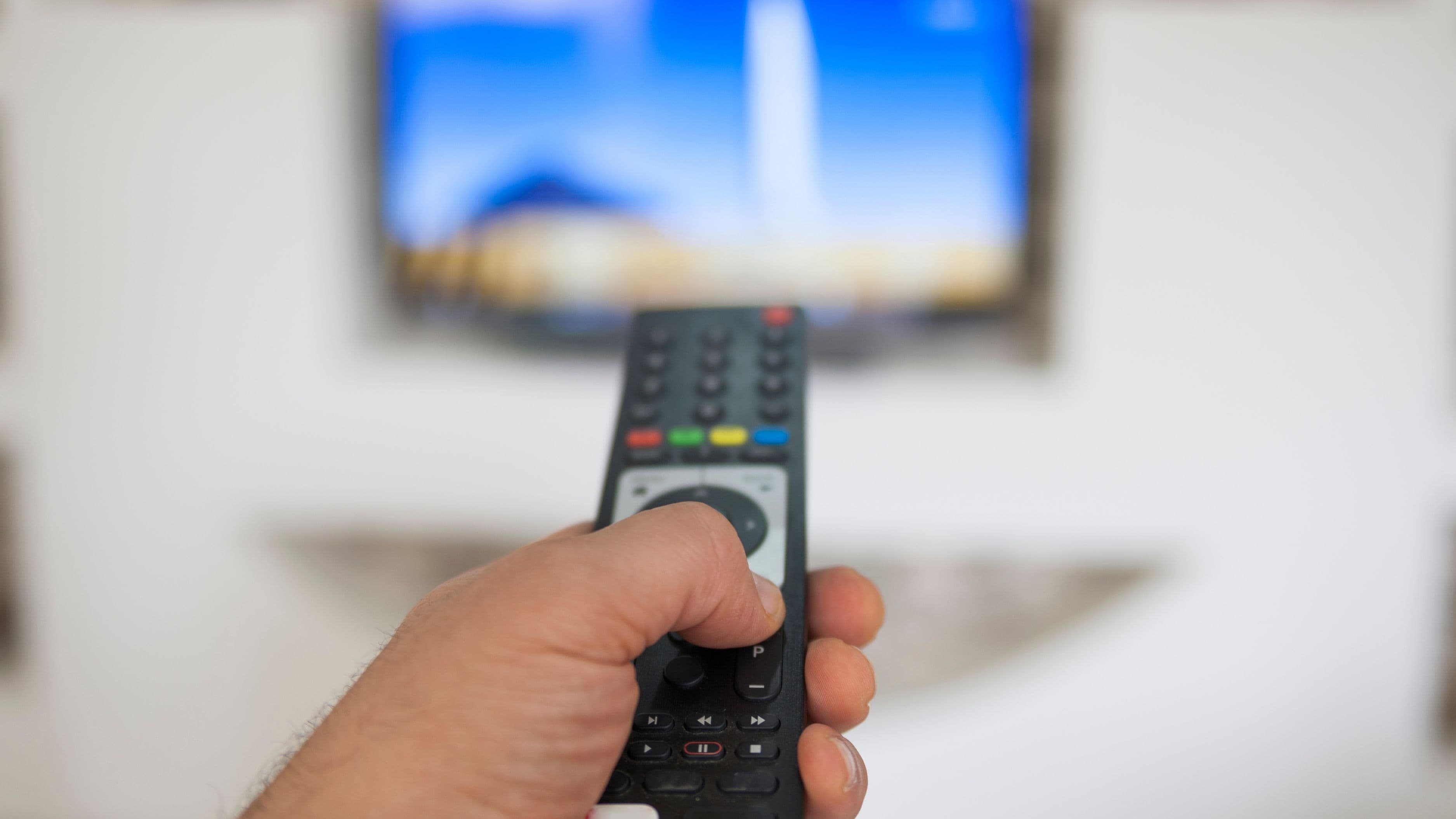
Before spending money on ambient lighting, sound bars, or streaming accessories, get the actual display right, since it's the single biggest factor in how good your streaming experience feels. A mid-range 55 to 65-inch 4K smart TV from a reputable brand typically delivers excellent picture quality for the price, and you generally don't need to spend at the very top of the market to get a genuinely satisfying result for most streaming content.
If your budget is tight, it's often smarter to buy a slightly older model from a reputable brand at a discount rather than the newest release at full price, since year-over-year picture quality improvements at the mid-range level tend to be incremental rather than dramatic. Watch for seasonal sales, which regularly bring meaningful discounts on quality mid-range televisions.
Prioritize Seating Comfort Over Room Size
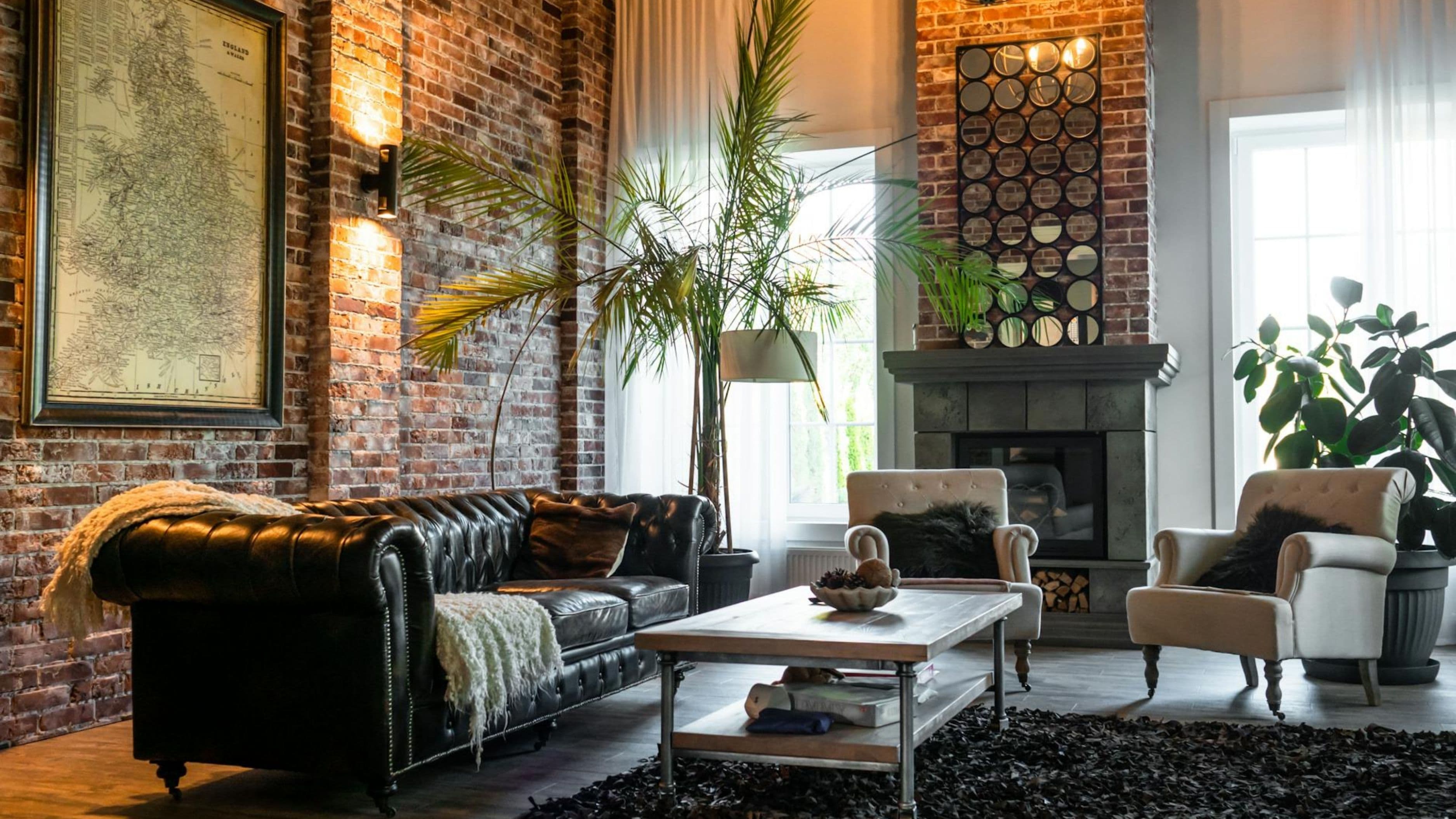
A dedicated streaming room doesn't need to be large to feel great – what matters more is comfortable, well-positioned seating at the right distance and angle from the screen. A single comfortable chair or a small loveseat in a modest room, positioned at an appropriate viewing distance, will feel more satisfying long-term than an oversized room with uncomfortable seating pushed too far from the screen.
General viewing distance guidance suggests sitting roughly one and a half to two and a half times the diagonal screen size away from a 4K television, which keeps detail sharp without straining your neck to take in the whole picture. Measuring this out before finalizing furniture placement avoids the common mistake of a room that looks good but doesn't actually feel comfortable to watch in for a full movie or game.
Basic Sound Improvement Without a Full Home Theater System
Built-in TV speakers are consistently one of the weakest links in the home viewing experience, and a modest soundbar is one of the most cost-effective upgrades you can make relative to the improvement in experience. A budget-friendly soundbar in the low-to-medium cost range typically delivers a meaningfully fuller, clearer sound than built-in TV speakers, without requiring a full surround sound system with multiple speakers and a dedicated receiver.
If your budget allows a small additional step up, a soundbar with a separate wireless subwoofer adds noticeably more depth for movies and sports without the installation complexity of a full surround setup, which requires running speaker wire and calibrating multiple channels.
Lighting That Actually Improves Picture Quality
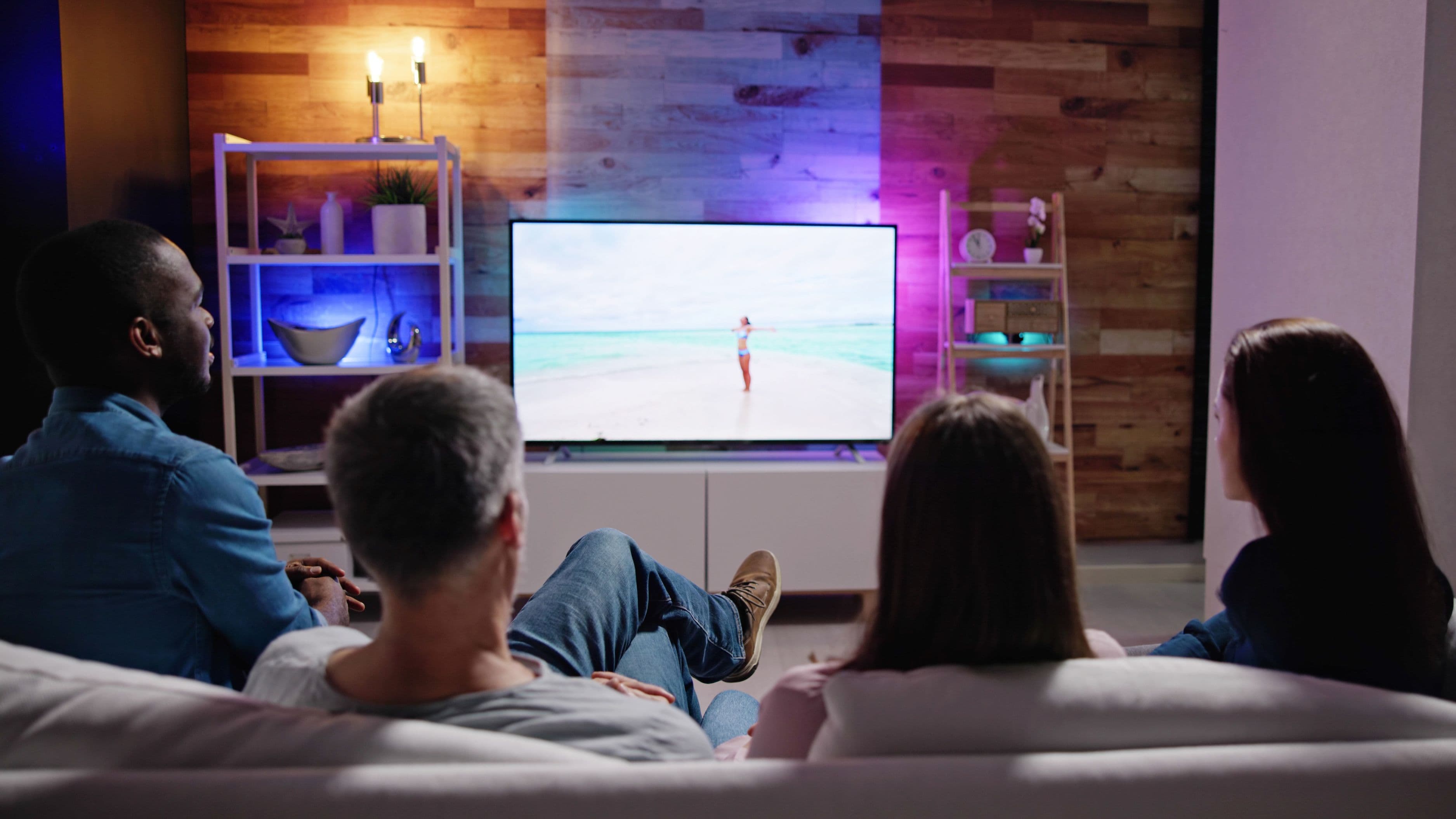
Contrary to what some assume, a completely dark room isn't necessarily ideal for streaming – some ambient light behind the TV, known as bias lighting, actually reduces eye strain and can improve perceived contrast compared to watching in total darkness. An inexpensive LED bias lighting strip placed behind the television is a low-cost addition that meaningfully improves the viewing experience without any complex installation.
Beyond bias lighting, controlling glare and unwanted reflections matters more than achieving perfect darkness – positioning the screen away from windows or adding simple blackout curtains for daytime viewing addresses most of the lighting issues that actually affect picture quality in a typical home setup.
Streaming Device Considerations
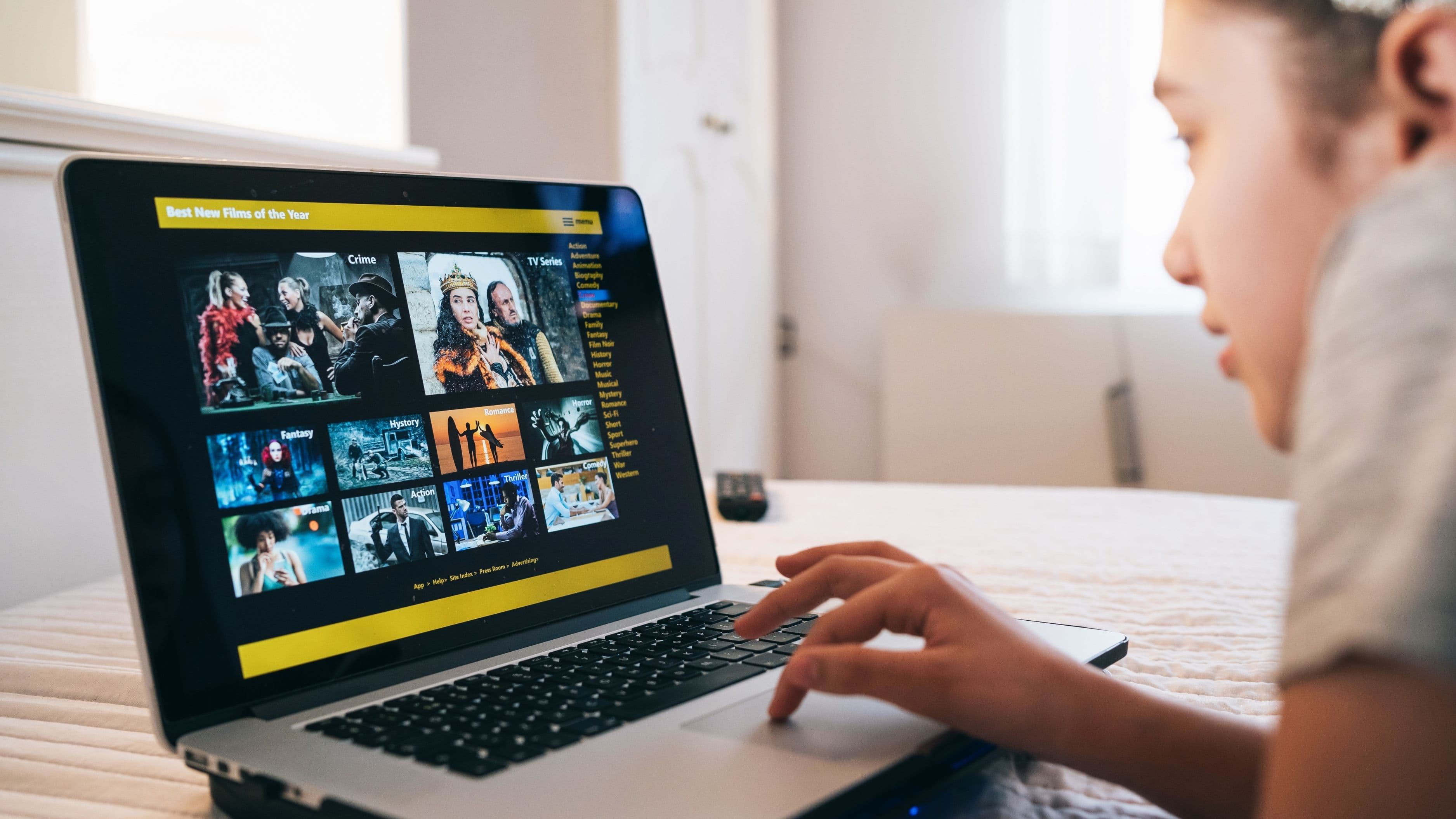
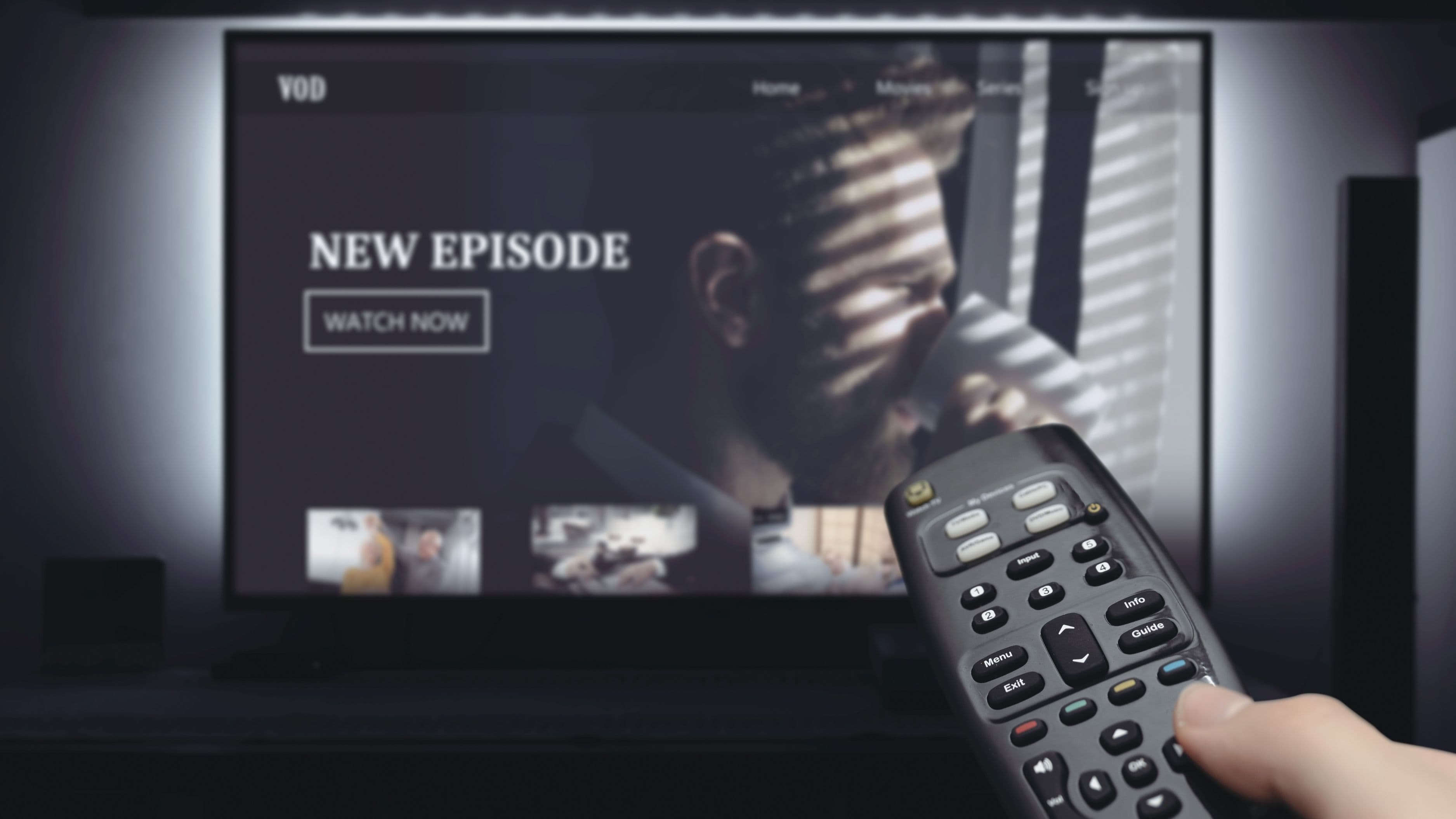
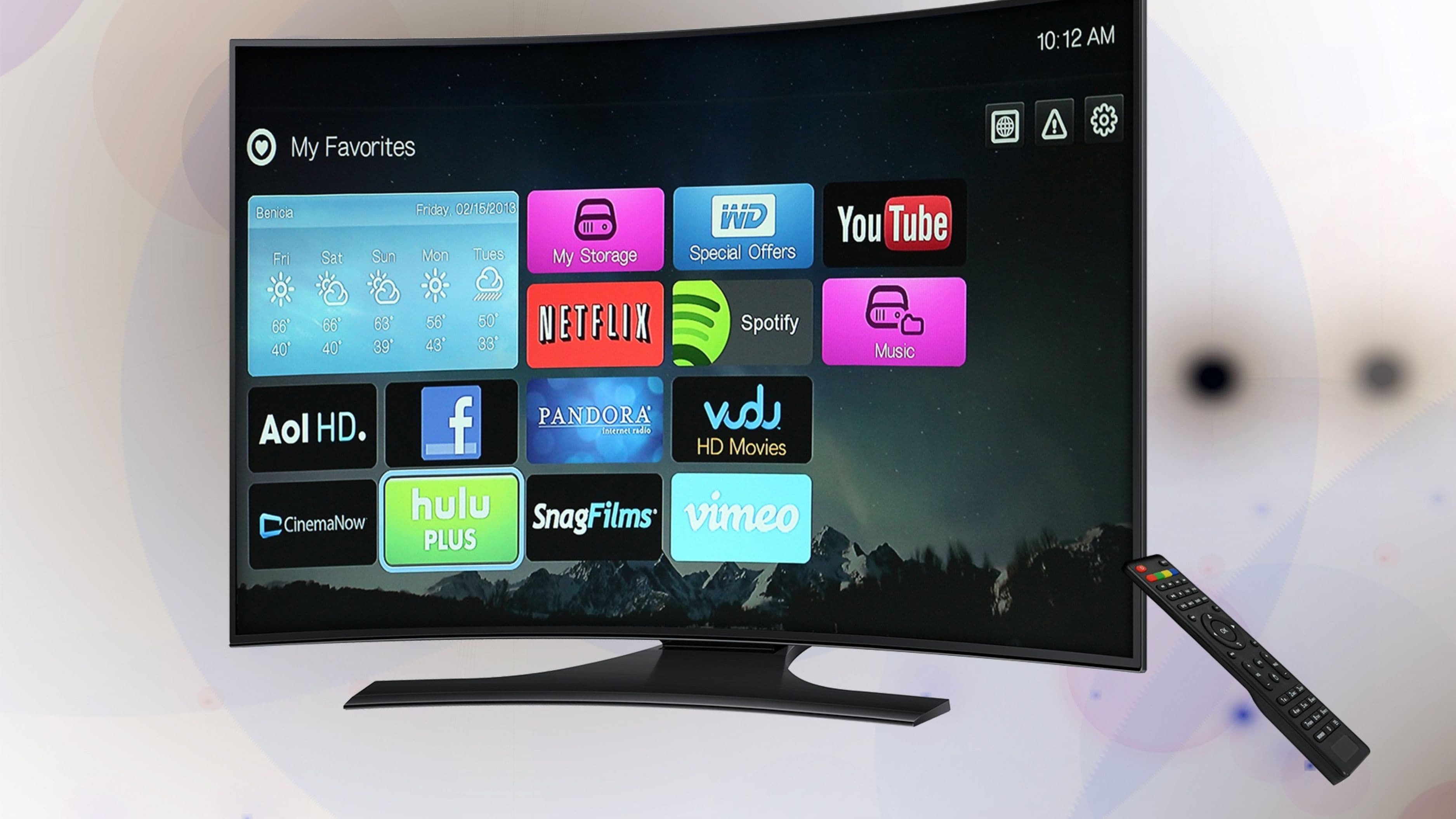
Most modern smart TVs include built-in streaming apps that are perfectly sufficient for most users, meaning a separate streaming device like a dedicated media player isn't always necessary as a first purchase. If your smart TV's built-in interface feels slow or its app selection is limited, a budget-friendly streaming device can meaningfully improve navigation speed and access to a wider range of apps for a relatively modest cost.
It's worth checking your specific TV's app support and performance before assuming you need a separate device, since many current smart TVs handle the major streaming services well without any additional hardware.
Cable Management and Room Organization
A tangle of visible cables and cluttered equipment can undercut an otherwise well-designed streaming room, and inexpensive cable management solutions – adhesive clips, cable sleeves, or a simple cord cover along the wall – make a noticeable difference in how polished the finished space feels. This is one of the lowest-cost improvements on this list, often just a few dollars in materials, but it meaningfully affects the overall impression of the room.
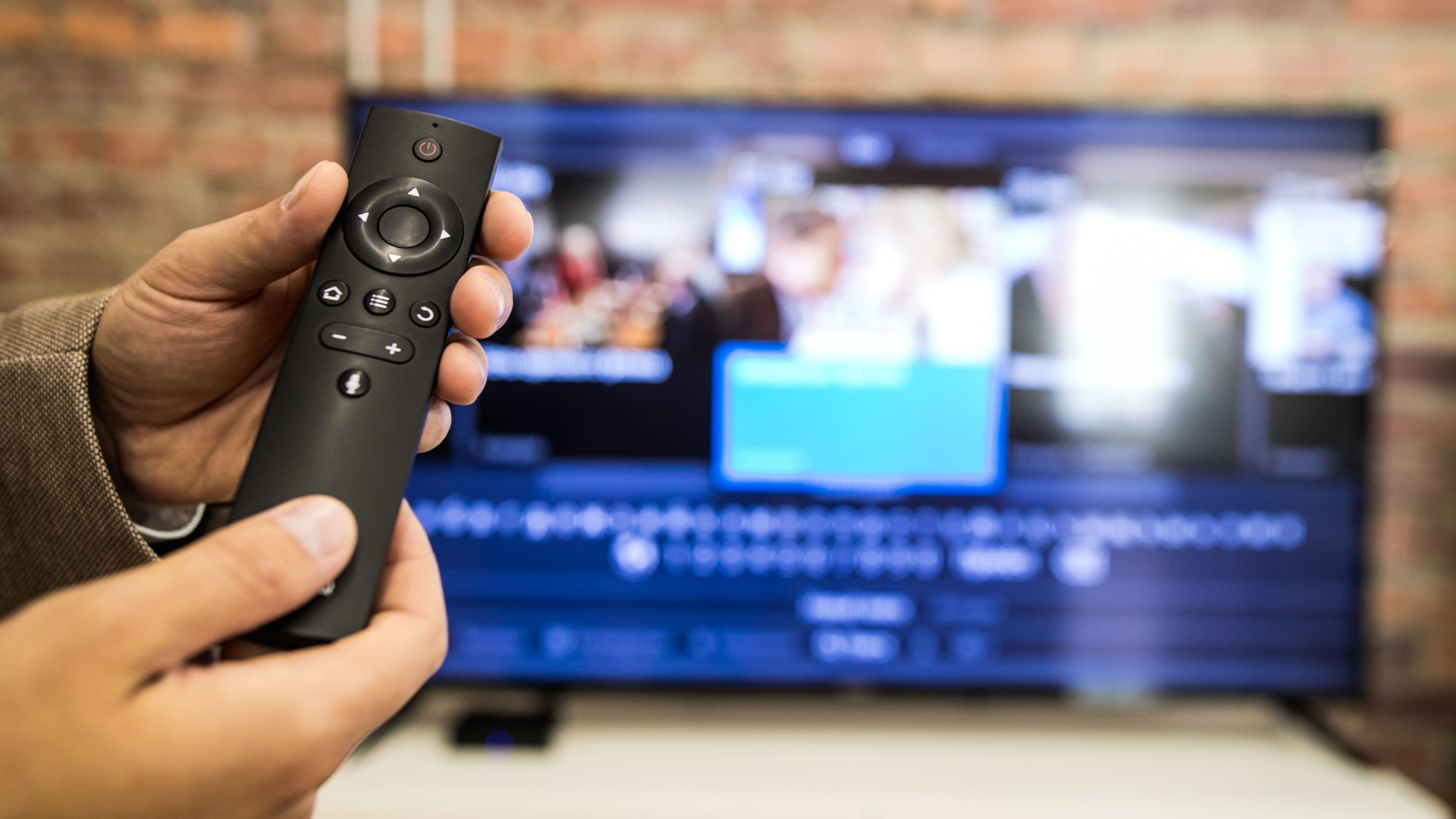
Keeping remotes, controllers, and other accessories organized in a small basket or drawer near the seating area also reduces the friction of settling in for a viewing session, which matters more for how often you'll actually enjoy using the space than most people initially expect.
What to Avoid
Avoid overspending on a large, top-of-the-line television before addressing seating comfort and basic sound quality, since a beautiful picture watched from an uncomfortable chair with poor sound won't deliver the streaming experience you're actually hoping for. It's also worth avoiding a completely dark room setup, which can increase eye strain and doesn't actually maximize perceived picture quality the way modest bias lighting does.
Don't assume you need a full surround sound system for a satisfying audio upgrade – for most home streaming setups, a quality soundbar delivers the majority of the improvement at a fraction of the cost and installation complexity.
Realistic Expectations
A genuinely comfortable, good-looking streaming room can be assembled for a modest total budget by prioritizing screen quality, seating comfort, and a basic soundbar upgrade, with lighting and cable management adding polish at very low additional cost. This setup won't match a dedicated home theater with acoustic treatment and premium projection equipment, but for the vast majority of everyday streaming, it delivers a genuinely satisfying experience without requiring anywhere close to that level of investment.
FAQ
Do I need a projector instead of a TV for a good streaming room? Not necessarily – a quality mid-range 4K TV delivers excellent picture quality for most rooms and lighting conditions, and projectors typically require more careful light control and setup to look their best, which adds complexity most casual setups don't need.
Is bias lighting really worth adding? Yes, it's a low-cost addition that reduces eye strain and improves perceived contrast, making it one of the better small upgrades relative to its minimal cost.
How much should I realistically budget for seating? This depends on your space and preferences, but prioritizing genuine comfort over a larger or more elaborate piece of furniture tends to pay off more in long-term satisfaction with the room.
📚 Sources
🔍 Explore Related Topics
Cheap ways to improve home theater sound