This guide covers the gear that actually moves the needle – what to prioritize, what to skip, and realistic prices for each.
Camera: The Visual Foundation
Your camera is the piece of gear viewers interact with most directly, but it's also the area where diminishing returns kick in fastest. A $700 mirrorless camera with good glass and proper lighting will look significantly better than a $3,000 camera with no lighting and a kit lens. Prioritize the camera after you've thought through your whole setup, not before.
Sony ZV-E10 (~$550 body only) is the most practical entry point for creators who want interchangeable lenses, excellent autofocus, and a sensor that produces cinematic depth of field. The autofocus system tracks faces reliably even when you're moving, which matters for solo creators without a camera operator. It shoots clean 4K video and handles reasonably well in moderate low light. Pair it with a 16mm or 35mm prime lens for the best results.
Fujifilm X-S10 (~$900 with kit lens) is a strong alternative with exceptional in-body image stabilization – useful if you move around during your content – and Fujifilm's renowned color science, which requires less color grading work in post.
Sony A7C or A7 III (~$1,500–$1,800 used) steps up to full-frame for creators with more budget, producing the cleanest low-light performance and shallowest depth of field in this range. At this price point it's worth considering only if your shooting environment is difficult to control – dim rooms, highly variable light, or situations where you can't use dedicated lighting.
For creators who don't need interchangeable lenses and want simplicity, the Sony ZV-1 II (~$500) is a compact, fixed-lens camera that performs excellently for talking-head formats and is significantly easier to travel with.
One practical note: if you're only shooting straight into the camera at a desk or fixed position, the autofocus and image stabilization advantages of higher-end bodies matter less. In that scenario, an older Sony A6400 or even a well-configured webcam like the Elgato Facecam Pro (~$300) can look very good with the right lighting.
Lens: Often More Important Than the Camera Body
If you're shooting on a mirrorless with interchangeable lenses, the lens you choose has more impact on image quality than upgrading from one camera body to another at the same price tier. A fast prime lens (one with a wide maximum aperture like f/1.8 or f/1.4) produces the background separation and cinematic look that audiences associate with professional video.
For Sony E-mount (ZV-E10, A7C): the Sigma 16mm f/1.4 (~$350) or Sony 35mm f/1.8 (~$450) are the two most recommended focal lengths for creator setups, depending on your shooting distance and how much of your environment you want to include in frame. The Sigma 16mm is ideal for tight spaces where you can't sit far from the camera. The 35mm gives a more natural field of view at standard desk distance.
For Fujifilm X-mount: the Fujinon 23mm f/2 (~$450) or 35mm f/2 (~$400) are excellent, compact options with strong optical quality and smooth autofocus.
Don't skip this piece of the setup. A prime lens at f/1.8 on a $600 camera looks significantly more professional than a kit zoom lens at f/5.6 on a $1,500 camera.
Microphone: The Element That Makes or Breaks Credibility
Audio quality has a disproportionate effect on how professional content feels. Bad audio registers as unprofessional faster than any visual shortcoming. This is the one area where it's genuinely worth spending before you're ready to upgrade the camera.
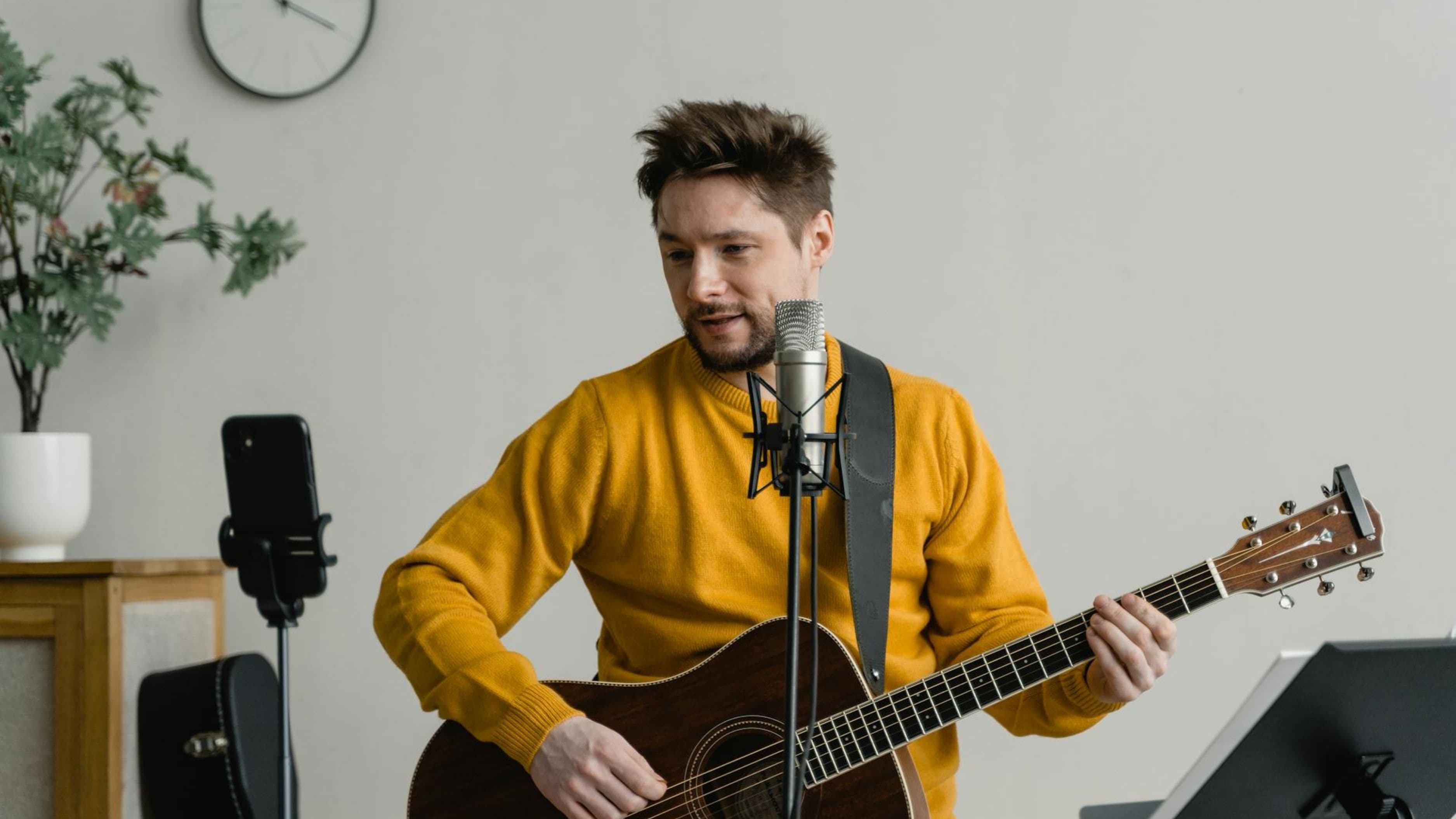
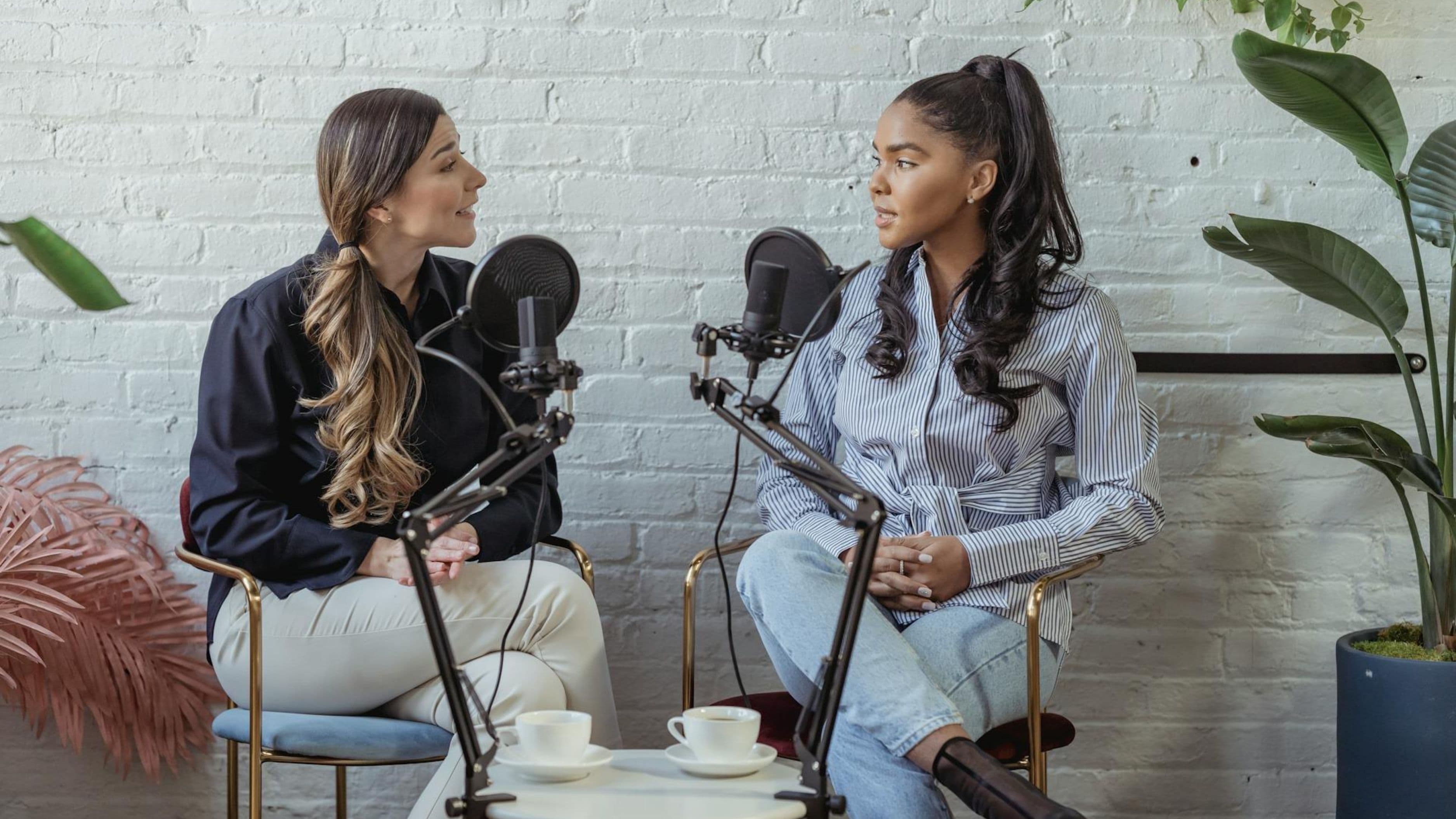
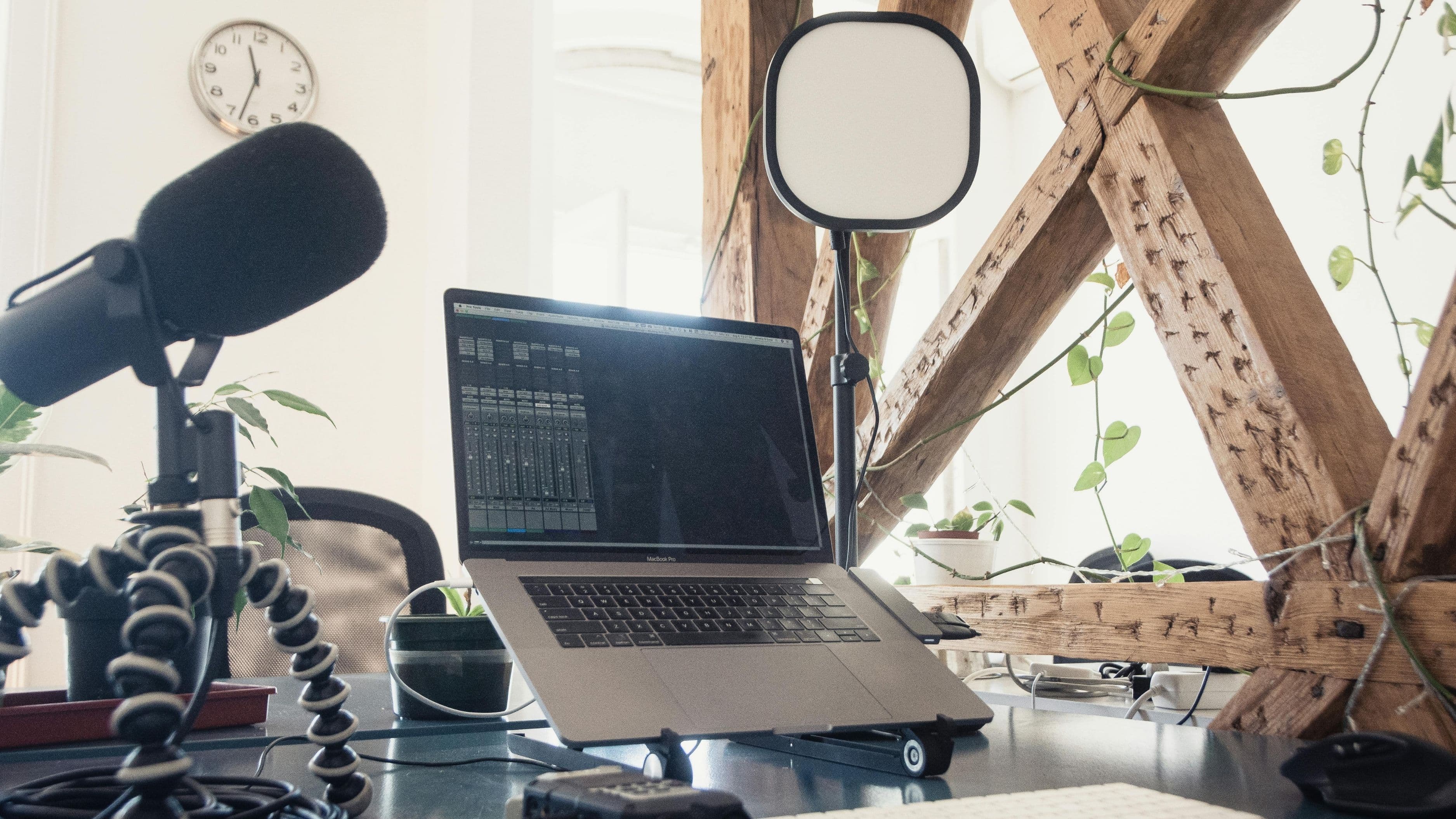
Shure SM7B (~$400) is the industry standard for a reason. It's a dynamic microphone that rejects background noise extremely well, produces a warm, full broadcast sound, and flatters nearly every voice. It's been the go-to microphone for podcasters, streamers, and broadcasters for decades. The tradeoff is that it requires a decent audio interface to power it properly – the built-in gain on most interfaces won't be sufficient without a preamp booster like the Cloudlifter CL-1 (~$150).
Rode PodMic USB (~$130) eliminates the interface requirement by connecting directly via USB. It produces a sound that gets close to the SM7B territory at a third of the price and is the best value option for creators who don't want to invest in an interface yet.
Rode NT-USB Mini (~$100) is a more compact USB condenser option that works well in treated or acoustically decent rooms. Condenser microphones pick up more ambient detail than dynamic mics, which means they reward quieter, better-controlled recording environments but sound thinner in untreated spaces.
Elgato Wave:3 (~$150 USB) is popular in the streaming community specifically because it integrates well with Elgato's software ecosystem and produces clean, natural sound. Practical for creators already in the Elgato setup.
If you want to go wireless – for content where you move around or shoot outside the desk – the DJI Mic 2 (~$350 for the two-transmitter kit) delivers broadcast-comparable wireless audio at a price that used to be unimaginable in this range.
For the interface route: the Focusrite Scarlett Solo (~$120) is the standard recommendation for pairing with an XLR microphone like the SM7B. It's reliable, sounds clean, and works seamlessly on Mac and PC without driver installation headaches.
Lighting: What Most Upgrades Are Actually About
When people say a creator's setup "looks professional," they're usually reacting to the lighting as much as the camera. Soft, even key lighting that flatters the subject, eliminates harsh shadows, and gives the image depth is what separates a professional-looking setup from a webcam-in-a-bedroom look. No camera upgrade will do what good lighting does.
Elgato Key Light (~$200) and Key Light Air (~$130) are the most popular options in the creator space for a reason – they produce daylight-balanced, even light with adjustable brightness and color temperature, and they look genuinely good on camera. Both mount on a desk arm or light stand and are controlled via app or stream deck. For a desk setup, one Key Light as your primary key light and a second cheaper panel or ring light as a fill light is a practical starting configuration.
Godox SL60W (~$90) is a workhorse video light used by low-budget filmmakers and creators who want more raw output than a panel-style light. It's brighter than the Key Light at the price and accepts standard light modifiers (softboxes, umbrellas), making it a better choice for creators who want to shape their light more deliberately. It runs hotter than LED panels and needs a softbox to avoid harsh shadows.
Neewer 18-inch ring light (~$40–$70) is the entry-level option that outperforms its price significantly for talking-head content at close range. It produces the characteristic ring catchlight in the eyes that's become associated with creator content, and while it's less versatile than a panel setup, it's a step up from no dedicated lighting with almost zero setup complexity.
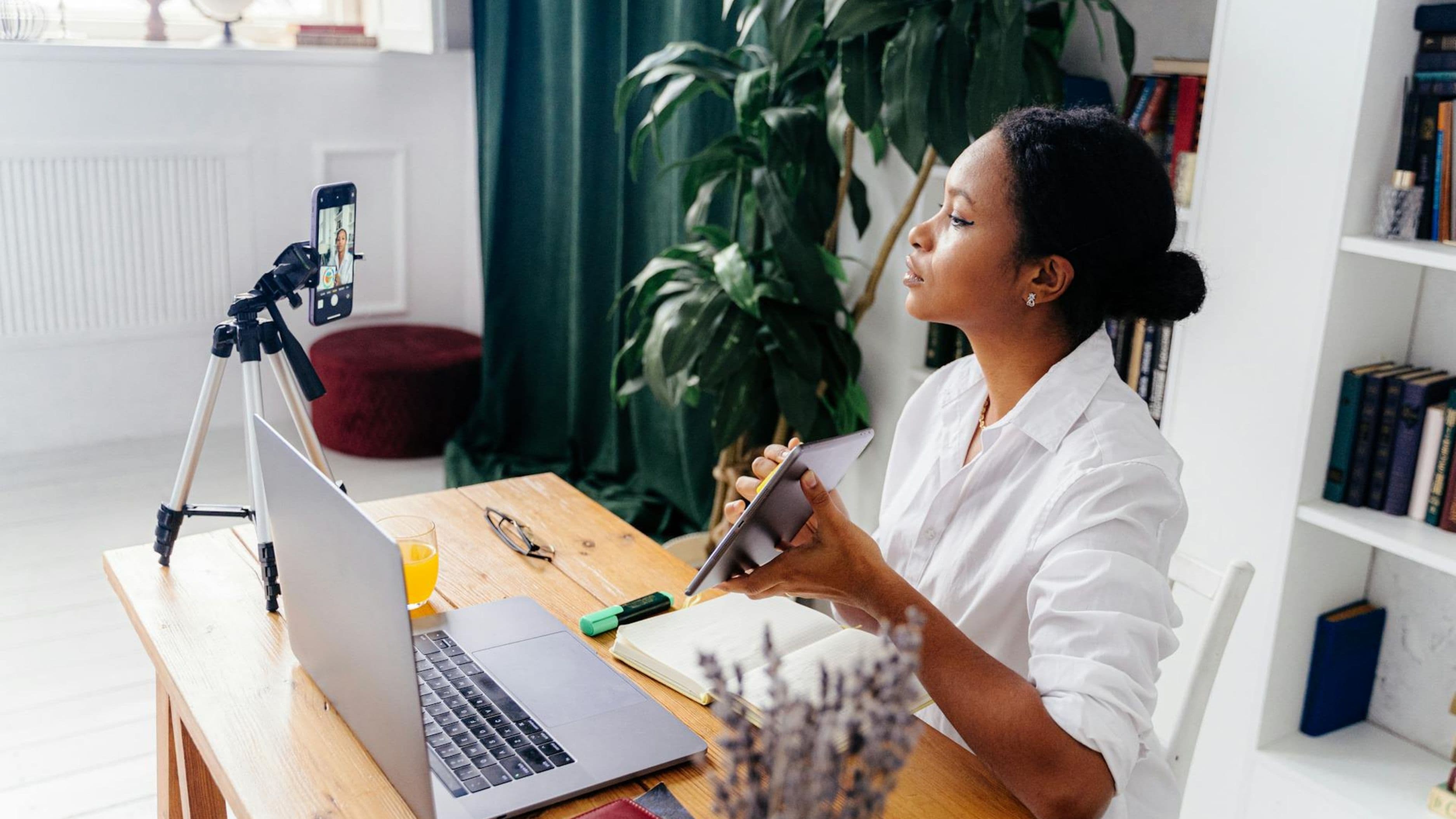
For a truly professional look, two-point or three-point lighting is the goal: a key light slightly to one side of the camera (main illumination), a fill light on the opposite side (softening shadows), and optionally a backlight or hair light behind/above the subject (separation from the background). The Elgato Key Light + a second cheaper LED panel achieves this for around $250–$300.
Background and Space: What the Camera Sees Beyond You
A professional-looking setup extends to what's visible behind you. This doesn't mean you need a $500 backdrop system – it means being thoughtful about what's in frame.
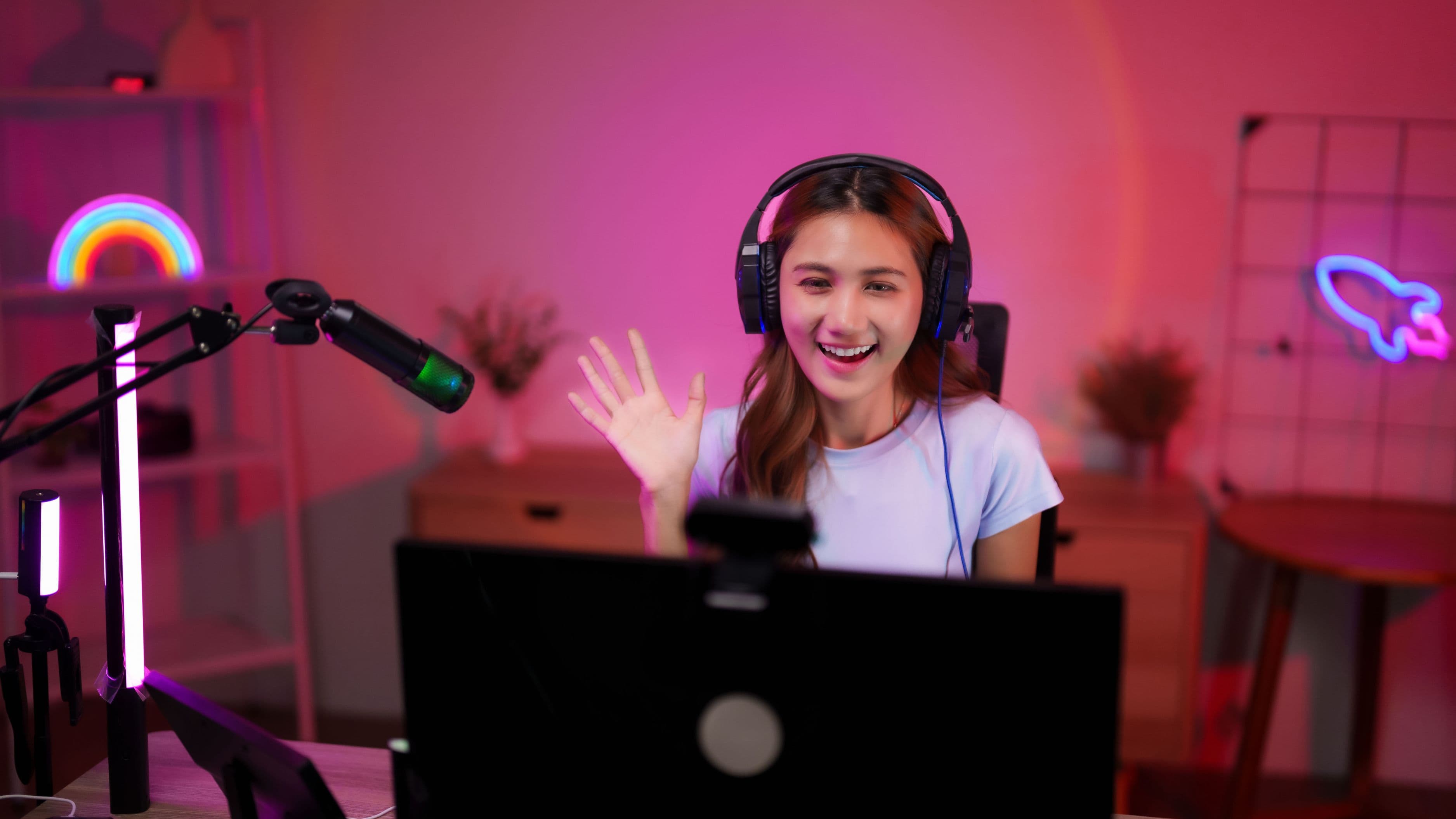
A few shelves styled with books, plants, and objects relevant to your niche read as a curated, professional environment. Warm practical lighting in the background (a desk lamp or LED strip behind your monitor) adds depth and visual interest at minimal cost. An acoustic foam panel or fabric wall hanging behind or beside you serves double duty – it softens the visual environment and reduces room reverb that degrades audio quality.
For creators who want a clean, controlled background with no environment management, a collapsible backdrop (~$40–$80) is a fast solution. A medium gray or dark green works well for most looks. If you're shooting against green for compositing, the Elgato Green Screen (~$160 for the collapsible version) pulls cleanly with modern virtual background software.
Capture Card: For Console or Camera Pass-Through
If you're streaming gameplay alongside a camera feed, or if you want to use a dedicated camera (rather than a webcam) with OBS or Streamlabs without running through capture software on the camera itself, you need a capture card.
Elgato HD60 X (~$150) is the most widely used option in the creator space, supporting up to 4K30 or 1080p60 pass-through and working natively with all major streaming software. For most gaming and camera-to-PC workflows it's the right choice.
AVerMedia Live Gamer Portable 2 Plus (~$130) is a comparable alternative with slightly different software and a more compact form factor. Preference between these two tends to come down to the software ecosystem you're already in.
What to Avoid
Spending heavily on the camera before the lighting and audio are sorted. A $2,000 camera in bad lighting with a laptop microphone looks worse than a $600 camera with a proper light and a dedicated mic. The order of investment matters: audio first, lighting second, camera third.
Ring lights for every setup. Ring lights are practical and inexpensive but they produce a flat, even illumination without the directional shaping that makes professional setups look three-dimensional. If your goal is a broadcast look rather than a beauty/lifestyle creator look, a key-and-fill panel setup will serve you better.
Buying every piece at once. Building a setup incrementally – starting with the microphone, then lighting, then camera – lets you learn how each element affects the result and avoid buying things that don't fit your actual workflow. Starting with a USB mic and a single key light before adding a mirrorless camera is a smarter investment order than buying everything at once.
Neglecting acoustic treatment. A room with hard floors, bare walls, and no soft furnishings will produce noticeably reverberant audio regardless of microphone quality. A rug, curtains, or a few acoustic panels behind the camera make a meaningful improvement to audio quality in untreated spaces without requiring permanent installation.
FAQ
What's the minimum spend for a setup that looks genuinely professional? A USB microphone ($100–$150), a single good key light ($130–$200), and a decent webcam or entry-level mirrorless camera ($300–$600) will produce a result that reads as professional for most talking-head or desk content. Total: $530–$950. That's the floor for a setup where nothing is working against you.
Is a mirrorless camera significantly better than a high-end webcam? Yes, primarily in low-light performance, depth of field control, and image quality consistency. A well-configured Elgato Facecam Pro or Logitech Brio 4K with good lighting closes a meaningful portion of the gap for static desk setups. If you move around, shoot in varied lighting, or want lens flexibility, a mirrorless is worth the upgrade.
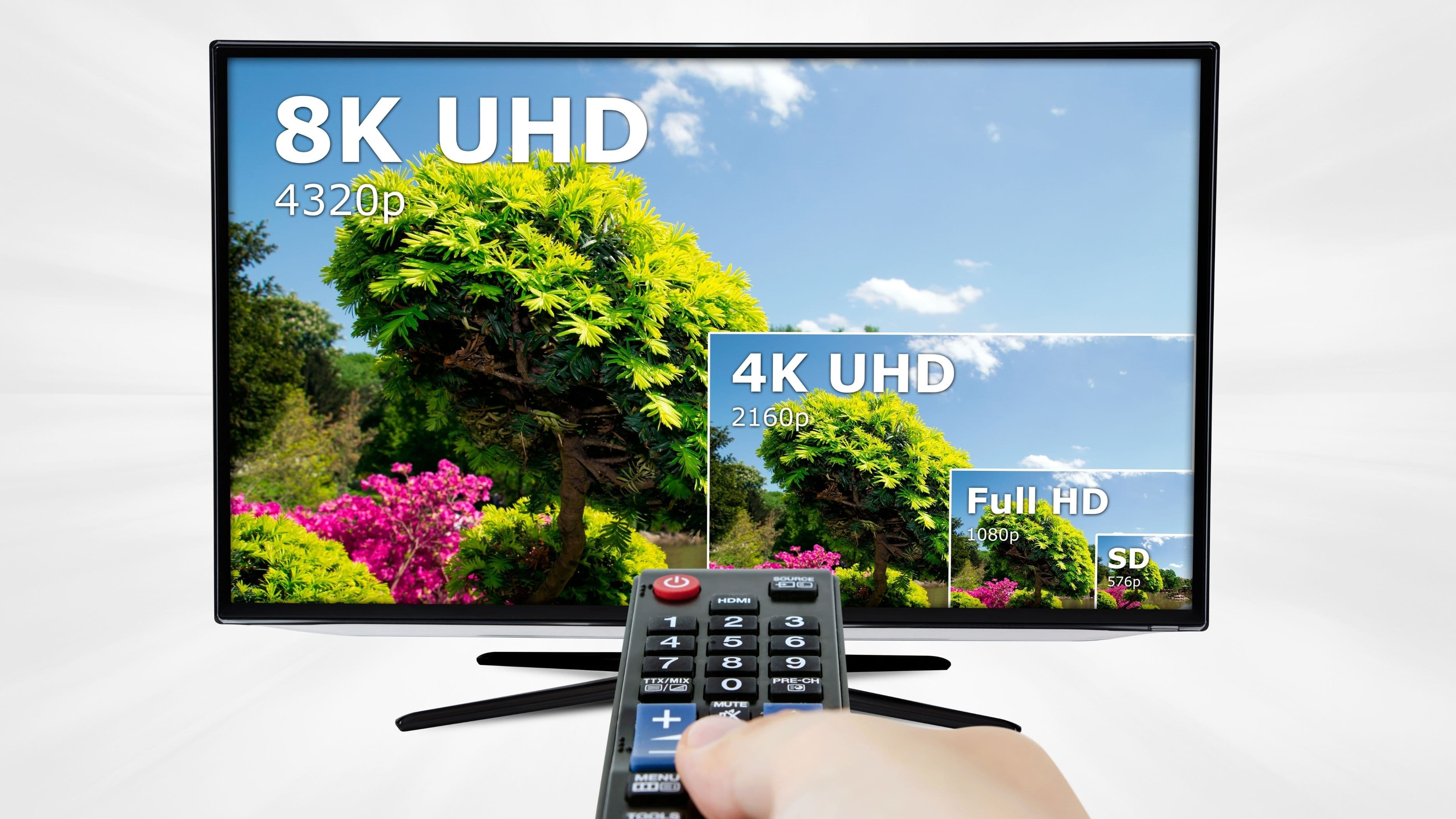
Do I need 4K for a streaming setup? For live streaming, 1080p60 is the practical ceiling for most platforms and audience connections right now. 4K matters more for recorded video that will be watched on large screens or edited and cropped in post-production. If you're primarily live streaming, don't let 4K capability drive a camera purchase.
What's the best single upgrade for an existing setup that's not looking professional? Usually lighting. If you already have a decent microphone and camera, adding a proper key light and a fill light typically produces the most dramatic visible improvement per dollar spent. If your audio is the weak point, fix that first – bad audio is harder to overlook than imperfect lighting.
Does background matter as much as gear? It depends on your format, but for talking-head content, yes – the background contributes significantly to how professional a setup looks. A cluttered, poorly lit, or visually chaotic background distracts from the content. Spending 30 minutes organizing and styling what's in frame is free and often more impactful than a gear upgrade.
📚 Sources
Wirecutter – Best Mirrorless Cameras for Video Creators: https://www.nytimes.com/wirecutter/reviews/best-mirrorless-cameras/
Rtings.com – Best Microphones for Streaming and Podcasting: https://www.rtings.com/microphone/reviews/best/for-streaming-and-podcasting
Elgato – Key Light Technical Specifications: https://www.elgato.com/us/en/p/key-light
Focusrite – Scarlett Solo Audio Interface Overview: https://focusrite.com/products/scarlett-solo
B&H Photo – Sigma 16mm f/1.4 DC DN Overview: https://www.bhphotovideo.com/c/product/1406917-REG/sigma_402965_16mm_f_1_4_dc_dn.html