This guide walks through every step of the decision: what you'll gain, what you'll miss, how to build a replacement setup, which services to consider, and what mistakes to avoid. By the end you'll know exactly what cord-cutting would look like for your household specifically.
Step 1 – Know What You're Actually Paying For (and Watching)
Before you cancel anything, spend ten minutes pulling out your cable bill and figuring out what you're actually spending. Many cable bills include equipment rental fees, DVR charges, regional sports fees, and broadcast TV fees that get added to the base rate in ways that aren't obvious. Your true monthly cost for cable alone – separate from internet – might be significantly higher than you think.
Then audit what you actually watch. Go through your viewing habits for the past month and list the channels or shows you genuinely watched more than once. Most cord-cutters discover that 80 to 90 percent of their viewing comes from five or fewer channels, and many of those channels are available through streaming alternatives. This audit is the foundation of your replacement plan.
Pay particular attention to these categories, because they're the ones most likely to affect your decision:
Local news and network TV – ABC, NBC, CBS, Fox, and PBS are broadcast channels that you can access for free over the air with an antenna in most parts of the US. This covers a huge amount of content: national news, local news, live sports on network TV, and major broadcast shows.
Live sports – This is the most common reason people stick with or return to cable. Certain sports leagues and events are still primarily on cable channels. Knowing specifically which sports you watch and which channels they're on tells you how to solve this in the streaming world.
Cable news and specialty channels – HGTV, Food Network, CNN, ESPN, and similar channels require either a live TV streaming service or a direct streaming app subscription if you want to keep them.
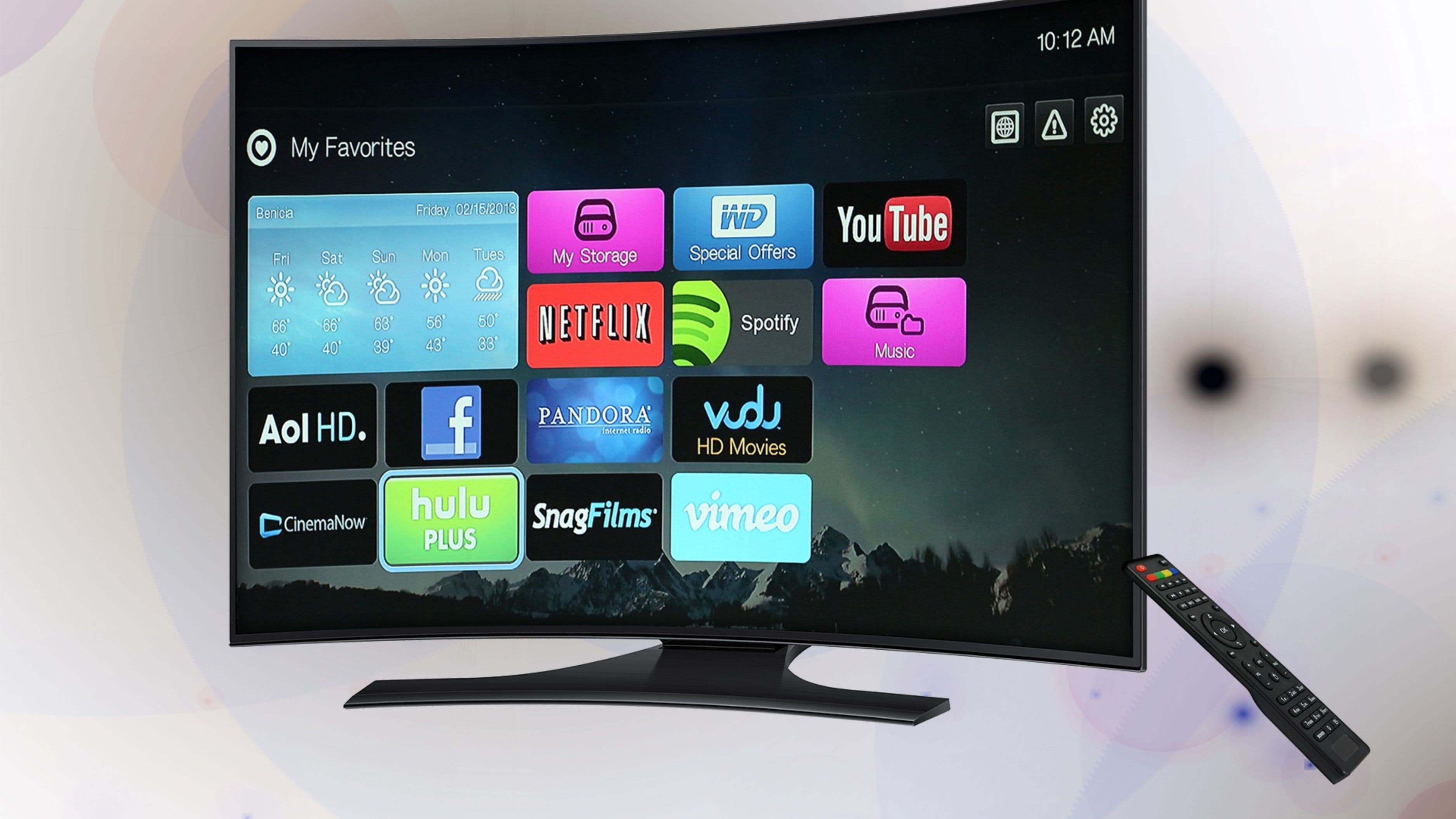
On-demand content – Netflix, Hulu, Disney+, Max, and similar services already operate entirely outside of cable and most people have at least one of these already. These are the easy part of the transition.
Step 2 – Understand What Replaces Cable
Cord-cutting doesn't mean giving up live TV. It means getting live TV through internet delivery instead of cable infrastructure. There are two main replacement categories.
Streaming services for on-demand content
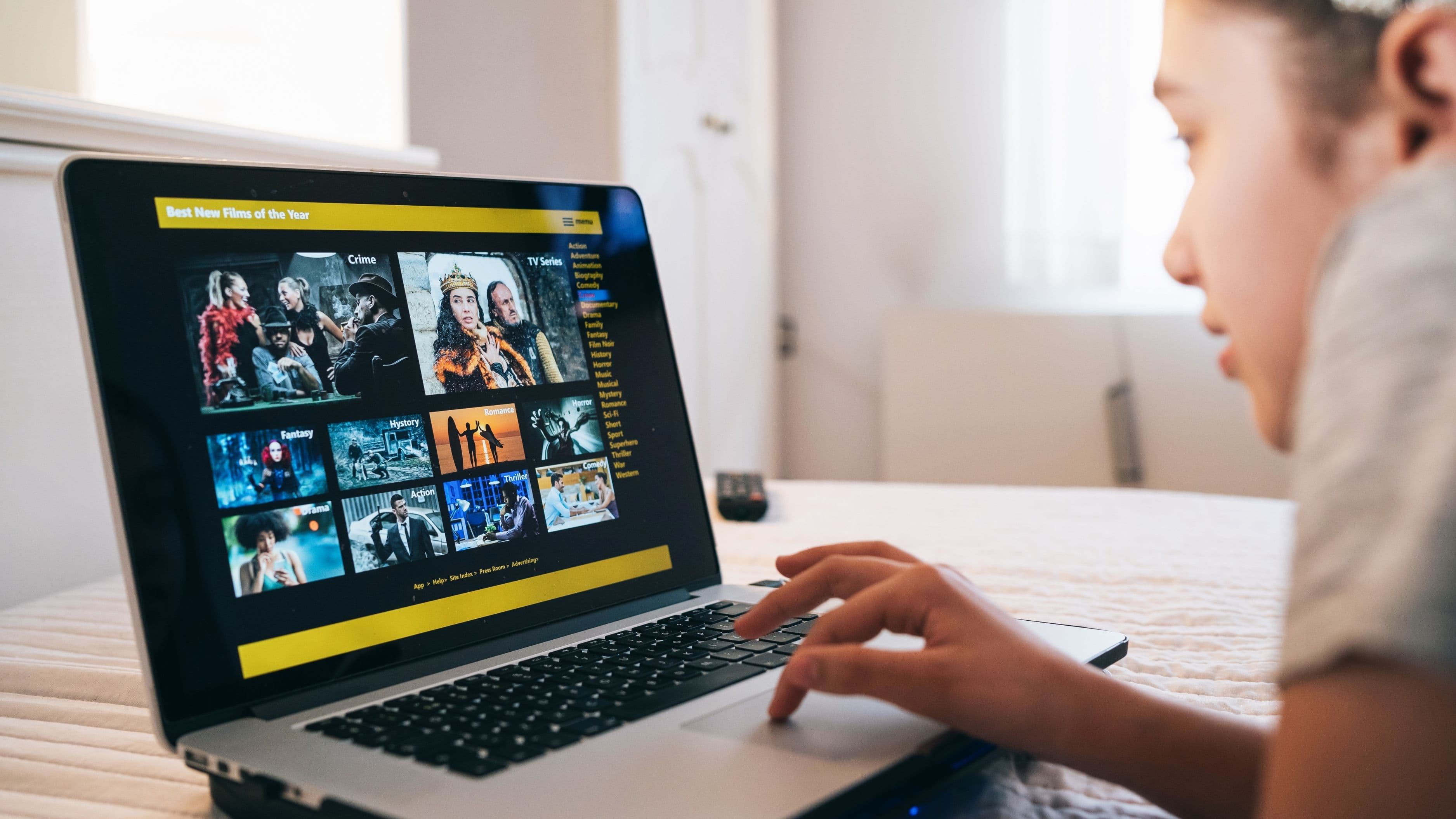
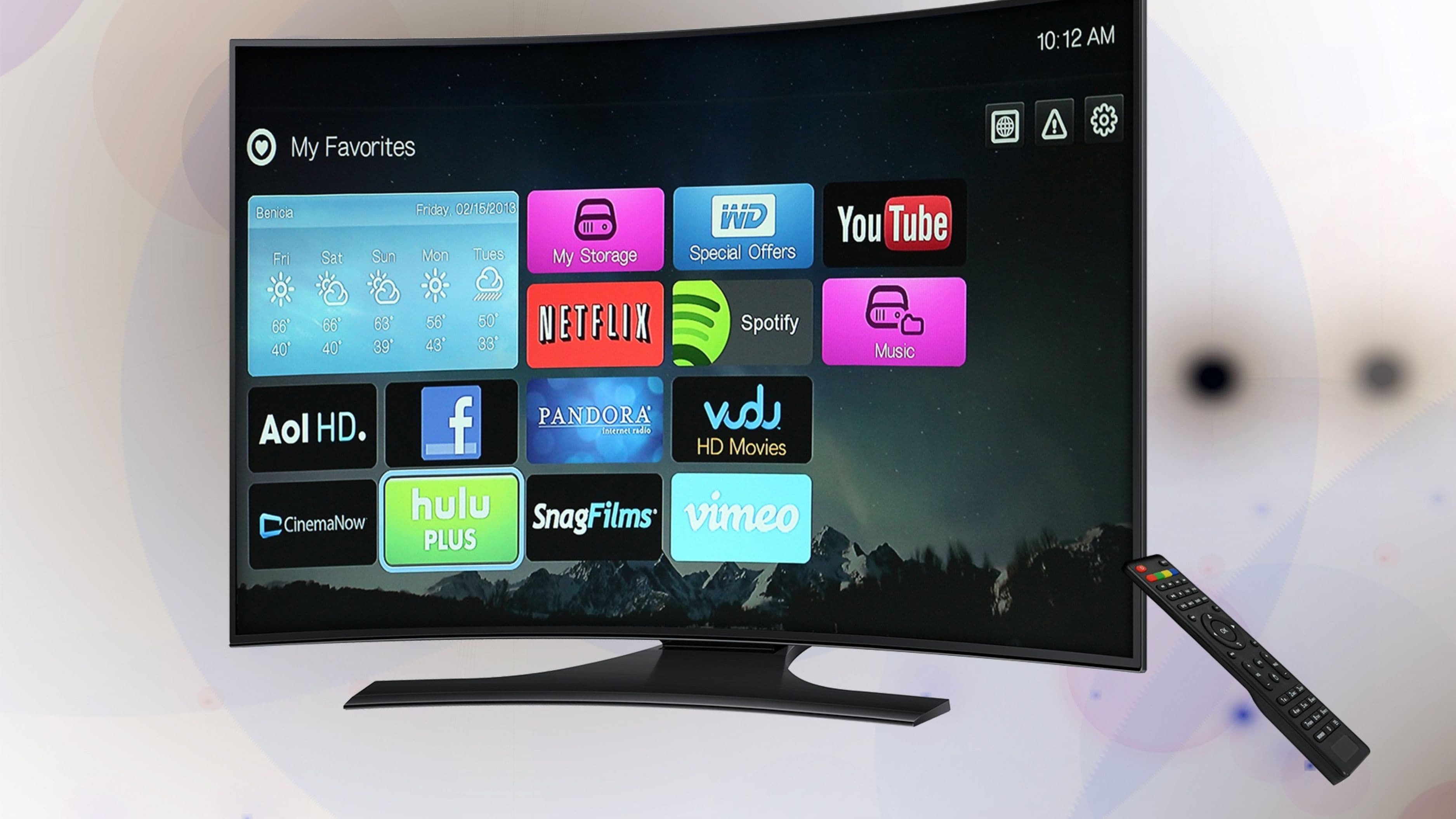
These are the platforms most people already know: Netflix, Hulu, Disney+, Max (formerly HBO Max), Paramount+, Peacock, Apple TV+, and Amazon Prime Video. They offer on-demand libraries of shows, movies, originals, and in some cases sports. Pricing ranges from about $8 to $18 per month for ad-supported tiers, and $15 to $22 for ad-free plans. The key to not overspending here is subscribing to two or three at a time and rotating based on what you want to watch, rather than holding five or six subscriptions simultaneously.
Live TV streaming services
This is the direct cable replacement that many cord-cutters overlook. Services like YouTube TV, Hulu + Live TV, DirecTV Stream, and FuboTV deliver a live channel lineup – including local channels, cable news, ESPN, and sports – over the internet for a monthly fee. Prices run from about $40 to $85 per month depending on the service and channel package.
YouTube TV at around $73 per month is consistently the top recommendation for most cord-cutters because it includes local channels in most markets, has a generous channel lineup, offers unlimited cloud DVR storage with no recording caps, and allows up to three simultaneous streams. It doesn't require a contract.
FuboTV is the better choice if sports coverage is your primary reason for keeping live TV – it has the widest sports channel selection of any live streaming service and is built specifically around that use case.
Philo is a budget option at around $28 per month that covers a solid range of cable channels but deliberately excludes sports and local news. If you want cable entertainment channels without the sports premium, Philo is worth looking at.
Over-the-air antenna
The free option that many cord-cutters underestimate. A good antenna – the Mohu Leaf or the 1byone Amplified Indoor HDTV Antenna are reliable choices under $40 – plugged into your TV gives you free access to all local broadcast channels in HD. The channel availability depends on your location and how far you are from broadcast towers, but most households in suburban and urban areas can pull in 20 to 40 channels for free. Tools like AntennaWeb.org let you check what's receivable at your address before you buy anything.
Step 3 – Check Your Internet Connection
This is the step most guides skip, and it's the one that determines whether your cord-cutting experience is smooth or frustrating. Streaming video requires a reliable internet connection, and replacing cable with streaming means your internet is now carrying everything.
For a household with one or two people streaming simultaneously, a 25 Mbps connection is typically sufficient. For multiple people streaming 4K content on separate devices, 100 Mbps or more is more realistic. The bigger issue for many households isn't speed – it's reliability and latency. A connection with technically adequate speed that drops out regularly or has high latency will make live sports and live news particularly frustrating.
If your internet is bundled with your cable from the same provider, canceling cable may affect your bundle pricing. Run the numbers: sometimes your internet rate goes up enough when you remove cable from the bundle that the savings are smaller than they first appear. In those cases, it's worth calling the provider and asking specifically about internet-only pricing before you commit to canceling.
Data caps are another consideration. Some internet providers in certain markets impose monthly data limits, and streaming video uses more data than most people expect – a 4K stream uses about 7 GB per hour. If your plan has a 1 TB data cap, streaming all your TV can push you toward that limit. Check your plan before you assume you have unlimited data.
Step 4 – Choose Your Streaming Devices
Even if you have a smart TV, having a dedicated streaming device is usually worth it. Smart TV operating systems – Vizio SmartCast, LG WebOS, Samsung Tizen – are often slower, less frequently updated, and less user-friendly than dedicated streaming sticks or boxes. A dedicated device also means you can move it between TVs easily.
The best options currently available:
Roku Streaming Stick 4K – Around $50, simple interface, wide app support, no ecosystem lock-in. The best choice for most people who just want straightforward streaming access.
Amazon Fire TV Stick 4K Max – Around $60, fast performance, good app support, slightly more Amazon-centric in its interface. Excellent choice if you use Amazon Prime Video heavily.
Apple TV 4K – Around $130, the premium option with the best performance, smoothest interface, and strongest integration if you're in the Apple ecosystem. Worth the price if you use Apple services regularly.
Google TV (Chromecast with Google TV) – Around $50, good Android integration, decent interface, works well if you're in the Google ecosystem.
For living rooms where you watch a lot of content on a big screen, any of these work well. For additional TVs in bedrooms or other rooms, a basic Roku or Fire Stick is entirely sufficient.
Step 5 – Build Your Actual Service Stack
With the device and internet situation sorted, the final step is choosing what you actually subscribe to. The goal is to cover what you genuinely watch without duplicating content across services.
A practical starting point for most households:
A live TV streaming service (YouTube TV, FuboTV, or Philo depending on your needs) covers local channels, live news, and sports at a monthly cost well below cable. An OTA antenna covers local broadcasts for free and reduces the need for a full live TV service if local news and network shows are most of what you want live. One or two on-demand services covers the shows and movies you watch regularly. Start with whichever two you'd use most and add others temporarily when there's a specific show you want.
The total for this kind of setup typically runs $30 to $90 per month depending on whether you include a live TV service and which on-demand platforms you choose. That compares to cable packages that run $100 to $200 per month for most households, which means the savings are real but not always as dramatic as the most optimistic cord-cutting pitches suggest.
Common Mistakes to Avoid
Signing up for too many services at once is the most common way cord-cutters end up spending as much as they did on cable. It's tempting to sign up for everything on day one, but the smarter approach is to start with two services, use them fully for a month, and add others only when you have a specific show you want to watch. Most services offer monthly billing with no contract, so rotating subscriptions is easy.
Forgetting about free trials is leaving money on the table. Most streaming services offer 7 to 30 day free trials. Signing up for a trial, watching the show you want, and then canceling before the billing date is completely legitimate and is how many frequent cord-cutters manage their spending.
Assuming you'll miss everything on cable. Most people are surprised by how little they miss once the cable box is gone. The shows you thought you couldn't live without are usually available somewhere – sometimes on the network's own streaming app, sometimes on a service you already have, sometimes for free with ads.
Not negotiating with your cable provider before canceling is a missed opportunity. When you call to cancel, cable providers routinely offer retention deals – significant temporary discounts, free months, or package restructuring – to keep your business. These offers aren't available if you just cancel online. Calling and stating clearly that you're canceling to cut costs often produces a better offer that might be worth taking for six to twelve months while you transition.
FAQ
Will I be able to watch live sports after cutting cable?
It depends on which sports you follow. NFL games are on network TV (free with an antenna or through YouTube TV, Hulu + Live TV, etc.) and on Sunday Ticket through YouTube TV for out-of-market games. NBA is on TNT, ESPN, and ABC. MLB has MLB.TV for streaming. NHL has ESPN+ and TNT. The fragmentation of sports rights means no single streaming service has everything, but a combination of a live TV service and a sports-specific streaming service covers the vast majority of major league sports.
Can I keep my local news without cable?
Yes, in most cases. Local news channels broadcast over the air for free via antenna. YouTube TV and other live TV streaming services also include local affiliates in most markets. Checking YouTube TV's channel availability for your zip code before subscribing tells you exactly which local channels are available.
What do I do if I share a household and not everyone wants to cut cable?
This is common and worth having a direct conversation about. The most practical approach is often to run both options temporarily – canceling cable but keeping a live TV streaming service – so that everyone can evaluate whether the experience is comparable before making the change permanent. Most live TV streaming services offer a free trial period that's long enough to genuinely test this.
Is cord-cutting worth it if my cable is bundled with internet?
Sometimes yes, sometimes no – the math depends on your specific provider and market. Call your provider, ask for an internet-only quote, compare it to your current bundle rate, and subtract the cost of whatever streaming services you'd replace cable with. That gives you the actual number rather than a guess.
What happens if I cancel and then decide cord-cutting isn't for me?
You can usually get cable back, though promotional pricing for new customers may not apply when you're reinstating service. For most people, the risk of trying cord-cutting is low because the commitment is entirely month-to-month – there's no contract to break, no equipment to install permanently, and no significant upfront cost beyond a streaming device you'll keep either way.
Cord-cutting isn't right for everyone, and it's not as simple as it's sometimes made out to be – but for most households who are honest about what they actually watch, it delivers meaningful savings and a more intentional TV experience. The key is going in with a plan rather than canceling first and figuring it out after.
📚 Sources
Leichtman Research Group – Cable TV subscriber statistics – https://www.leichtmanresearch.com/research-notes/
FCC – Over-the-air broadcast TV and antenna basics – https://www.fcc.gov/consumers/guides/over-air-television-frequently-asked-questions
AntennaWeb – Check local antenna reception by address – https://www.antennaweb.org
YouTube TV – Channel lineup and pricing – https://tv.youtube.com/welcome/
FuboTV – Sports streaming channel overview – https://www.fubo.tv/welcome/plan
Philo – Channel lineup and pricing – https://try.philo.com
Consumer Reports – Streaming device comparison guide – https://www.consumerreports.org/electronics-computers/streaming-media-devices/best-streaming-devices-of-the-year-a1065248893/