
The key is knowing what actually matters in this price range, what's mostly marketing noise, and which specific models deliver on their claims in real-world use.
Note: Projector prices fluctuate frequently. All prices here are approximate at time of writing – check current retailer listings for the latest figures before buying.
What Actually Matters in a Sub-$1,000 4K Projector
Before getting to specific models, a few buying criteria are worth understanding because they separate good purchases from regrettable ones at this price point.
Lumens and brightness claims: Manufacturers measure and label brightness in ways that are notoriously inconsistent. A projector rated at "3,500 lumens" from one brand may produce visibly less light than another rated at "2,500 lumens" from a more conservative manufacturer. The more useful figure is ANSI lumens or ISO lumens measured at the claimed colour mode you'll actually use. Bright (vivid/dynamic) modes always measure higher than cinema/movie modes, which is what you'll use for most content. Treat marketing lumen claims with healthy scepticism and rely on independent reviews for real-world brightness comparisons.
True 4K vs. pixel-shifting: True native 4K (3840×2160 pixels) uses a chip with those actual pixels. Pixel-shifting (sometimes called "4K enhancement" or "4K e-shift") uses a 1080p or 2716×1528 chip that shifts pixels rapidly to simulate 4K resolution. Pixel-shifting isn't a scam – in practice, it produces a noticeably sharper image than 1080p and is hard to distinguish from native 4K on most content at viewing distances over 10 feet. But it's worth knowing which you're buying, and not paying native 4K prices for a pixel-shifting model.
Lamp vs. laser: Under $1,000, most projectors use traditional lamps that last 3,000–6,000 hours and require $100–$300 replacement bulbs. A small number of laser models exist around the $800–$1,000 mark. Laser offers better longevity, more consistent brightness over time, and instant on/off – but at this price, laser projectors often compromise on peak brightness or colour volume compared to lamp models at the same price. Neither is automatically better; the trade-off depends on how much you value the convenience and lamp-cost savings vs. peak image performance.
HDR support in practice: Most under-$1,000 projectors support HDR10, but projector HDR is different from TV HDR. Projectors have much lower peak brightness than TVs, which means HDR tone-mapping looks different – highlights don't "pop" the same way. This is a category-wide limitation, not a defect in specific models. If you're buying a projector expecting TV-quality HDR, reset those expectations first.
The Best 4K Projectors Under $1,000
1. BenQ TH685P – Best Overall for Dark Rooms (~$700–$800)
The BenQ TH685P has become one of the most consistently recommended entry-level 4K projectors for good reason. It uses DLP pixel-shifting technology to achieve 4K image quality, delivers a genuine 3,500 ANSI lumens, and has notably low input lag (around 16ms in Game Mode), making it one of the few under-$1,000 projectors that handles both gaming and movie-watching well.
Colours are accurate and well-calibrated out of the box in Cinema mode, which is rarer than it should be at this price. The lens has decent zoom range but no lens shift, which means placement flexibility is more limited than on some alternatives. It works best in a room where you can control ambient light reasonably well – it's bright enough to handle some ambient light, but like all lamp projectors in this range, it really shines in darker conditions.
Best for: Home cinema in a room with good light control, gamers who want low input lag
Limitation: No lens shift; lamp-based (bulb replacement eventually needed)
2. Optoma UHD38 – Best for Bright Rooms and Gaming (~$750–$900)
The Optoma UHD38 is one of the brighter options in this price range, rated at 4,000 lumens and consistently measuring higher in independent tests than many competitors. That brightness makes it more versatile in rooms that aren't fully darkened – it holds up reasonably well with moderate ambient light. Like the BenQ TH685P, it features low input lag (around 4.2ms at 1080p/240Hz and 16ms at 4K/60Hz) that makes it an exceptionally capable gaming projector.
Picture quality in Cinema mode is strong, with accurate colours and good motion handling. The higher brightness does come with slightly higher fan noise than quieter projectors in this range, which is worth knowing if you're in a small, quiet room. HDR handling is solid for the category.
Best for: Rooms with some ambient light, gamers, users who want flexibility without a fully dedicated dark space
Limitation: Fan noise noticeable in quiet environments; lamp-based
3. Epson EF-12 – Best Compact Laser Option (~$900–$1,000)
The Epson EF-12 sits at the top of this price range but offers something genuinely different: a compact, portable laser projector with Android TV built in, eliminating the need for a separate streaming device. It uses pixel-shifting from a 1080p base to reach 4K equivalent output, produces around 1,000 lumens (lower than the lamp-based options above), and delivers excellent colour accuracy from its 3LCD laser system.
The lower brightness means it's best in a properly darkened room or used at smaller screen sizes. But for a clean, all-in-one setup with no lamp replacement, good colour, and built-in smart platform, it's a compelling option for someone who wants simplicity and longevity over raw brightness.
Best for: Compact or portable setups, dark rooms, users who want a built-in streaming platform and no lamp maintenance
Limitation: Lower brightness limits screen size and ambient light tolerance; pixel-shifting rather than native 4K
4. ViewSonic PX728-4K – Best Value Native 4K (~$700–$800)
The ViewSonic PX728-4K is one of the few genuinely native 4K projectors available at this price point. Native 4K means 8.3 million actual pixels, not pixel-shifting – which produces slightly sharper fine detail, particularly visible on text and high-contrast patterns. It produces around 2,000 ANSI lumens in Cinema mode, lower than the BenQ or Optoma options, which means it's suited for darker rooms.
Picture quality is good for native 4K at this price – accurate enough in cinema mode for film watching without manual calibration. It lacks the low input lag that makes the BenQ and Optoma standouts for gaming, so this is better positioned as a movie and TV projector than a gaming one.
Best for: Users who specifically want native 4K resolution, movie-focused setups in dedicated dark rooms
Limitation: Lower brightness than competitors; input lag higher than gaming-focused models
5. Hisense PX1-PRO (check current pricing) – Premium Short-Throw Option (~$1,000 stretch)
The Hisense PX1-PRO is an ultra-short-throw laser projector that sits at or just above the $1,000 ceiling depending on current pricing and sales. It's worth including because ultra-short-throw changes the setup entirely: it sits inches from the wall and projects a large image without needing the throw distance of a traditional projector. This makes it usable in rooms where ceiling mounting or long throw distances aren't practical.
Brightness is rated at 2,200 lumens (laser), and the built-in Harman Kardon speakers are actually worth using – better than typical built-in projector audio. The ultra-short-throw format does require a flat, smooth wall or a dedicated UST screen for best results, and performance drops if the projection surface has any texture or inconsistency.
Best for: Rooms where ceiling mounting isn't possible or you want a TV-like setup without the long throw
Limitation: Requires flat surface or dedicated UST screen; may stretch over $1,000 at some retailers
What to Avoid
Projectors with only "ANSI lumens" listed in marketing images but fine print referencing "peak lumens." Peak lumen ratings can be 2–3x higher than ANSI lumens and are measured under conditions that don't reflect real use. If a projector claims 6,000 lumens but costs $400, that figure is almost certainly peak or marketing lumens, not ANSI.
"4K" projectors without clear specification of whether they're native or pixel-shifting. This matters most if you're paying a premium expecting native resolution. At sub-$1,000 prices, pixel-shifting is often the reality and it's a defensible trade-off – but you should know which you're buying.
No-name brands on Amazon without independent reviews. The under-$1,000 category has a large number of projectors from unfamiliar brands making aggressive resolution and brightness claims. Without independent testing from sources like ProjectorCentral, Rtings, or established tech reviewers, there's no reliable way to know whether the specs hold up. Stick to brands with an established track record and third-party reviews.
Buying for a bright room without checking brightness specs honestly. If your viewing space gets afternoon sunlight or has multiple windows, a sub-$1,000 projector will struggle. The answer is either better light control (blackout curtains are far cheaper than a brighter projector) or a large-screen TV instead. A projector in a genuinely bright room is a frustrating experience regardless of price.
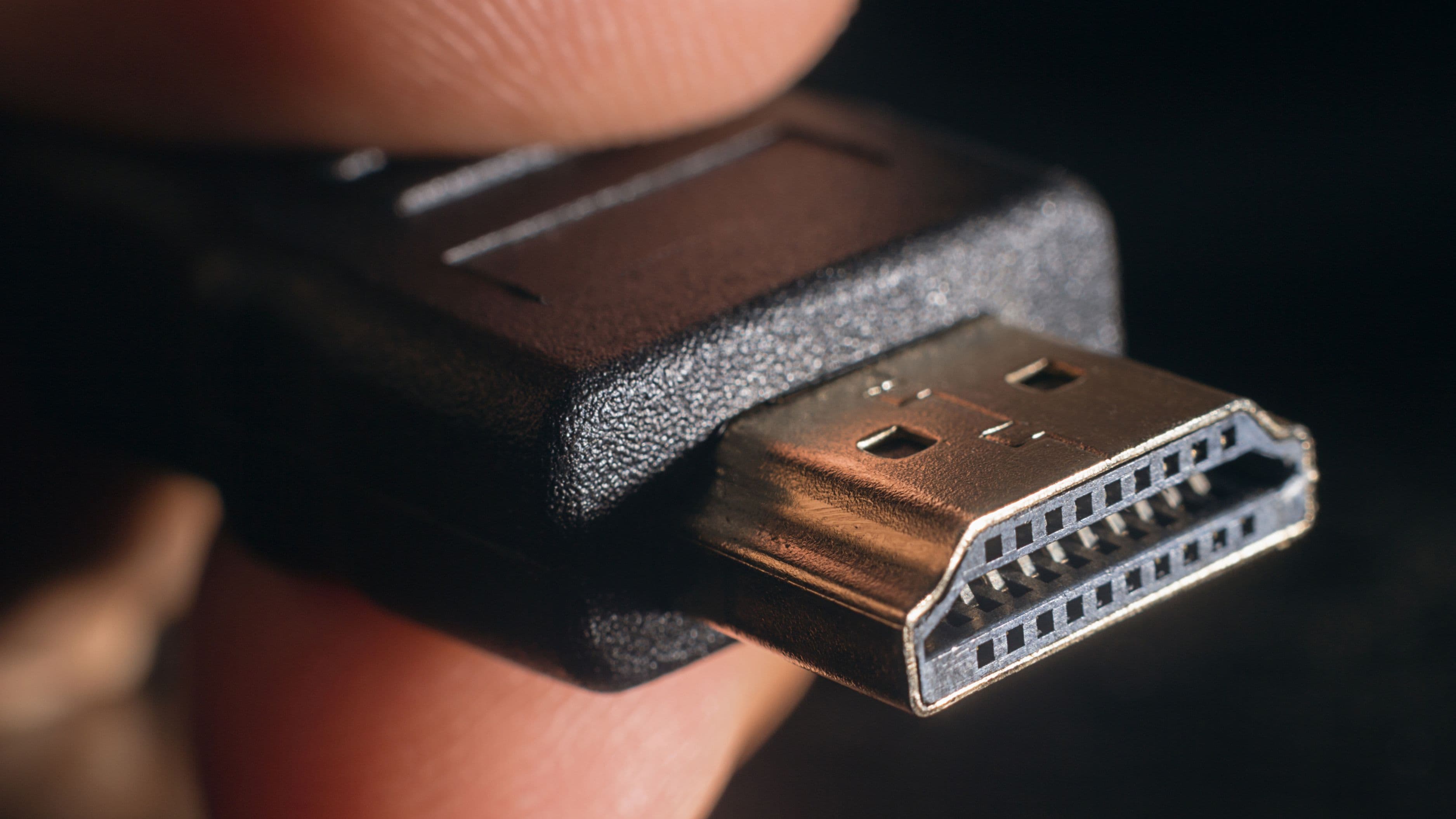
Assuming the included HDMI cable and remote will be sufficient long-term. Most sub-$1,000 projectors include a basic HDMI cable that may not be rated for 4K HDR bandwidth. Replace it with a certified HDMI 2.0 cable if you experience signal issues with HDR content.
FAQ
Do I need a screen or can I project onto a white wall? A smooth, flat white or light grey wall works for casual use. A proper projection screen improves brightness consistency, colour accuracy, and contrast, especially at larger sizes. For a dedicated setup, a screen is worth the $150–$400 investment. For a guest room or casual use, a smooth wall is fine.
Which of these is best for streaming Netflix in 4K? Any of the above works for 4K Netflix, but you'll need to connect a streaming device that supports 4K Netflix (Fire Stick 4K, Apple TV 4K, Roku 4K, etc.) or ensure the projector's built-in smart platform has the Netflix app with 4K support. The Epson EF-12 has Android TV built in, which includes a Netflix app, though confirm the app supports 4K on that specific model.
Is a $700 4K projector noticeably better than a 1080p projector at the same price? At screen sizes of 100 inches and above, yes – 4K is visibly sharper, particularly on text and detailed scenes. At 80–90 inch screen sizes viewed from 12+ feet, the difference is subtler. For large-screen home cinema use, the 4K investment is worth it at current prices.
How long will the lamp last before it needs replacing? Typical lamp life is 3,000–6,000 hours in standard mode, or 6,000–10,000 hours in eco mode (reduced brightness). At 3 hours of daily viewing, standard mode lamps last roughly 3–5 years. Eco mode extends this but dims the image. Replacement lamps cost $100–$300 depending on the model.
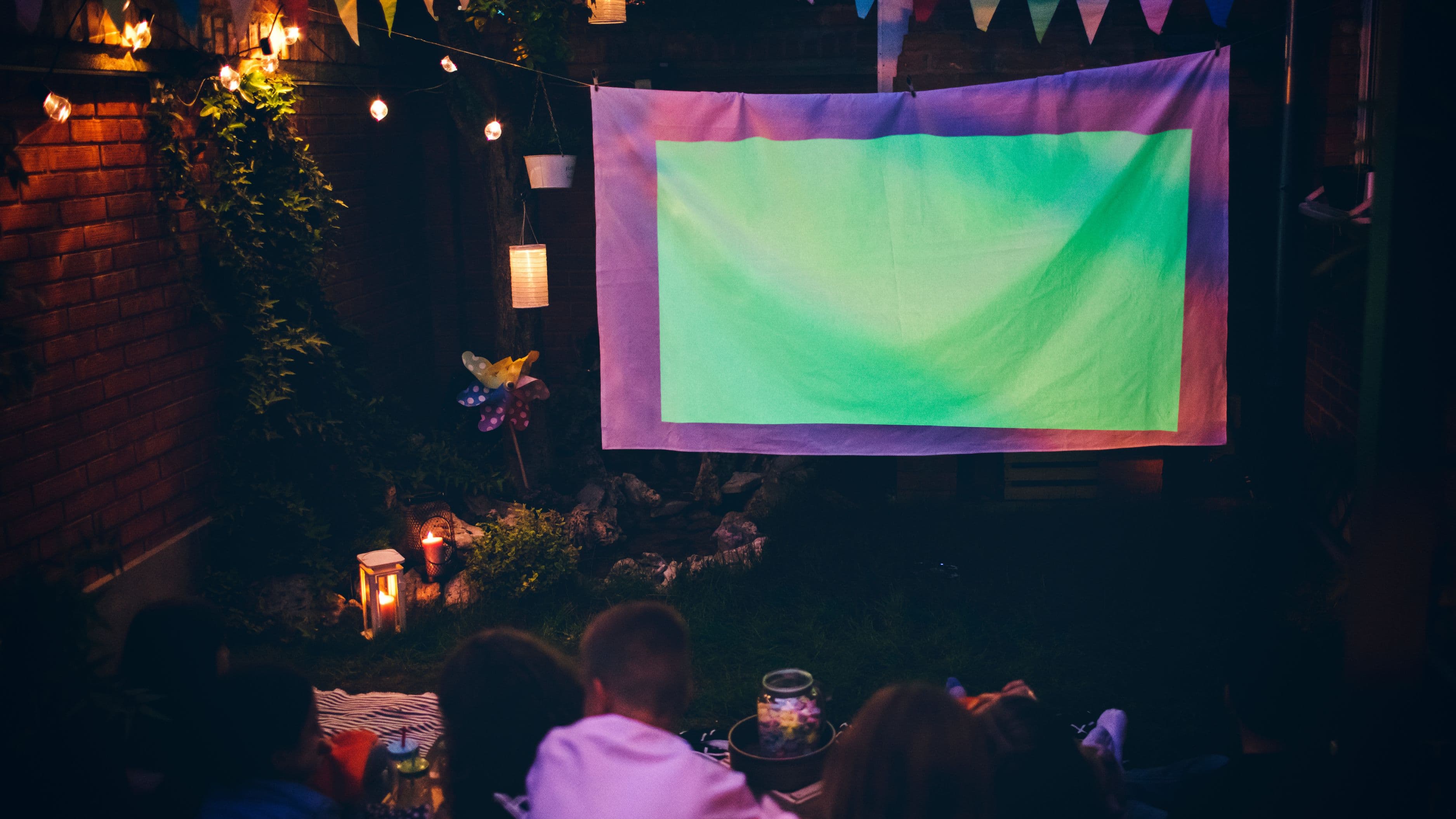
Can I use any of these outdoors? Short answer: in darkness, yes. Outdoor projection requires complete darkness (no ambient light) and a suitable projection surface – a pop-up outdoor screen or a smooth light-coloured wall. In any ambient light (dusk, streetlights, porch lights) the image quality drops significantly. The brighter models (Optoma UHD38, BenQ TH685P) handle outdoor dusk conditions better than lower-brightness options.
📚 Sources
ProjectorCentral – BenQ TH685P review: https://www.projectorcentral.com/BenQ-TH685P-projector-review.htm
Rtings.com – Optoma UHD38 review: https://www.rtings.com/projector/reviews/optoma/uhd38
CNET – Best 4K projectors under $1,000: https://www.cnet.com/tech/home-entertainment/best-4k-projector/
The Wirecutter / NYT – Best projector picks: https://www.nytimes.com/wirecutter/reviews/best-projector/
ProjectorCentral – ViewSonic PX728-4K review: https://www.projectorcentral.com/ViewSonic-PX728-4K-projector-review.htm